Vector Database Selection Guide for AI Applications
Compare Pinecone, Weaviate, Qdrant, Milvus and pgvector for AI applications: indexing strategies, query performance, filtering and operational complexity.
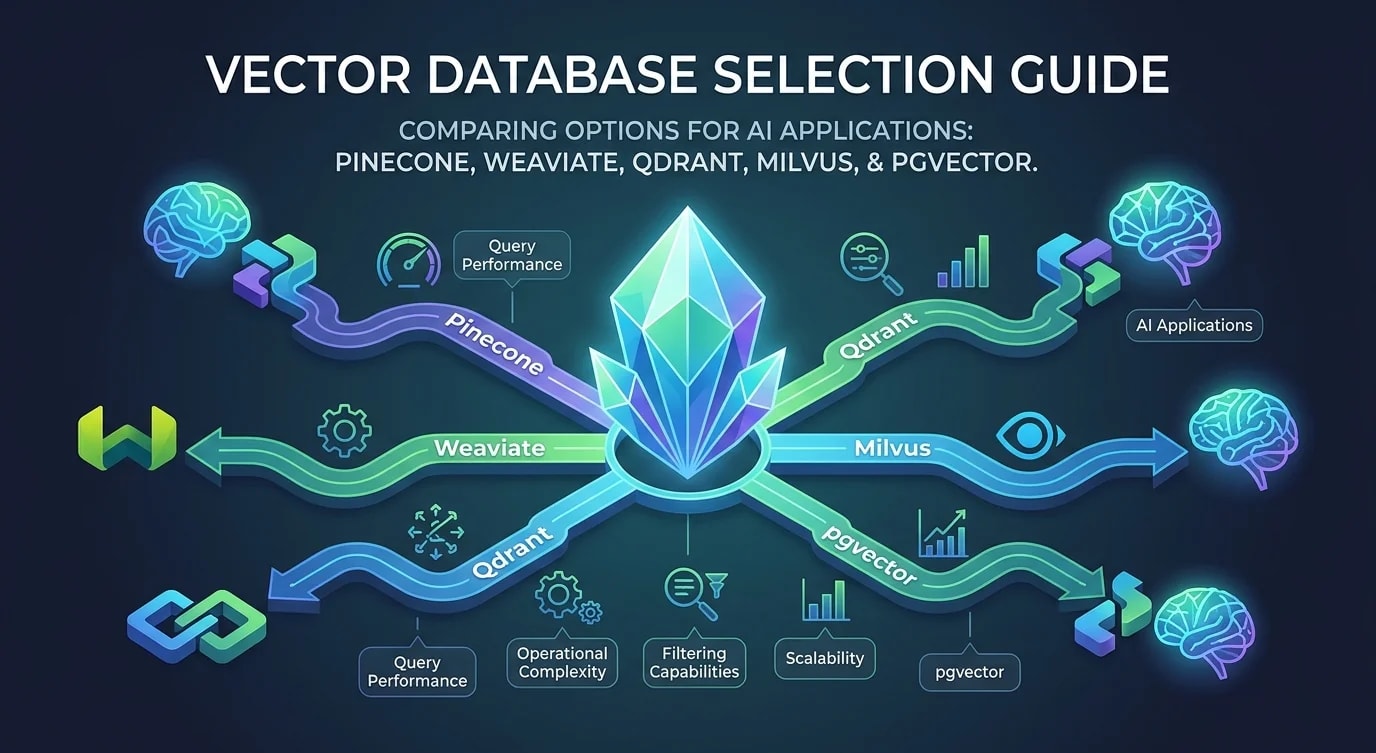
Every AI application that uses embeddings needs a vector database, but the choice between a managed service, a standalone vector DB, and a Postgres extension dramatically affects your architecture, operational burden, and ability to combine vector search with traditional queries.
The market has exploded with options. Each makes different trade-offs between query performance, filtering capabilities, scalability, and operational simplicity. Picking the wrong one creates migration pain that compounds as your embedding collection grows.
Understanding Vector Index Types
The core differentiator between vector databases is their indexing strategy. This determines query speed, recall accuracy, memory usage, and build time.
// ❌ Brute-force search — O(n) per query
function bruteForceSearch(
  query: number[],
  vectors: number[][],
  k: number
): number[] {
  const distances = vectors.map((v, i) => ({
    index: i,
    distance: cosineSimilarity(query, v),
  }));
  distances.sort((a, b) => b.distance - a.distance);
  return distances.slice(0, k).map((d) => d.index);
}
// Works for < 10K vectors. Unusable at scale.// ✅ HNSW index — O(log n) per query with high recall
interface HNSWConfig {
// Number of connections per node in the graph
// Higher = better recall, more memory
M: number;
// Size of the dynamic candidate list during construction
// Higher = better index quality, slower build
efConstruction: number;
// Size of candidate list during search
// Higher = better recall, slower search
efSearch: number;
}
const balancedConfig: HNSWConfig = {
M: 16,
efConstruction: 200,
efSearch: 100,
};
const highRecallConfig: HNSWConfig = {
M: 32,
efConstruction: 400,
efSearch: 200,
// 99%+ recall, ~2x memory vs balanced
};
const lowLatencyConfig: HNSWConfig = {
M: 12,
efConstruction: 100,
efSearch: 50,
// ~95% recall, fastest queries
};
// IVF index — partition-based approach
interface IVFConfig {
// Number of partitions (clusters)
nlist: number;
// Number of partitions to search per query
nprobe: number;
}
// IVF suits large datasets where memory is constrained
// HNSW suits workloads requiring consistent low latencyHNSW (Hierarchical Navigable Small World) graphs dominate because they offer the best recall-to-latency ratio for most workloads. IVF (Inverted File Index) uses less memory but requires tuning the number of partitions and probes. Product quantization (PQ) compresses vectors for massive datasets at the cost of some recall.
Comparing Vector Database Options
Each database occupies a different point in the trade-off space between operational simplicity, query features, and scalability.
interface VectorDBComparison {
  name: string;
  type: "managed" | "self-hosted" | "extension";
  indexTypes: string[];
  filtering: "pre-filter" | "post-filter" | "hybrid";
  scalarFields: boolean;
  multiTenancy: "native" | "namespace" | "manual";
  operationalComplexity: "low" | "medium" | "high";
}

const databases: VectorDBComparison[] = [
  {
    name: "Pinecone",
    type: "managed",
    indexTypes: ["proprietary"],
    filtering: "hybrid",
    scalarFields: true,
    multiTenancy: "namespace",
    operationalComplexity: "low",
  },
  {
    name: "Weaviate",
    type: "self-hosted",
    indexTypes: ["HNSW", "flat"],
    filtering: "pre-filter",
    scalarFields: true,
    multiTenancy: "native",
    operationalComplexity: "medium",
  },
  {
    name: "Qdrant",
    type: "self-hosted",
    indexTypes: ["HNSW"],
    filtering: "hybrid",
    scalarFields: true,
    multiTenancy: "manual",
    operationalComplexity: "medium",
  },
  {
    name: "pgvector",
    type: "extension",
    indexTypes: ["IVFFlat", "HNSW"],
    filtering: "pre-filter",
    scalarFields: true,
    multiTenancy: "manual",
    operationalComplexity: "low",
  },
];
pgvector: When Your Data Already Lives in Postgres
For applications where vector search is one feature among many and you already run Postgres, pgvector eliminates an entire infrastructure dependency.
-- Setup pgvector
CREATE EXTENSION IF NOT EXISTS vector;

-- Create table with embedding column
CREATE TABLE documents (
  id UUID PRIMARY KEY DEFAULT gen_random_uuid(),
  title TEXT NOT NULL,
  content TEXT NOT NULL,
  embedding vector(1536),
  category TEXT NOT NULL,
  created_at TIMESTAMPTZ DEFAULT now(),
  tenant_id UUID NOT NULL
);

-- HNSW index for cosine similarity
CREATE INDEX ON documents
  USING hnsw (embedding vector_cosine_ops)
  WITH (m = 16, ef_construction = 200);

-- Combined vector + scalar query — single database
SELECT
  id,
  title,
  1 - (embedding <=> $1::vector) AS similarity
FROM documents
WHERE tenant_id = $2
  AND category = $3
  AND created_at > NOW() - INTERVAL '90 days'
ORDER BY embedding <=> $1::vector
LIMIT 10;// TypeScript integration with pgvector
import { Pool } from "pg";
interface SearchResult {
id: string;
title: string;
similarity: number;
}
async function semanticSearch(
pool: Pool,
queryEmbedding: number[],
tenantId: string,
options: {
category?: string;
limit?: number;
minSimilarity?: number;
} = {}
): Promise<SearchResult[]> {
const { category, limit = 10, minSimilarity = 0.7 } =
options;
const embeddingStr = `[${queryEmbedding.join(",")}]`;
const conditions = [
"tenant_id = $2",
`1 - (embedding <=> $1::vector) >= $3`,
];
const params: unknown[] = [
embeddingStr,
tenantId,
minSimilarity,
];
if (category) {
conditions.push(`category = $${params.length + 1}`);
params.push(category);
}
const query = `
SELECT id, title,
1 - (embedding <=> $1::vector) AS similarity
FROM documents
WHERE ${conditions.join(" AND ")}
ORDER BY embedding <=> $1::vector
LIMIT ${limit}
`;
const result = await pool.query(query, params);
return result.rows;
}The advantage is transactional consistency: you can insert a document and its embedding in the same transaction, query vectors with standard SQL joins and filters, and manage everything with your existing Postgres tooling.
Dedicated Vector DB: When Scale Demands It
When you have millions of vectors, need sub-10ms latency, or require features like real-time index updates at high throughput, a dedicated vector database pulls ahead.
// Qdrant client example — dedicated vector DB features
import { QdrantClient } from "@qdrant/js-client-rest";

const client = new QdrantClient({
  url: "http://localhost:6333",
});

// Create collection with optimized settings
await client.createCollection("documents", {
  vectors: {
    size: 1536,
    distance: "Cosine",
  },
  optimizers_config: {
    indexing_threshold: 20000,
    memmap_threshold: 50000,
  },
  hnsw_config: {
    m: 16,
    ef_construct: 200,
    full_scan_threshold: 10000,
  },
});

// Search with payload filtering
const results = await client.search("documents", {
  vector: queryEmbedding,
  filter: {
    must: [
      {
        key: "tenant_id",
        match: { value: tenantId },
      },
      {
        key: "category",
        match: { any: ["engineering", "ai"] },
      },
    ],
    must_not: [
      {
        key: "status",
        match: { value: "archived" },
      },
    ],
  },
  limit: 10,
  with_payload: true,
  score_threshold: 0.7,
});
Decision Framework
The choice comes down to your scale, query patterns, and operational capacity.
interface DecisionInput {
  vectorCount: number;
  queryLatencyTarget: string;
  existingDatabase: string;
  needsJoins: boolean;
  teamSize: number;
  budget: string;
}

function recommendDatabase(
  input: DecisionInput
): string {
  // Under 1M vectors + already using Postgres + needs joins
  if (
    input.vectorCount < 1_000_000 &&
    input.existingDatabase === "postgres" &&
    input.needsJoins
  ) {
    return "pgvector — minimal operational overhead, " +
      "transactional consistency, SQL joins";
  }

  // Over 1M vectors or sub-10ms latency requirement
  if (
    input.vectorCount >= 1_000_000 ||
    input.queryLatencyTarget === "sub-10ms"
  ) {
    if (input.teamSize <= 3) {
      return "Pinecone — managed service, no ops burden";
    }
    return "Qdrant/Weaviate — self-hosted for control " +
      "and cost efficiency at scale";
  }

  // Default: start simple
  return "pgvector — start here, migrate when you " +
    "hit measured performance limits";
}
Key Takeaways
HNSW indexes offer the best recall-to-latency ratio for most workloads, but tuning parameters like M, efConstruction, and efSearch directly trade memory and build time for query quality. pgvector eliminates an infrastructure dependency when vector search is one feature among many—you get transactional consistency, SQL joins, and existing Postgres tooling. Dedicated vector databases like Qdrant and Weaviate pull ahead at millions of vectors with sub-10ms latency requirements, real-time index updates, and native multi-tenancy. Filter strategy matters: pre-filtering applies scalar conditions before vector search (accurate but can miss nearest vectors), post-filtering searches all vectors then filters results (can return fewer results than requested), and hybrid approaches balance both. Start with pgvector if you already run Postgres and have fewer than a million vectors—migration to a dedicated vector DB is straightforward when you hit measured performance limits, but premature migration adds operational complexity with no benefit.


