Replication Lag: The Hidden Cost of Read Replicas
Why read replicas introduce stale reads, how replication lag breaks consistency assumptions, and practical patterns to handle it safely.

Someone opens a pull request, approves it, refreshes the page, and the approval is gone. Someone updates their profile and the old name flashes back for a few seconds. None of this is a bug in your application code — it's replication lag, and it's the tax you pay for scaling reads horizontally.
Read replicas are the first scaling lever most teams reach for once a single Postgres instance can't keep up. They're cheap to add and require almost no application changes — until the moment a user reads their own write from a replica that hasn't caught up yet. At that point "almost no application changes" becomes a staffing-level incident.
How Replication Actually Introduces Lag
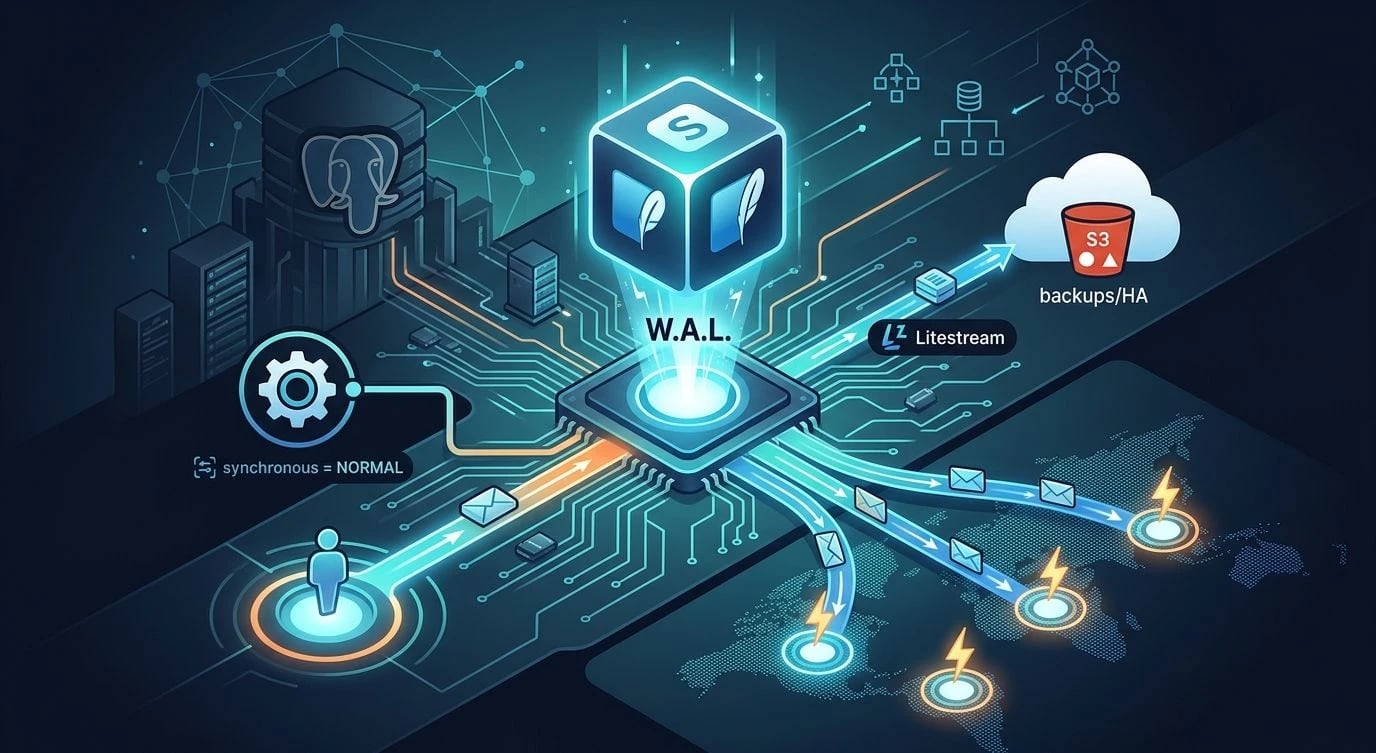
Streaming replication in Postgres works by shipping the write-ahead log (WAL) from the primary to each replica, which replays it to reconstruct the same state. This is asynchronous by default: the primary commits a transaction and returns success to the client before any replica has applied it. The PostgreSQL documentation on streaming replication describes this explicitly — durability on the primary and visibility on the replica are two separate guarantees.
Lag isn't a fixed number. It grows under load, network partitions, long-running queries on the replica (which can block WAL apply), and large batch writes on the primary. You can watch it in real time:
-- Run on the primary: lag per connected replica, in bytes and seconds
SELECT
    client_addr,
    state,
    pg_wal_lsn_diff(pg_current_wal_lsn(), replay_lsn) AS lag_bytes,
    EXTRACT(EPOCH FROM (now() - reply_time)) AS lag_seconds
FROM pg_stat_replication;
A lag of 50ms is invisible to most users. A lag of 3 seconds during a traffic spike is exactly long enough for "read your own write" bugs to show up in support tickets.
Synchronous replication (synchronous_commit = remote_apply) eliminates lag for the synced replica but adds write latency and a single point of failure — if that replica goes down, writes block. Treat it as a tool for a specific consistency guarantee, not a default.
The Bug Pattern Nobody Catches in Staging
This almost never reproduces in a dev environment with one database and no replicas. It shows up in production under load, which makes it expensive to diagnose.
// ❌ Bad: write to primary, immediately read from the load-balanced pool
async function updateProfile(userId: string, name: string) {
  await primaryDb.query(
    "UPDATE users SET name = $1 WHERE id = $2", [name, userId]
  );

  // This read might hit a replica that hasn't applied the write yet
  const user = await replicaPool.query(
    "SELECT * FROM users WHERE id = $1", [userId]
  );
  return user.rows[0]; // stale name, confused user
}// ✅ Good: route reads that must reflect the just-committed write to
// the primary, and only send genuinely eventually-consistent reads
// to replicas
async function updateProfile(userId: string, name: string) {
const result = await primaryDb.query(
`UPDATE users SET name = $1
WHERE id = $2
RETURNING *`,
[name, userId]
);
return result.rows[0]; // no extra read-after-write round trip at all
}The second version sidesteps the problem entirely with RETURNING. That's usually the cheapest fix: don't issue a separate read if the write already gives you the data you need.
Routing Reads With Intent
When you genuinely need a follow-up read — a different query shape, a join across tables you didn't just write to — you need an explicit policy for where that read goes, not a load balancer that treats every replica as equally fresh.
| Read type | Where it should go |
|---|---|
| Immediately after a write by the same user | Primary, or same replica via session pinning |
| Dashboards, analytics, reports | Any replica |
| Search, listings, public pages | Any replica |
| Account settings right after save | Primary |
A common middle ground is session-level consistency: pin a user to the same replica (or the primary) for a short window after they write, using a sticky identifier in the connection pooler or application layer.
// ✅ Session consistency: track the LSN of the user's last write and
// require the chosen replica to have caught up to it before routing
interface ReadRouter {
  getConnection(userId: string): Promise<PoolClient>;
}

class LagAwareRouter implements ReadRouter {
  constructor(
    private primary: Pool,
    private replicas: Pool[],
    private lastWriteLsn: Map<string, string>
  ) {}

  async getConnection(userId: string): Promise<PoolClient> {
    const requiredLsn = this.lastWriteLsn.get(userId);
    if (!requiredLsn) return this.replicas[0].connect();

    for (const replica of this.replicas) {
      const { rows } = await replica.query("SELECT pg_last_wal_replay_lsn()");
      if (rows[0].pg_last_wal_replay_lsn >= requiredLsn) {
        return replica.connect();
      }
    }
    // No replica is caught up — fall back to the primary rather than
    // serve a stale read
    return this.primary.connect();
  }
}
This adds complexity, so reserve it for the paths where staleness actually causes a visible user problem — checkout confirmations, permission changes, anything security-adjacent. Don't build lag-aware routing for your analytics dashboard.
Monitoring Lag Like a Production Metric, Not an Afterthought
Managed services like Amazon RDS expose ReplicaLag as a first-class CloudWatch metric precisely because it's the leading indicator for read-correctness incidents, not just a performance stat. If you self-host, scrape pg_stat_replication the same way you'd scrape queue depth.
Set alerts at two thresholds:
- Soft threshold (1–2s): investigate — likely a slow query or write burst.
- Hard threshold (10s+): automatically stop routing new sessions to the lagging replica, and page if it persists.
# Prometheus alerting rule for Postgres replication lag
groups:
  - name: postgres-replication
    rules:
      - alert: ReplicationLagHigh
        expr: pg_replication_lag_seconds > 10
        for: 2m
        labels:
          severity: warning
        annotations:
          summary: "Replica {{ $labels.instance }} lagging {{ $value }}s"
Without this, the first signal you get is a support ticket, and by the time you correlate it to a specific replica falling behind during a deploy, the incident is already resolved and the root cause is gone.
Key Takeaways
- Asynchronous replication means a committed write is not guaranteed visible anywhere except the primary — this is documented behavior, not a bug.
- Prefer
RETURNINGor reading from the same connection that performed the write over a separate read-after-write query against a replica pool. - Classify reads explicitly: session-sensitive reads go to the primary or a lag-aware route; everything else can tolerate a replica.
- Reserve synchronous replication for the specific guarantee you need — it trades availability and latency for freshness, it doesn't eliminate the tradeoff.
- Monitor lag as a production metric with alert thresholds, not something you only discover when a user complains their data "disappeared."
- Treat read replicas as an eventually-consistent system from day one — design for staleness instead of hoping it stays small enough to ignore.