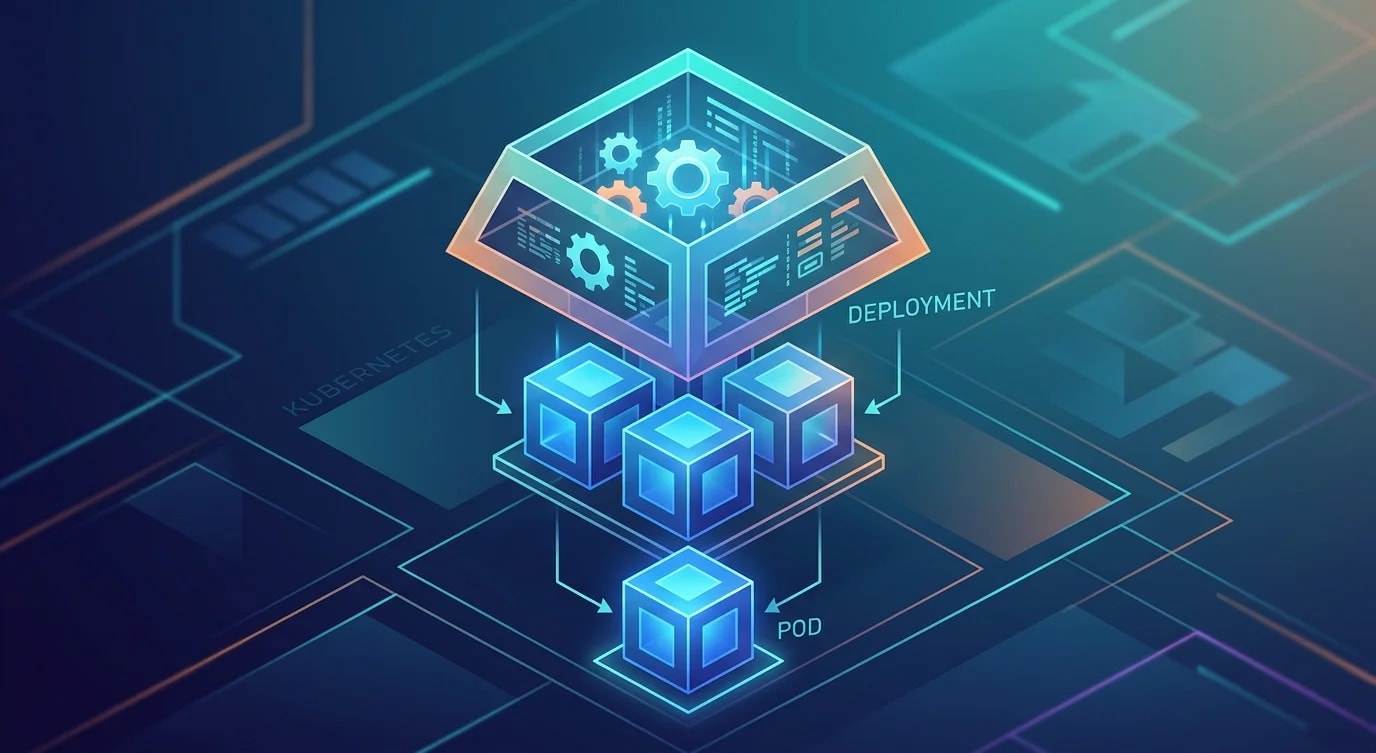
Container Orchestration Basics: From Docker to Kubernetes
Running one container is easy; orchestrating hundreds across hosts needs scheduling, networking, service discovery and self-healing — that is Kubernetes.
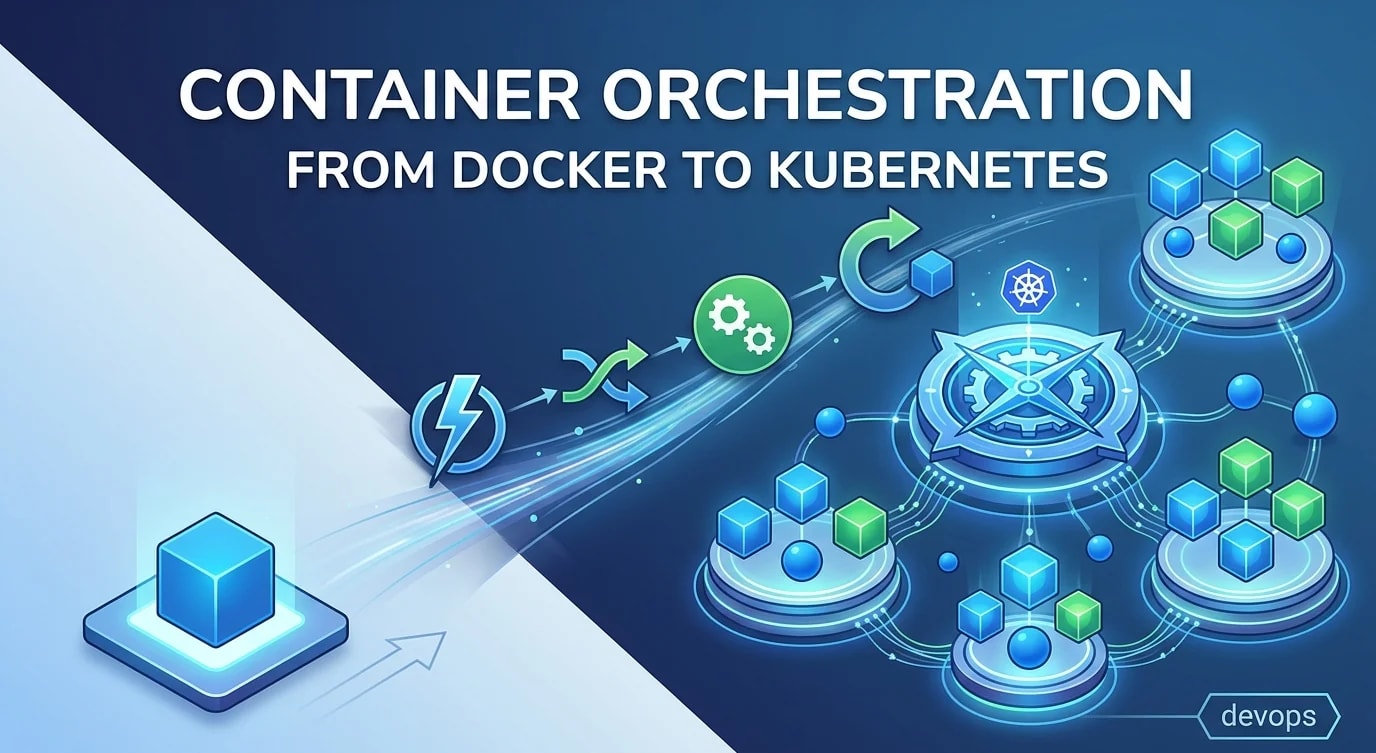
Running a container on a single machine with docker run is straightforward. But production workloads require multiple instances across multiple hosts, automatic restarts on failure, rolling deployments with zero downtime, and service-to-service communication. Container orchestration platforms solve these problems. Kubernetes has become the industry standard, but understanding what it actually does — and why — matters more than memorizing YAML.
The Problems Orchestration Solves
Without orchestration, you manually SSH into servers, pull images, start containers, configure networking, and monitor health. When a container dies, you restart it. When traffic spikes, you add containers. When you deploy, you stop the old version and start the new one — with downtime.
Orchestration automates all of this:
# A simple Kubernetes Deployment — declares desired state
apiVersion: apps/v1
kind: Deployment
metadata:
  name: api-server
spec:
  replicas: 3  # Always keep 3 instances running
  selector:
    matchLabels:
      app: api-server
  template:
    metadata:
      labels:
        app: api-server
    spec:
      containers:
        - name: api
          image: registry.example.com/api-server:v1.2.0
          ports:
            - containerPort: 3000
          resources:
            requests:
              memory: "256Mi"
              cpu: "250m"
            limits:
              memory: "512Mi"
              cpu: "500m"
You declare "I want 3 replicas of this container" and Kubernetes ensures exactly 3 are running across available nodes. If a node goes down, Kubernetes reschedules the pods onto healthy nodes.
Core Concepts
Pods
A Pod is the smallest deployable unit — one or more containers that share networking and storage. In practice, most pods contain a single application container.
# Pod spec with liveness and readiness probes
spec:
  containers:
    - name: api
      image: registry.example.com/api-server:v1.2.0
      livenessProbe:
        httpGet:
          path: /health
          port: 3000
        initialDelaySeconds: 10
        periodSeconds: 15
      readinessProbe:
        httpGet:
          path: /ready
          port: 3000
        initialDelaySeconds: 5
        periodSeconds: 10
The liveness probe tells Kubernetes when to restart a container (it's stuck or deadlocked). The readiness probe tells Kubernetes when a container can accept traffic (dependencies are connected, warmup is complete).
Services and Networking
Pods get ephemeral IP addresses that change on every restart. A Service provides a stable network endpoint that routes traffic to healthy pods.
# ❌ Hardcoding pod IPs — breaks on restart
# connection string: "http://10.0.4.23:3000"

# ✅ Using a Kubernetes Service — stable DNS name
apiVersion: v1
kind: Service
metadata:
  name: api-server
spec:
  selector:
    app: api-server  # Routes to pods with this label
  ports:
    - port: 80
      targetPort: 3000
  type: ClusterIP  # Internal only

# Other services connect via: http://api-server.default.svc.cluster.local
# Or simply: http://api-server (within the same namespace)
Rolling Deployments
When you update the container image, Kubernetes performs a rolling update by default — incrementally replacing old pods with new ones.
spec:
  strategy:
    type: RollingUpdate
    rollingUpdate:
      maxUnavailable: 1  # At most 1 pod down during update
      maxSurge: 1         # At most 1 extra pod during update
The rollout sequence for 3 replicas:
- Create 1 new pod (v1.3.0) — now 3 old + 1 new
- Wait for new pod to pass readiness probe
- Terminate 1 old pod (v1.2.0) — now 2 old + 1 new
- Repeat until all pods are running v1.3.0
# Deploy a new version
kubectl set image deployment/api-server api=registry.example.com/api-server:v1.3.0

# Watch the rollout progress
kubectl rollout status deployment/api-server

# Something went wrong? Roll back instantly
kubectl rollout undo deployment/api-server
Configuration Management
Kubernetes separates configuration from container images using ConfigMaps and Secrets.
# ConfigMap for non-sensitive configuration
apiVersion: v1
kind: ConfigMap
metadata:
  name: api-config
data:
  LOG_LEVEL: "info"
  CACHE_TTL: "300"
  MAX_CONNECTIONS: "100"

---
# Secret for sensitive data (base64 encoded, ideally with external secrets manager)
apiVersion: v1
kind: Secret
metadata:
  name: api-secrets
type: Opaque
data:
  DATABASE_URL: cG9zdGdyZXM6Ly91c2VyOnBhc3NAaG9zdDo1NDMyL2Ri

---
# Reference in the Deployment
spec:
  containers:
    - name: api
      envFrom:
        - configMapRef:
            name: api-config
        - secretRef:
            name: api-secrets
Resource Limits and Requests
Without resource constraints, a misbehaving container can consume all CPU and memory on a node, affecting every other workload.
# ❌ No resource constraints — risky in multi-tenant clusters
spec:
  containers:
    - name: api
      image: registry.example.com/api-server:v1.2.0

# ✅ Define requests (scheduling guarantee) and limits (hard cap)
spec:
  containers:
    - name: api
      image: registry.example.com/api-server:v1.2.0
      resources:
        requests:
          memory: "256Mi"   # Guaranteed minimum
          cpu: "250m"        # 0.25 CPU cores
        limits:
          memory: "512Mi"   # OOM-killed if exceeded
          cpu: "500m"        # Throttled if exceeded
Requests determine scheduling — the scheduler places pods on nodes with enough available resources. Limits enforce hard caps — exceeding memory limits kills the container, exceeding CPU limits throttles it.
When to Use Kubernetes
Kubernetes adds significant operational complexity. It's worthwhile when you have many services that need independent scaling, automated rollouts, and self-healing. For a single service with low complexity, a simpler platform like Docker Compose, ECS, or even a managed PaaS might be more appropriate.
Key Takeaways
- Orchestration automates deployment, scaling, and recovery — you declare desired state, the platform enforces it
- Pods are the atomic unit — use liveness probes for restart logic and readiness probes for traffic routing
- Services provide stable networking — never depend on pod IPs directly
- Rolling updates give zero-downtime deployments — with instant rollback capability
- Always set resource requests and limits — prevent noisy neighbor problems in shared clusters
- Kubernetes is an investment — evaluate whether your operational complexity justifies it before adopting