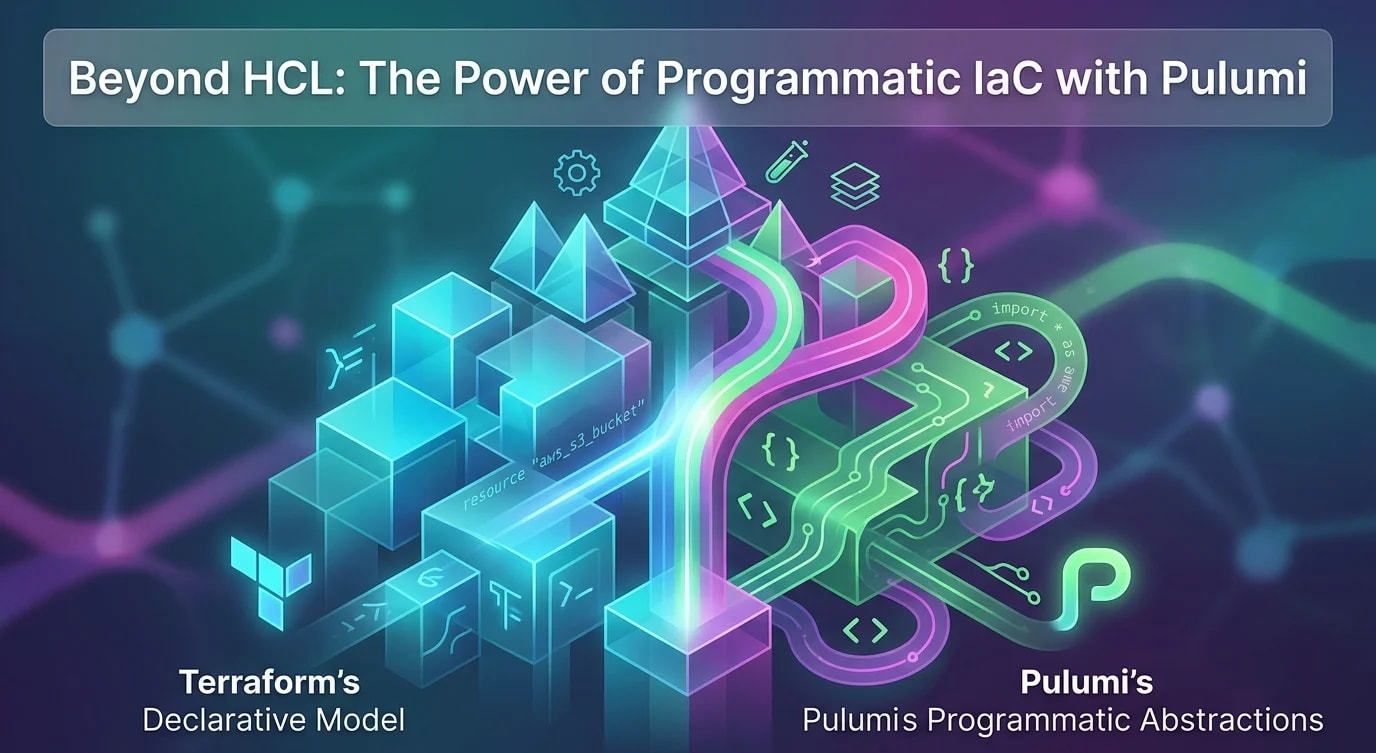
Infrastructure as Code: Principles That Scale
Treat infrastructure like application code — version it, review it, test it, and deploy it through a pipeline instead of clicking through consoles.

Clicking through a cloud console to create resources works exactly once. The second time you need the same setup — in staging, in a new region, after an incident — you're recreating it from memory. Infrastructure as Code (IaC) solves this by defining infrastructure in declarative files that are versioned, reviewed, and deployed through the same pipelines as application code.
Declarative vs. Imperative
IaC tools fall into two categories. Declarative tools (Terraform, CloudFormation, Pulumi) describe the desired end state. Imperative tools (Ansible, shell scripts) describe the steps to reach that state.
# Declarative (Terraform): "I want this to exist"
resource "aws_s3_bucket" "assets" {
  bucket = "myapp-assets-production"

  versioning {
    enabled = true
  }

  server_side_encryption_configuration {
    rule {
      apply_server_side_encryption_by_default {
        sse_algorithm = "AES256"
      }
    }
  }

  tags = {
    Environment = "production"
    ManagedBy   = "terraform"
  }
}# Imperative (shell script): "Do these steps in order"
aws s3api create-bucket --bucket myapp-assets-production --region us-east-1
aws s3api put-bucket-versioning --bucket myapp-assets-production \
--versioning-configuration Status=Enabled
aws s3api put-bucket-encryption --bucket myapp-assets-production \
--server-side-encryption-configuration '{"Rules":[{"ApplyServerSideEncryptionByDefault":{"SSEAlgorithm":"AES256"}}]}'The declarative approach wins at scale because Terraform tracks state. If the bucket already exists with different settings, Terraform updates it. If someone manually changes settings, terraform plan shows the drift. The imperative script just fails or creates duplicates.
State Management
Terraform maintains a state file that maps your declared resources to actual cloud resources. This file is the source of truth for what Terraform manages.
# ❌ Local state file — works for one person, breaks for teams
terraform {
  # Default: terraform.tfstate stored locally
}

# ✅ Remote state with locking — safe for team collaboration
terraform {
  backend "s3" {
    bucket         = "mycompany-terraform-state"
    key            = "production/api/terraform.tfstate"
    region         = "us-east-1"
    encrypt        = true
    dynamodb_table = "terraform-state-locks"  # Prevents concurrent modifications
  }
}
Module Structure
As infrastructure grows, monolithic configuration files become unmanageable. Modules encapsulate reusable infrastructure patterns.
infrastructure/
├── modules/
│   ├── vpc/
│   │   ├── main.tf
│   │   ├── variables.tf
│   │   └── outputs.tf
│   ├── rds/
│   │   ├── main.tf
│   │   ├── variables.tf
│   │   └── outputs.tf
│   └── ecs-service/
│       ├── main.tf
│       ├── variables.tf
│       └── outputs.tf
├── environments/
│   ├── production/
│   │   └── main.tf
│   └── staging/
│       └── main.tf
└── global/
    └── iam/
        └── main.tf
# environments/production/main.tf — composes modules
module "vpc" {
  source = "../../modules/vpc"

  cidr_block          = "10.0.0.0/16"
  availability_zones  = ["us-east-1a", "us-east-1b", "us-east-1c"]
  environment         = "production"
}

module "database" {
  source = "../../modules/rds"

  vpc_id              = module.vpc.vpc_id
  subnet_ids          = module.vpc.private_subnet_ids
  instance_class      = "db.r6g.xlarge"
  engine_version      = "14.7"
  environment         = "production"
}

module "api_service" {
  source = "../../modules/ecs-service"

  vpc_id              = module.vpc.vpc_id
  subnet_ids          = module.vpc.private_subnet_ids
  container_image     = "registry.example.com/api:v1.2.0"
  desired_count       = 3
  environment         = "production"
}
Change Review Process
Infrastructure changes should go through the same review process as application code. Run terraform plan in CI to show exactly what will change before applying.
# .github/workflows/terraform.yml
name: Terraform
on:
  pull_request:
    paths: ["infrastructure/**"]

jobs:
  plan:
    runs-on: ubuntu-latest
    steps:
      - uses: actions/checkout@v4
      - uses: hashicorp/setup-terraform@v3

      - name: Terraform Init
        run: terraform init
        working-directory: infrastructure/environments/production

      - name: Terraform Plan
        run: terraform plan -no-color -out=tfplan
        working-directory: infrastructure/environments/production

      - name: Comment Plan on PR
        uses: actions/github-script@v7
        with:
          script: |
            const plan = require('fs').readFileSync('tfplan.txt', 'utf8');
            github.rest.issues.createComment({
              issue_number: context.issue.number,
              owner: context.repo.owner,
              repo: context.repo.repo,
              body: `## Terraform Plan\n\`\`\`\n${plan}\n\`\`\``
            });
Avoiding Common Mistakes
# ❌ Hardcoded values scattered across files
resource "aws_instance" "api" {
  ami           = "ami-0c55b159cbfafe1f0"
  instance_type = "t3.medium"
  subnet_id     = "subnet-0bb1c79de3EXAMPLE"
}

# ✅ Variables with sensible defaults and validation
variable "instance_type" {
  description = "EC2 instance type for the API servers"
  type        = string
  default     = "t3.medium"

  validation {
    condition     = can(regex("^t3\\.", var.instance_type))
    error_message = "Only t3 instance types are allowed."
  }
}

resource "aws_instance" "api" {
  ami           = data.aws_ami.amazon_linux.id
  instance_type = var.instance_type
  subnet_id     = module.vpc.private_subnet_ids[0]
}
Key Takeaways
- Declarative IaC tracks drift — Terraform shows when reality diverges from code
- Remote state with locking is mandatory for teams — local state files cause conflicts
- Modules create reusable infrastructure patterns — compose them per environment
- Run plan in CI on every PR — reviewers should see exactly what will change
- Parameterize everything — hardcoded values prevent reuse across environments
- Version your infrastructure code — same branching, reviewing, and CI/CD as application code