Securing API Keys and Secrets in Frontend Applications
Protect API keys in frontend applications with backend proxies, token vaulting, environment hygiene and runtime injection — never in a browser bundle.

Every Frontend Secret Is Public
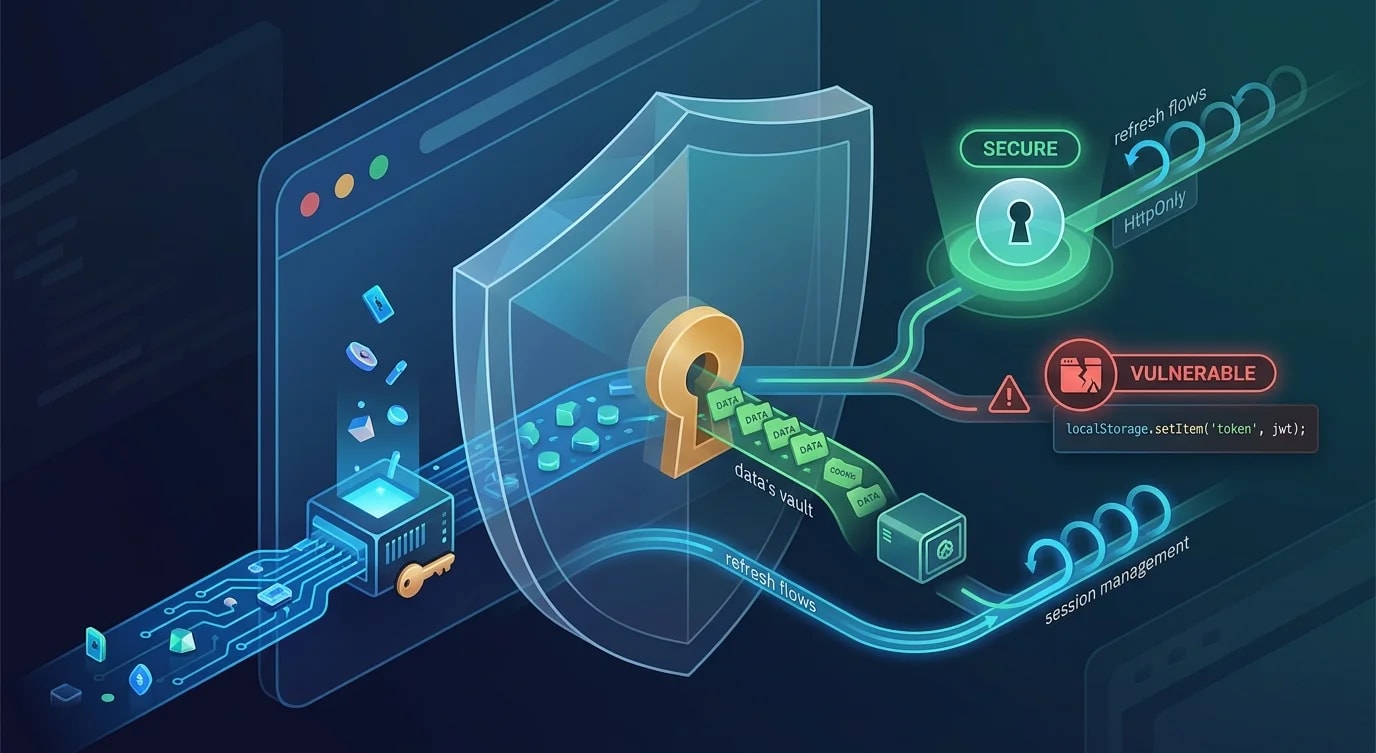
Anything shipped to the browser is readable. Minification, obfuscation, and environment variable prefixes do not protect secrets. If a value reaches the client bundle, an attacker can extract it by opening DevTools. Treating this as a fundamental constraint changes how you architect API access.
The Backend Proxy Pattern
The most reliable approach: never send the secret to the client. Route all third-party API calls through your own backend, which holds the secret server-side.
// ❌ API key in the frontend — visible in network tab and bundle
const response = await fetch(
  `https://api.maps.example.com/geocode?key=sk_live_abc123&address=${address}`
);

// ✅ Backend proxy — secret stays on the server
// Frontend calls your API
const response = await fetch(`/api/geocode?address=${encodeURIComponent(address)}`);// Backend proxy route (Next.js API route example)
import { NextRequest, NextResponse } from "next/server";
export async function GET(req: NextRequest) {
const address = req.nextUrl.searchParams.get("address");
if (!address || address.length > 200) {
return NextResponse.json(
{ error: "Invalid address parameter" },
{ status: 400 }
);
}
// Secret never leaves the server
const apiKey = process.env.MAPS_API_KEY;
const result = await fetch(
`https://api.maps.example.com/geocode?key=${apiKey}&address=${encodeURIComponent(address)}`,
);
if (!result.ok) {
return NextResponse.json(
{ error: "Geocoding service unavailable" },
{ status: 502 }
);
}
const data = await result.json();
return NextResponse.json(data);
}Environment Variable Hygiene
Framework conventions like NEXT_PUBLIC_ or VITE_ prefix variables that get bundled into client code. Misunderstanding this leaks secrets into production bundles.
// ❌ Secret with public prefix — bundled into client JavaScript
// .env
// NEXT_PUBLIC_STRIPE_SECRET_KEY=sk_live_abc123

// ✅ Only publishable keys get the public prefix
// .env
// NEXT_PUBLIC_STRIPE_PUBLISHABLE_KEY=pk_live_xyz789  (safe for client)
// STRIPE_SECRET_KEY=sk_live_abc123                   (server only)

// Validation at startup — catch misconfigured secrets early
function validateEnvironment(): void {
  const publicVars = Object.keys(process.env).filter((key) =>
    key.startsWith("NEXT_PUBLIC_")
  );

  const sensitivePatterns = [
    /SECRET/i,
    /PRIVATE/i,
    /SK_LIVE/i,
    /PASSWORD/i,
    /TOKEN/i,
  ];

  for (const varName of publicVars) {
    for (const pattern of sensitivePatterns) {
      if (pattern.test(varName)) {
        throw new Error(
          `Potentially sensitive variable "${varName}" has NEXT_PUBLIC_ prefix. ` +
          `This will be exposed in the client bundle. ` +
          `Remove the NEXT_PUBLIC_ prefix if this is a secret.`
        );
      }
    }
  }
}
Token Scoping and Rotation
When a client must authenticate directly with an API, use scoped, short-lived tokens instead of long-lived API keys.
// ❌ Long-lived API key with full permissions
// const apiKey = "sk_live_full_access_forever";

// ✅ Short-lived, scoped token generated server-side
interface ScopedToken {
  token: string;
  expiresAt: number;
  permissions: string[];
  resourceRestrictions: Record<string, string>;
}

// Backend endpoint that generates scoped tokens for the client
export async function POST(req: NextRequest) {
  const session = await getSession(req);
  if (!session) {
    return NextResponse.json({ error: "Unauthorized" }, { status: 401 });
  }

  const scopedToken = await tokenService.create({
    userId: session.userId,
    permissions: ["read:own-files", "write:own-files"],
    resourceRestrictions: {
      bucket: `user-${session.userId}`,
    },
    expiresInSeconds: 900, // 15 minutes
  });

  return NextResponse.json({
    token: scopedToken.token,
    expiresAt: scopedToken.expiresAt,
  });
}

// Client uses the scoped token for direct uploads
async function uploadFile(file: File): Promise<string> {
  // Get a fresh scoped token from our backend
  const { token, expiresAt } = await fetch("/api/upload-token", {
    method: "POST",
  }).then((r) => r.json());

  if (Date.now() > expiresAt) {
    throw new Error("Token expired before upload could start");
  }

  // Use scoped token to upload directly to storage
  const response = await fetch("https://storage.example.com/upload", {
    method: "PUT",
    headers: {
      Authorization: `Bearer ${token}`,
      "Content-Type": file.type,
    },
    body: file,
  });

  return response.json().then((r) => r.url);
}
Git Secret Scanning
Secrets committed to version control persist in git history even after deletion. Prevent commits with secrets from ever being pushed.
// .pre-commit-config.yaml pattern for secret scanning
// Pre-commit hook that blocks secrets before they enter git history

interface SecretPattern {
  name: string;
  pattern: RegExp;
  severity: "block" | "warn";
}

const secretPatterns: SecretPattern[] = [
  {
    name: "AWS Access Key",
    pattern: /AKIA[0-9A-Z]{16}/,
    severity: "block",
  },
  {
    name: "Generic API Key",
    pattern: /(?:api[_-]?key|apikey)\s*[:=]\s*['"][a-zA-Z0-9]{20,}['"]/i,
    severity: "block",
  },
  {
    name: "Private Key",
    pattern: /-----BEGIN (?:RSA |EC )?PRIVATE KEY-----/,
    severity: "block",
  },
  {
    name: "Stripe Secret Key",
    pattern: /sk_live_[a-zA-Z0-9]{20,}/,
    severity: "block",
  },
  {
    name: "JWT Secret",
    pattern: /(?:jwt[_-]?secret)\s*[:=]\s*['"][^'"]{10,}['"]/i,
    severity: "warn",
  },
];

function scanForSecrets(
  content: string,
  filename: string
): { found: boolean; matches: string[] } {
  const matches: string[] = [];

  for (const { name, pattern, severity } of secretPatterns) {
    if (pattern.test(content)) {
      matches.push(`[${severity.toUpperCase()}] ${name} found in ${filename}`);
    }
  }

  return { found: matches.length > 0, matches };
}
Content Security Policy Headers
Even with backend proxies, restrict where your frontend can make requests. CSP headers limit the damage if an attacker injects code into your page.
// next.config.ts — restrict API connections to known origins
const securityHeaders = [
  {
    key: "Content-Security-Policy",
    value: [
      "default-src 'self'",
      "script-src 'self' 'unsafe-inline'",
      "style-src 'self' 'unsafe-inline'",
      // Only allow API calls to your own backend and trusted CDNs
      "connect-src 'self' https://api.yourdomain.com",
      "img-src 'self' https://cdn.yourdomain.com data:",
      "font-src 'self'",
      "frame-src 'none'",
    ].join("; "),
  },
  {
    key: "X-Content-Type-Options",
    value: "nosniff",
  },
  {
    key: "Referrer-Policy",
    value: "strict-origin-when-cross-origin",
  },
];

// Apply to all routes
const nextConfig = {
  async headers() {
    return [
      {
        source: "/(.*)",
        headers: securityHeaders,
      },
    ];
  },
};
Key Takeaways
Accept that frontend code is public and design around it. Route all secret-bearing API calls through your own backend proxy—the secret never touches the client. Use framework-specific prefixes (NEXT_PUBLIC_, VITE_) deliberately: only publishable keys belong there.
When clients must authenticate directly with third-party APIs, generate short-lived scoped tokens server-side instead of distributing long-lived keys. Scan for secrets in pre-commit hooks and CI pipelines to prevent accidental exposure in git history. Add Content Security Policy headers to restrict where your frontend can make network requests—this limits blast radius if your page is compromised. The rule is simple: if losing a credential would cause damage, that credential must never exist in client-accessible code.