Time Management Systems That Work for Engineers
Practical time management built for engineering work: deep work scheduling, fewer context switches, energy management and meeting optimization.
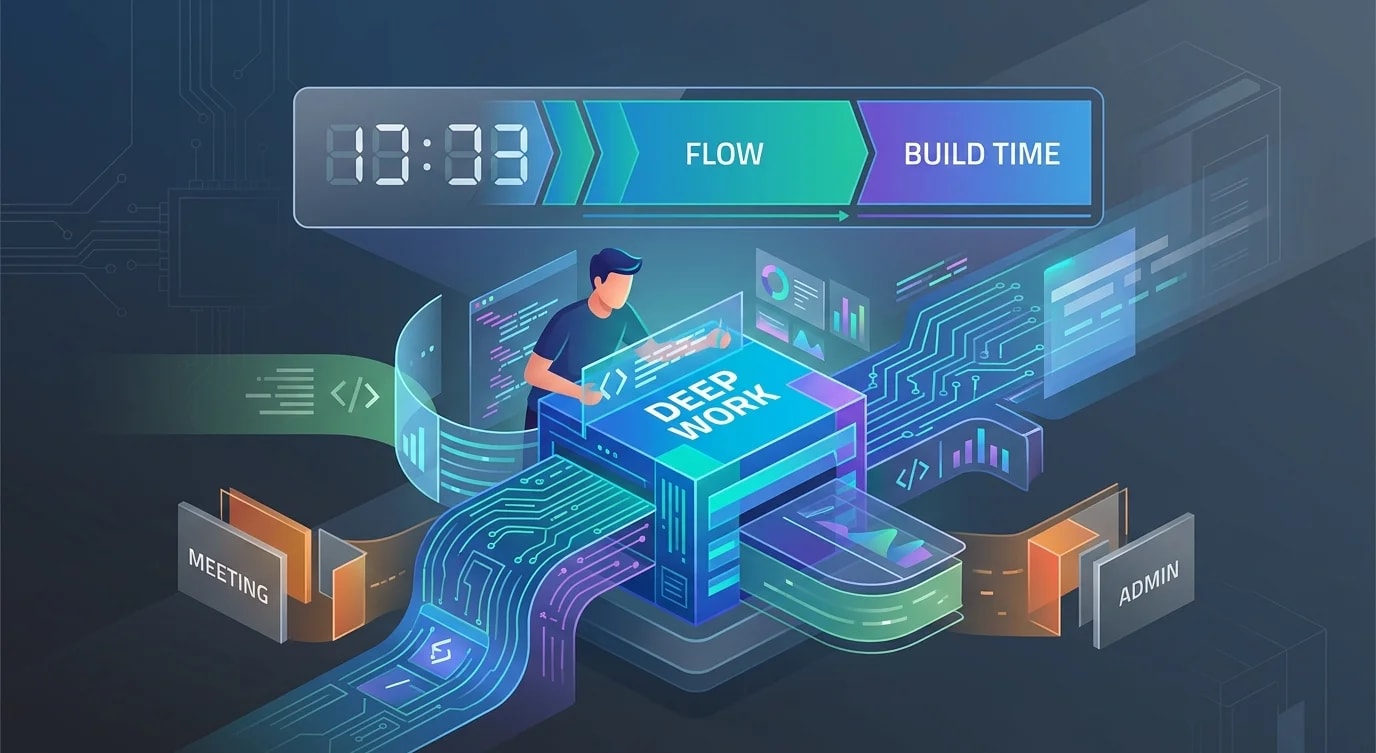
Most time management advice is designed for people who process emails and attend meetings. Engineering work is different. You need long, uninterrupted blocks for complex problem-solving, and context switches are expensive — recovering focus after an interruption takes 15-25 minutes. The systems that work for engineers are built around protecting deep work, not optimizing shallow work.
The goal is not to work more hours. It is to spend more of your existing hours in a state of focused, high-quality output.
The Maker's Schedule vs Manager's Schedule
Paul Graham described this divide in 2009 and it remains the core tension for engineers. Managers work in one-hour blocks. Makers need half-day blocks. A single meeting in the middle of an afternoon destroys the entire block.
## ❌ Fragmented engineer schedule
09:00 - 09:30  Code review
09:30 - 10:00  Standup
10:00 - 11:00  Deep work attempt (only 45 min after context switch)
11:00 - 11:30  Quick sync with PM
11:30 - 12:00  Deep work attempt (not enough time to enter flow)
12:00 - 13:00  Lunch
13:00 - 14:00  Architecture review
14:00 - 14:30  Slack catch-up
14:30 - 16:00  Deep work (finally, 90 min continuous)
16:00 - 17:00  Planning meeting

Deep work achieved: ~2 hours out of 8
## ✅ Batched engineer schedule
09:00 - 12:00  Deep work block (no meetings, Slack paused)
12:00 - 13:00  Lunch
13:00 - 13:15  Standup
13:15 - 14:00  Code review + Slack catch-up
14:00 - 15:00  Architecture review
15:00 - 15:30  Quick sync with PM
15:30 - 17:00  Deep work block OR planning meeting

Deep work achieved: ~4.5 hours out of 8
The batched schedule doubles deep work time by consolidating meetings into the afternoon. Mornings are protected — no meetings before noon.
Time Blocking for Engineering Tasks
Time blocking assigns specific tasks to specific hours. Without it, you default to whatever feels urgent or whatever Slack message arrived most recently.
## Weekly Time Block Template

### Monday
- 09:00-12:00  Feature implementation (auth service migration)
- 13:00-14:00  Sprint planning + standup
- 14:00-16:00  Feature implementation (continued)
- 16:00-17:00  Code review queue

### Tuesday
- 09:00-12:00  Deep work: database schema design
- 13:00-13:30  Quick syncs / 1:1s
- 13:30-16:00  Implementation from morning design
- 16:00-17:00  Documentation / ADR writing

### Wednesday
- 09:00-12:00  Deep work: performance investigation
- 13:00-14:00  Architecture review
- 14:00-17:00  Bug fixes + tech debt (flexible)

### Thursday
- 09:00-12:00  Deep work: feature implementation
- 13:00-15:00  Meetings (all-hands, etc.)
- 15:00-17:00  Code review + mentoring

### Friday
- 09:00-11:00  Deep work: wrap up work in progress
- 11:00-12:00  Week review + next week planning
- 13:00-15:00  Learning (read papers, try new tools)
- 15:00-17:00  Administrative (emails, wiki updates)
The key principle: assign your best cognitive hours to your hardest problems. For most people, that is morning. Save administrative tasks, emails, and easy code reviews for low-energy slots.
Context Switch Reduction
Each context switch costs time. The cost is not just the minutes of switching — it is the 15-25 minutes to re-enter a deep focus state.
// ❌ Reactive workflow — constant switching
const badDay = [
  { time: '09:00', task: 'Start feature work' },          // 5 min in...
  { time: '09:05', task: 'Check Slack notification' },     // 10 min context switch
  { time: '09:15', task: 'Resume feature work' },          // 15 min to refocus
  { time: '09:30', task: 'Email about production issue' }, // 20 min detour
  { time: '09:50', task: 'Resume feature work' },          // 15 min to refocus
  { time: '10:05', task: 'Standup' },                      // 15 min
  // Actual deep work in first 75 min: ~15 minutes
];// ✅ Proactive workflow — batched interruptions
const goodDay = [
{ time: '09:00', task: 'Deep work block starts' },
{ time: '09:00', action: 'Slack: DND mode on' },
{ time: '09:00', action: 'Email: closed' },
{ time: '09:00', action: 'Phone: silent' },
{ time: '12:00', task: 'Deep work block ends - 3 hours continuous' },
{ time: '12:00', action: 'Check Slack (batch response)' },
{ time: '12:15', action: 'Check email (batch response)' },
{ time: '12:30', task: 'Standup' },
// Actual deep work in first 3 hours: ~2.5 hours (allowing warmup)
];Practical tactics:
- Slack DND during deep work blocks — set a status message explaining when you will respond
- Batch communications — check email and messages at 2-3 fixed times per day
- Close tabs — every open tab is a potential interruption and a cognitive load
- Single monitor workflow — use full-screen mode for your editor during deep work
Energy Management
Time management fails without energy management. Two hours of deep work when you are exhausted produces less than 30 minutes when you are fresh.
## Energy Audit Template (track for 1 week)

| Time        | Energy (1-5) | Task                     | Quality |
|-------------|-------------|--------------------------|---------|
| 09:00-10:00 | 5           | Algorithm design         | High    |
| 10:00-11:00 | 4           | Implementation           | High    |
| 11:00-12:00 | 3           | Implementation continued | Medium  |
| 13:00-14:00 | 2           | Post-lunch meeting       | Low     |
| 14:00-15:00 | 3           | Code review              | Medium  |
| 15:00-16:00 | 4           | Bug investigation        | High    |
| 16:00-17:00 | 2           | Administrative           | Low     |

## Patterns discovered:
- Peak energy: 09:00-11:00 (schedule hardest work here)
- Post-lunch dip: 13:00-14:00 (schedule meetings here)
- Second wind: 15:00-16:00 (good for investigation work)
- Low energy: 16:00+ (save for easy tasks)
Track your energy for one week. You will discover patterns. Schedule your most demanding cognitive work during peak energy and use low-energy periods for routine tasks that do not require deep thinking.
Meeting Optimization
Meetings are the biggest threat to engineering focus time. Most can be shorter, asynchronous, or eliminated.
## Meeting Decision Framework

Before scheduling, ask:
1. Can this be an async message? → Write it in Slack/email
2. Can this be a document? → Write an RFC/ADR, get async feedback
3. Does this need real-time discussion? → Schedule a meeting

If a meeting is necessary:
- Default to 25 minutes, not 60 (Parkinson's law applies)
- Require an agenda — no agenda, no meeting
- Start with the decision to be made, not background context
- End with written action items and owners

## Async alternatives that replace common meetings:
- Status update → Slack standup bot (daily written update)
- Design review → RFC document with comment threads
- Knowledge sharing → Recorded Loom video + Q&A thread
- Sprint planning → Pre-prioritized backlog + 15-min sync## ❌ Typical meeting pattern
"Let's schedule a 1-hour meeting to discuss the caching strategy."
- 15 min: waiting for everyone to join + small talk
- 20 min: one person explains context everyone should have read
- 15 min: actual discussion
- 10 min: going in circles, no decision reached
## ✅ Optimized pattern
1. Write a 1-page caching strategy proposal (async, 30 min)
2. Share in Slack, ask for comments by Thursday (async, varied)
3. Schedule 25-min meeting ONLY if there are unresolved disagreements
4. Meeting starts with: "We have two options. Let's decide."Key Takeaways
- Protect morning blocks for deep work — no meetings before noon whenever possible
- Batch context switches — check messages at fixed intervals, not continuously
- Time block your week — assign specific tasks to specific hours based on energy levels
- Track your energy patterns for one week — schedule hard problems during peak energy
- Default meetings to 25 minutes — require agendas, replace with async when possible
- Measure deep work hours, not total hours — four focused hours beats eight fragmented ones