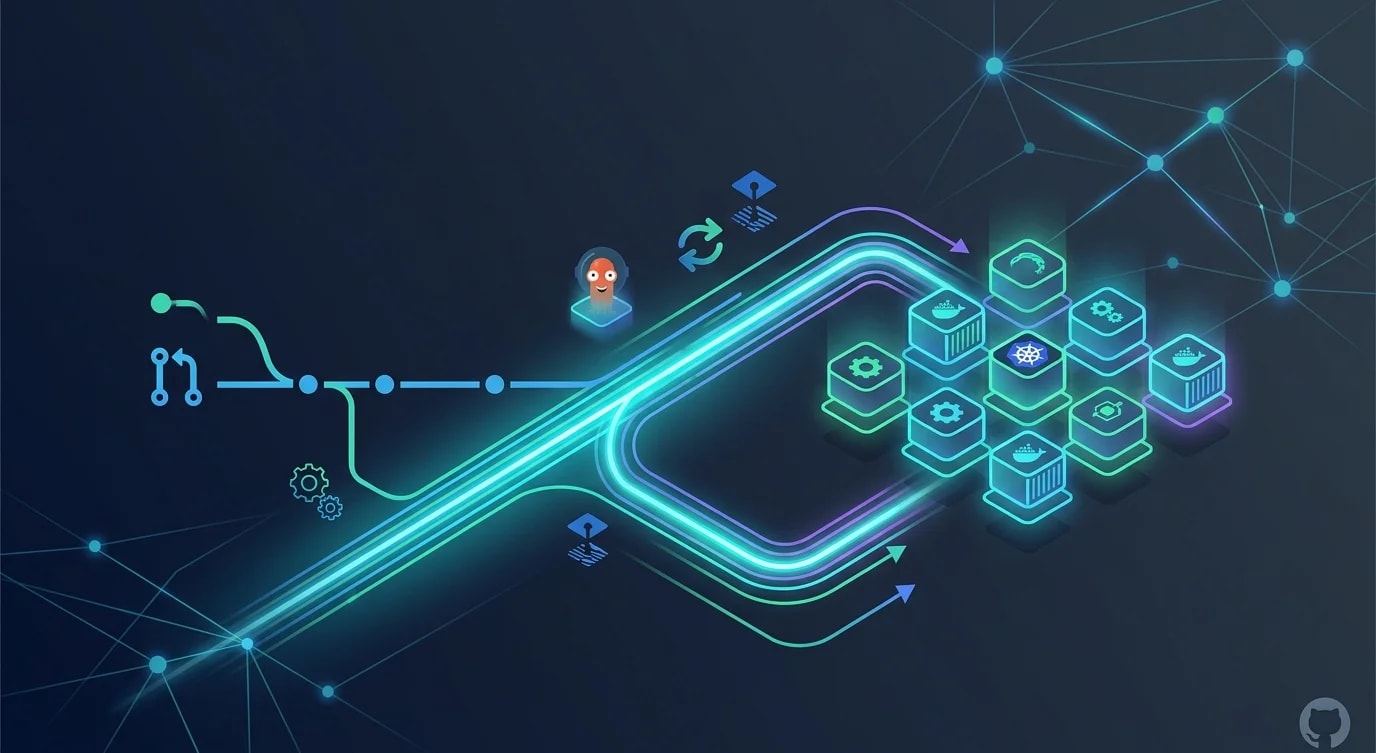
GitOps with Flux and ArgoCD: Infrastructure by Pull Request
A practical guide to GitOps with Flux and ArgoCD: repository structure, drift detection, automated reconciliation and progressive delivery by pull request.

Git as the Single Source of Truth
GitOps is the practice of using Git repositories as the declarative source of truth for infrastructure and application configuration. Instead of running commands against clusters directly, you commit desired state to Git, and an operator reconciles the actual state to match.
This is not just version control for configuration—it is a fundamentally different operating model. Every change is auditable, reviewable, and reversible through the standard Git workflow.
Repository Structure for GitOps
The repository structure determines how manageable your GitOps workflow will be as applications and environments scale.
// ❌ Monolithic repo — everything in one place
const badStructure = `
infra/
  deployment.yaml    # Which environment? Which app?
  service.yaml
  configmap.yaml
  ingress.yaml
  ... 200 more files
`;

// ✅ Structured by environment and application
interface GitOpsRepoStructure {
  apps: Record<string, {
    base: string[];
    overlays: Record<string, string[]>;
  }>;
  infrastructure: Record<string, string[]>;
}

const goodStructure: GitOpsRepoStructure = {
  apps: {
    "api-server": {
      base: [
        "deployment.yaml",
        "service.yaml",
        "hpa.yaml",
        "kustomization.yaml",
      ],
      overlays: {
        staging: ["kustomization.yaml", "replicas-patch.yaml"],
        production: [
          "kustomization.yaml",
          "replicas-patch.yaml",
          "resources-patch.yaml",
        ],
      },
    },
    "web-frontend": {
      base: [
        "deployment.yaml",
        "service.yaml",
        "ingress.yaml",
        "kustomization.yaml",
      ],
      overlays: {
        staging: ["kustomization.yaml"],
        production: ["kustomization.yaml", "cdn-config.yaml"],
      },
    },
  },
  infrastructure: {
    staging: ["namespace.yaml", "cert-manager.yaml", "ingress-controller.yaml"],
    production: [
      "namespace.yaml",
      "cert-manager.yaml",
      "ingress-controller.yaml",
      "monitoring.yaml",
    ],
  },
};
Kustomize overlays allow environment-specific configurations (replica counts, resource limits, ingress rules) while sharing a common base. This eliminates configuration drift between environments while allowing necessary differences.
ArgoCD Application Configuration
ArgoCD watches Git repositories and automatically synchronizes cluster state to match the desired state in Git.
# argocd/applications/api-server-production.yaml
apiVersion: argoproj.io/v1alpha1
kind: Application
metadata:
  name: api-server-production
  namespace: argocd
  finalizers:
    - resources-finalizer.argocd.argoproj.io
spec:
  project: production
  source:
    repoURL: https://github.com/org/gitops-config.git
    targetRevision: main
    path: apps/api-server/overlays/production
  destination:
    server: https://kubernetes.default.svc
    namespace: production
  syncPolicy:
    automated:
      prune: true
      selfHeal: true
      allowEmpty: false
    syncOptions:
      - CreateNamespace=true
      - PrunePropagationPolicy=foreground
    retry:
      limit: 3
      backoff:
        duration: 5s
        factor: 2
maxDuration: 3m// Programmatic ArgoCD application management
interface ArgoApplication {
name: string;
repoUrl: string;
path: string;
targetRevision: string;
destination: {
server: string;
namespace: string;
};
syncPolicy: {
automated: boolean;
selfHeal: boolean;
prune: boolean;
};
}
function generateArgoApp(
appName: string,
environment: string,
config: {
repoUrl: string;
autoSync: boolean;
}
): ArgoApplication {
return {
name: `${appName}-${environment}`,
repoUrl: config.repoUrl,
path: `apps/${appName}/overlays/${environment}`,
targetRevision: environment === "production" ? "main" : "develop",
destination: {
server: "https://kubernetes.default.svc",
namespace: environment,
},
syncPolicy: {
automated: config.autoSync,
selfHeal: environment === "production",
prune: true,
},
};
}Drift Detection and Reconciliation
GitOps operators continuously compare desired state (Git) with actual state (cluster). When they diverge—due to manual changes, failed deployments, or external modifications—the operator reconciles.
interface DriftReport {
  application: string;
  status: "synced" | "out-of-sync" | "unknown";
  driftedResources: Array<{
    kind: string;
    name: string;
    namespace: string;
    diff: string;
    cause: "manual-edit" | "failed-sync" | "external-controller";
  }>;
  lastSyncAttempt: Date;
  lastSuccessfulSync: Date;
}

// ❌ Manual drift detection — checking randomly
async function manualDriftCheck(): Promise<void> {
  // Engineer remembers to check... sometimes
  // Runs kubectl diff manually
  // Misses drift in namespaces they do not check
}

// ✅ Automated drift detection with alerting
class DriftMonitor {
  constructor(
    private readonly argoClient: ArgoAPIClient,
    private readonly alerting: AlertingService
  ) {}

  async checkAllApplications(): Promise<DriftReport[]> {
    const apps = await this.argoClient.listApplications();
    const reports: DriftReport[] = [];

    for (const app of apps) {
      const status = await this.argoClient.getAppStatus(app.name);

      if (status.sync.status !== "Synced") {
        const report: DriftReport = {
          application: app.name,
          status: "out-of-sync",
          driftedResources: status.resources
            .filter((r: any) => r.status !== "Synced")
            .map((r: any) => ({
              kind: r.kind,
              name: r.name,
              namespace: r.namespace,
              diff: r.diff || "unknown",
              cause: this.classifyDriftCause(r),
            })),
          lastSyncAttempt: new Date(status.operationState?.startedAt),
          lastSuccessfulSync: new Date(status.history?.[0]?.deployedAt),
        };

        reports.push(report);

        if (report.driftedResources.length > 0) {
          await this.alerting.send({
            severity: "warning",
            title: `Drift detected: ${app.name}`,
            message: `${report.driftedResources.length} resources out of sync`,
          });
        }
      }
    }

    return reports;
  }

  private classifyDriftCause(resource: any): string {
    if (resource.hook) return "external-controller";
    if (resource.status === "OutOfSync") return "manual-edit";
    return "failed-sync";
  }
}
Promotion Workflow Through Pull Requests
In a GitOps workflow, promoting a change from staging to production means opening a pull request that updates the production overlay.
interface PromotionRequest {
  application: string;
  fromEnvironment: string;
  toEnvironment: string;
  imageTag: string;
  changeDescription: string;
  author: string;
}

function generatePromotionPR(request: PromotionRequest): {
  title: string;
  body: string;
  files: Array<{ path: string; content: string }>;
} {
  const kustomizationPatch = `
apiVersion: kustomize.config.k8s.io/v1beta1
kind: Kustomization
resources:
  - ../../base
images:
  - name: ${request.application}
    newTag: ${request.imageTag}
`;

  return {
    title: `Promote ${request.application} ${request.imageTag} to ${request.toEnvironment}`,
    body: `
## Promotion Request

**Application**: ${request.application}
**From**: ${request.fromEnvironment}
**To**: ${request.toEnvironment}
**Image Tag**: \`${request.imageTag}\`

### Change Description
${request.changeDescription}

### Verification
- [ ] Staging deployment healthy for 24+ hours
- [ ] No error rate increase in staging
- [ ] Load test results reviewed
- [ ] Rollback plan confirmed
    `.trim(),
    files: [
      {
        path: `apps/${request.application}/overlays/${request.toEnvironment}/kustomization.yaml`,
        content: kustomizationPatch.trim(),
      },
    ],
  };
}
Secrets Management in GitOps
Secrets cannot be stored in plaintext in Git. Sealed Secrets or external secret operators decrypt secrets in-cluster from encrypted source data.
interface SecretStrategy {
  approach: string;
  pros: string[];
  cons: string[];
  bestFor: string;
}

const secretStrategies: SecretStrategy[] = [
  {
    approach: "Sealed Secrets",
    pros: [
      "Encrypted secrets stored in Git",
      "Decryption only happens in-cluster",
      "Works with standard GitOps workflow",
    ],
    cons: [
      "Cluster-specific encryption keys",
      "Key rotation requires re-sealing all secrets",
    ],
    bestFor: "Single-cluster setups with moderate secret volume",
  },
  {
    approach: "External Secrets Operator",
    pros: [
      "Integrates with AWS Secrets Manager, Vault, etc.",
      "Centralized secret management",
      "Automatic rotation support",
    ],
    cons: [
      "Adds external dependency",
      "Requires network access to secret store",
    ],
    bestFor: "Multi-cluster setups using cloud secret managers",
  },
  {
    approach: "SOPS with Age/PGP",
    pros: [
      "Encrypts specific values within YAML files",
      "Diff-friendly — structure remains visible",
      "Works with any Git hosting",
    ],
    cons: [
      "Requires key management",
      "Manual encryption workflow",
    ],
    bestFor: "Teams wanting encrypted-at-rest secrets in Git with visible structure",
  },
];
Rollback Through Git Revert
One of the most powerful aspects of GitOps is that rollback is just git revert. The entire deployment history is in Git.
interface RollbackPlan {
  application: string;
  currentCommit: string;
  targetCommit: string;
  affectedFiles: string[];
  estimatedDowntime: string;
}

async function executeGitOpsRollback(
  plan: RollbackPlan
): Promise<{ success: boolean; revertCommit: string }> {
  // In GitOps, rollback = git revert
  // ArgoCD detects the revert and applies the previous state

  console.log(`Rolling back ${plan.application}`);
  console.log(`  Current: ${plan.currentCommit}`);
  console.log(`  Target: ${plan.targetCommit}`);
  console.log(`  Files: ${plan.affectedFiles.join(", ")}`);

  // Create revert commit
  // ArgoCD auto-syncs to the reverted state
  // Previous deployment manifests are applied
  // Traffic shifts to the previous version

  return {
    success: true,
    revertCommit: "abc1234",
  };
}
Key Takeaways
GitOps transforms infrastructure management from imperative commands into declarative configurations versioned in Git. Every change goes through pull request review, every deployment is auditable, and every rollback is a git revert.
Structure your GitOps repository with Kustomize bases and overlays to manage environment-specific configurations without duplication. Use ArgoCD or Flux for automated reconciliation—they continuously ensure that cluster state matches Git state. Handle secrets separately using Sealed Secrets or External Secrets Operator to keep sensitive data encrypted.
The promotion workflow through pull requests gives production changes the same review rigor as code changes. When problems occur, the entire deployment history is in Git, making root cause analysis straightforward and rollback immediate.