GitOps Workflow Patterns for Kubernetes Cluster Management
GitOps workflows built on declarative configuration and Git-driven pipelines that bring version control, auditability and reproducibility to Kubernetes.

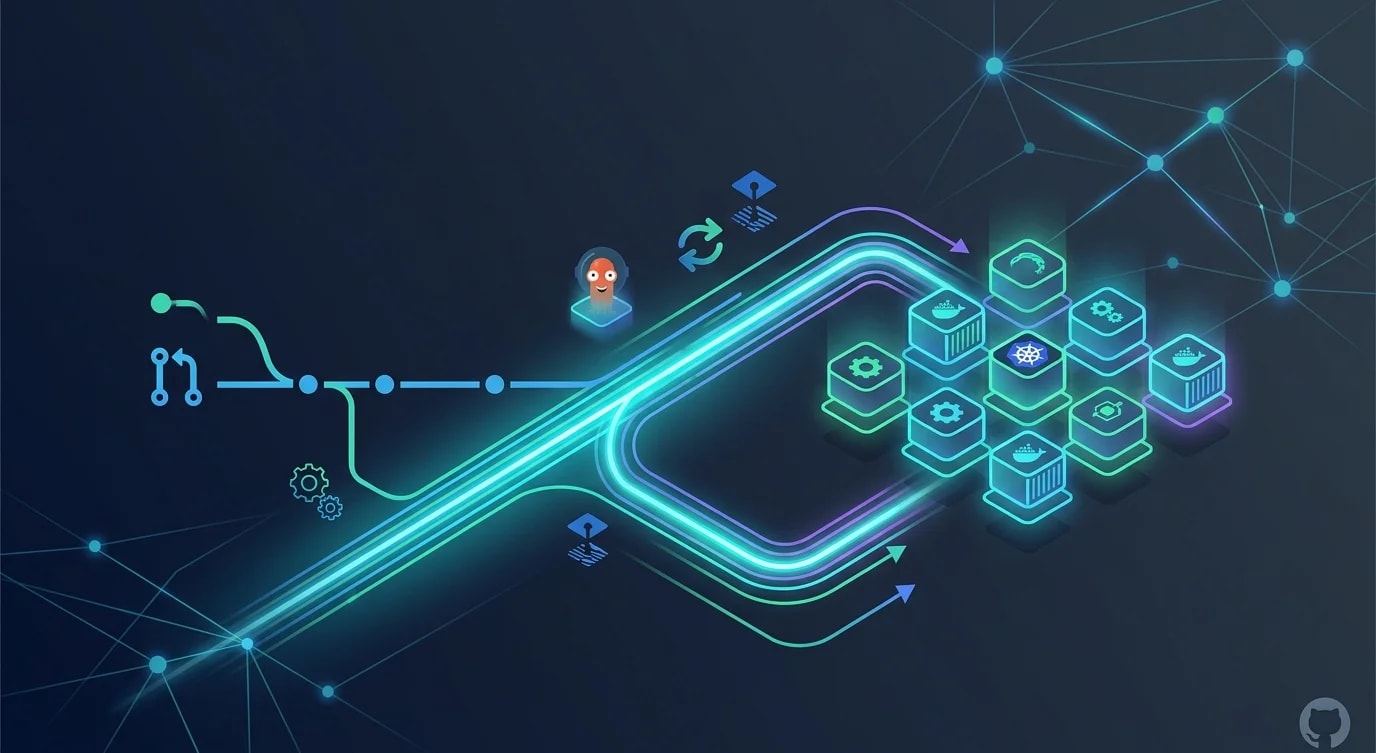
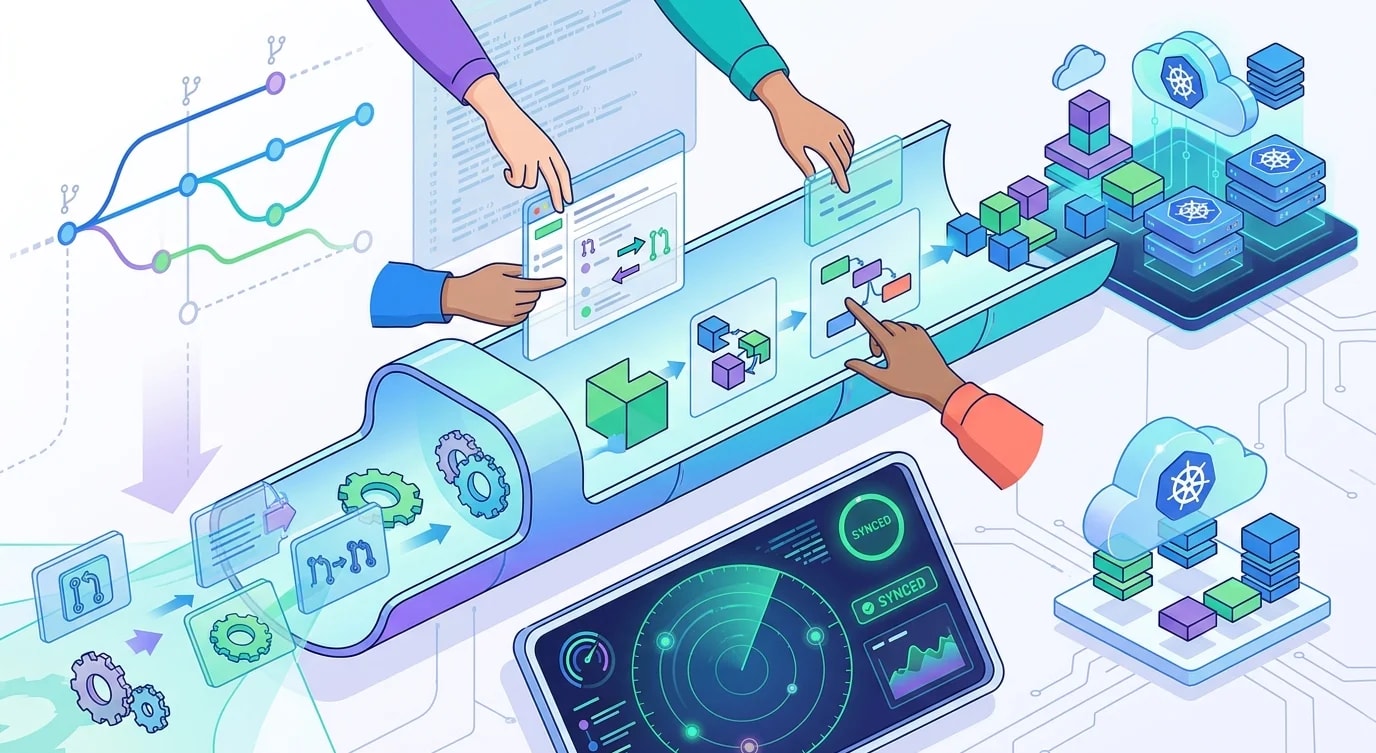
Traditional deployment pipelines push changes from CI systems directly into clusters. GitOps inverts this by making Git the single source of truth—a controller running inside the cluster pulls desired state from Git and reconciles differences automatically. This shift eliminates credential sprawl, creates a complete audit trail, and makes rollbacks as simple as reverting a commit.
The GitOps Reconciliation Loop
The core concept is a continuous loop: observe desired state in Git, compare it with actual cluster state, and reconcile any differences.
# ❌ Imperative deployment — fragile, no audit trail
# kubectl apply -f deployment.yaml
# kubectl set image deployment/api api=myapp:v2.3.1
# kubectl scale deployment/api --replicas=5
# Who ran this? When? What was the previous state?# ✅ Declarative GitOps — desired state lives in Git
# manifests/apps/api/deployment.yaml
apiVersion: apps/v1
kind: Deployment
metadata:
name: api
namespace: production
labels:
app: api
version: v2.3.1
spec:
replicas: 5
selector:
matchLabels:
app: api
template:
metadata:
labels:
app: api
version: v2.3.1
spec:
containers:
- name: api
image: myapp:v2.3.1
ports:
- containerPort: 3000
resources:
requests:
cpu: 200m
memory: 256Mi
limits:
cpu: 500m
memory: 512Mi
readinessProbe:
httpGet:
path: /health
port: 3000
initialDelaySeconds: 5
periodSeconds: 10Every change goes through a pull request, gets reviewed, and leaves a permanent record in Git history. When something breaks, git log tells you exactly what changed and git revert restores the previous state.
Repository Structure Patterns
How you organize your GitOps repositories determines how smoothly the workflow operates at scale. Two dominant patterns exist: monorepo and environment-per-repo.
// Pattern 1: Environment branches (simple but limited)
interface BranchPattern {
  repo: string;
  branches: Record<string, string>;
}

const branchBased: BranchPattern = {
  repo: "platform-manifests",
  branches: {
    main: "production",
    staging: "staging environment",
    dev: "development environment",
  },
  // Problem: cherry-picking between branches gets messy
  // Problem: hard to see diff between environments
};

// Pattern 2: Directory-based environments (recommended)
interface DirectoryPattern {
  structure: string[];
}

const directoryBased: DirectoryPattern = {
  structure: [
    "manifests/",
    "  base/                    # Shared manifests (Kustomize base)",
    "    api/",
    "      deployment.yaml",
    "      service.yaml",
    "      kustomization.yaml",
    "    web/",
    "      deployment.yaml",
    "      service.yaml",
    "      kustomization.yaml",
    "  overlays/                # Environment-specific overrides",
    "    dev/",
    "      kustomization.yaml   # patches: replicas=1, dev image tags",
    "    staging/",
    "      kustomization.yaml   # patches: replicas=2, staging configs",
    "    production/",
    "      kustomization.yaml   # patches: replicas=5, production configs",
  ],
};
The directory-based approach with Kustomize overlays keeps shared configuration DRY while making environment differences explicit and reviewable.
Automated Image Updates
When a new container image is built, you need the GitOps repository to reflect the new tag. Manual PRs for every image update don't scale.
interface ImageUpdatePolicy {
  imageRepository: string;
  policy: "semver" | "alphabetical" | "timestamp";
  filterPattern: string;
  automationPath: string;
}

const imageUpdateConfig: ImageUpdatePolicy[] = [
  {
    imageRepository: "registry.example.com/api",
    policy: "semver",
    filterPattern: ">=2.0.0 <3.0.0",
    automationPath: "manifests/overlays/staging/kustomization.yaml",
  },
  {
    imageRepository: "registry.example.com/web",
    policy: "semver",
    filterPattern: ">=1.0.0",
    automationPath: "manifests/overlays/staging/kustomization.yaml",
  },
];

// CI pipeline writes new image tag to Git
function updateManifest(
  filePath: string,
  imageName: string,
  newTag: string
): string {
  // Read current manifest
  const content = readFileSync(filePath, "utf-8");

  // Replace image tag with exact match
  const imagePattern = new RegExp(
    `(image:\\s*${escapeRegex(imageName)}:)\\S+`
  );

  if (!imagePattern.test(content)) {
    throw new Error(
      `Image ${imageName} not found in ${filePath}`
    );
  }

  const updated = content.replace(
    imagePattern,
    `$1${newTag}`
  );

  return updated;
}

function escapeRegex(str: string): string {
  return str.replace(/[.*+?^${}()|[\]\\]/g, "\\$&");
}
The automation creates a commit in the GitOps repository with the new image tag. The GitOps controller detects the change and starts reconciliation. This maintains the Git-as-source-of-truth principle while automating the tedious parts.
Drift Detection and Self-Healing
One of GitOps' strongest properties is drift detection. If someone manually modifies the cluster (via kubectl edit or direct API calls), the controller detects the divergence and reverts it.
interface DriftDetectionConfig {
  syncInterval: string;
  selfHeal: boolean;
  pruneEnabled: boolean;
  retryStrategy: {
    limit: number;
    backoffDuration: string;
    backoffFactor: number;
    backoffMaxDuration: string;
  };
}

const productionSync: DriftDetectionConfig = {
  syncInterval: "3m",
  selfHeal: true,
  pruneEnabled: true,
  retryStrategy: {
    limit: 5,
    backoffDuration: "5s",
    backoffFactor: 2,
    backoffMaxDuration: "3m",
  },
};

// Monitoring drift events
interface DriftEvent {
  timestamp: Date;
  resource: string;
  namespace: string;
  field: string;
  expectedValue: unknown;
  actualValue: unknown;
  autoHealed: boolean;
}

function analyzeDriftPatterns(
  events: DriftEvent[]
): Map<string, number> {
  const patterns = new Map<string, number>();

  for (const event of events) {
    const key = `${event.namespace}/${event.resource}:${event.field}`;
    patterns.set(key, (patterns.get(key) ?? 0) + 1);
  }

  // High-frequency drift on the same resource indicates
  // someone or something is fighting the controller
  for (const [resource, count] of patterns) {
    if (count > 10) {
      console.warn(
        `Frequent drift on ${resource} (${count} events). ` +
        `Investigate: HPA conflict, manual edits, or CRD controller.`
      );
    }
  }

  return patterns;
}
The most common source of unexpected drift is Horizontal Pod Autoscalers (HPAs) changing replica counts that conflict with values declared in Git. The solution is to remove replicas from the Deployment manifest and let the HPA own that field exclusively.
Multi-Cluster GitOps
Managing multiple clusters—dev, staging, production across regions—requires careful organization to avoid configuration explosion.
interface ClusterConfig {
  name: string;
  environment: string;
  region: string;
  apps: string[];
}

const clusters: ClusterConfig[] = [
  { name: "prod-us-east", environment: "production", region: "us-east-1", apps: ["api", "web", "worker"] },
  { name: "prod-eu-west", environment: "production", region: "eu-west-1", apps: ["api", "web", "worker"] },
  { name: "staging", environment: "staging", region: "us-east-1", apps: ["api", "web", "worker"] },
];

// ApplicationSet pattern generates per-cluster configs
function generateApplicationSet(
  clusters: ClusterConfig[]
): object {
  return {
    apiVersion: "argoproj.io/v1alpha1",
    kind: "ApplicationSet",
    metadata: { name: "platform-apps", namespace: "argocd" },
    spec: {
      generators: [
        {
          matrix: {
            generators: [
              {
                list: {
                  elements: clusters.map(c => ({
                    cluster: c.name,
                    environment: c.environment,
                    region: c.region,
                  })),
                },
              },
              {
                list: {
                  elements: [
                    { app: "api" },
                    { app: "web" },
                    { app: "worker" },
                  ],
                },
              },
            ],
          },
        },
      ],
      template: {
        metadata: {
          name: "{{cluster}}-{{app}}",
        },
        spec: {
          source: {
            repoURL: "https://git.example.com/platform-manifests",
            path: "manifests/overlays/{{environment}}/{{app}}",
          },
          destination: {
            name: "{{cluster}}",
            namespace: "{{app}}",
          },
        },
      },
    },
  };
}
ApplicationSets generate Applications dynamically from cluster metadata. When you add a new cluster to the list, all apps get deployed automatically without manual Application creation.
Key Takeaways
GitOps transforms Kubernetes management from ad-hoc commands into a reviewable, auditable, and reversible workflow. The Git repository becomes the source of truth, the pull request becomes the change control mechanism, and the reconciliation loop becomes the enforcement engine. Start with directory-based environments using Kustomize overlays, automate image tag updates from your CI pipeline, enable self-healing to prevent configuration drift, and use ApplicationSets to scale across clusters without manifest duplication. The teams that adopt GitOps successfully are those that commit to a hard rule: nothing changes in the cluster except through Git.