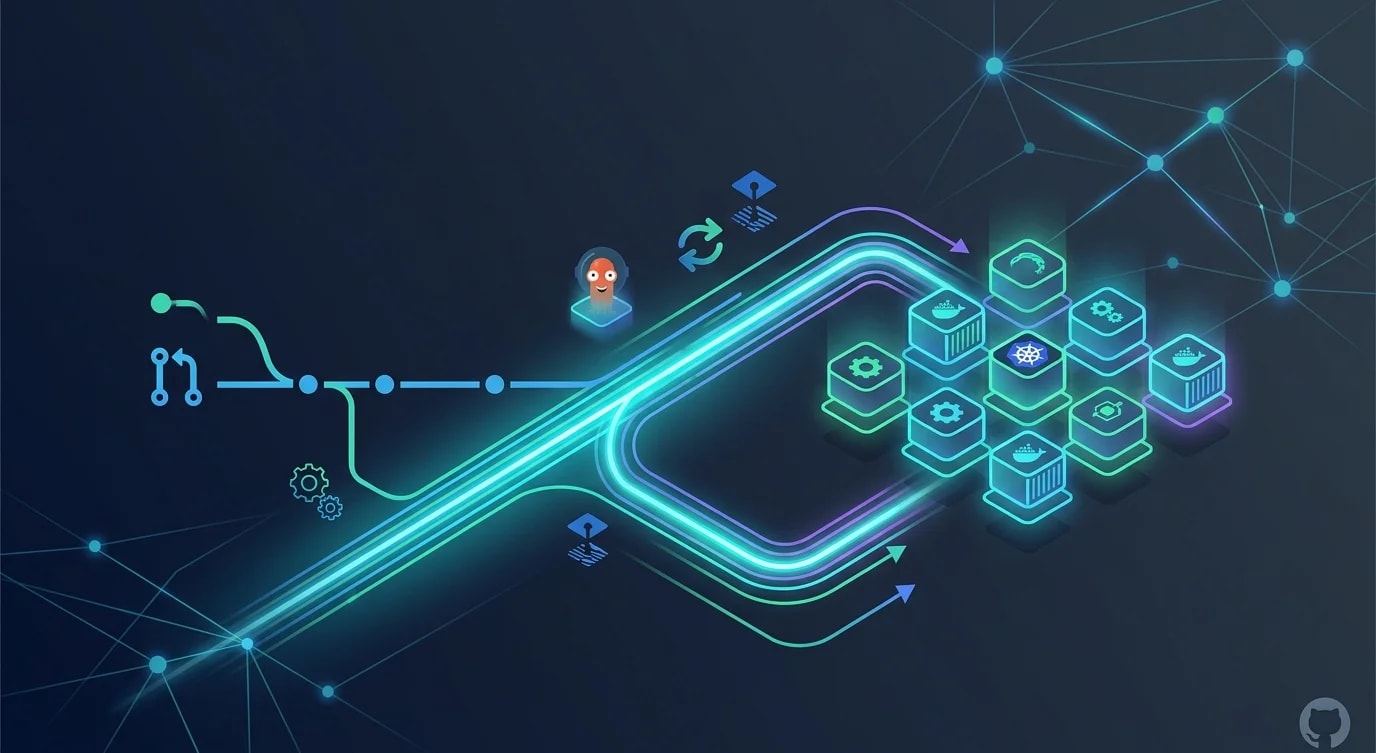
GitOps mit Flux und ArgoCD: Infrastruktur per Pull Request
Praktischer Leitfaden zu GitOps mit Flux und ArgoCD: Repo-Struktur, Drift-Erkennung, automatisierte Reconciliation und Progressive Delivery.

Git als alleinige Quelle der Wahrheit
GitOps ist die Praxis, Git-Repositories als deklarative Quelle der Wahrheit für Infrastruktur- und Anwendungskonfiguration zu nutzen. Statt direkt Befehle gegen Cluster auszuführen, committest du den gewünschten Zustand nach Git, und ein Operator gleicht den tatsächlichen Zustand daran an.
Das ist nicht nur Versionskontrolle für Konfiguration, sondern ein grundlegend anderes Betriebsmodell. Jede Änderung ist auditierbar, reviewbar und reversibel über den Standard-Git-Workflow.
Repository-Struktur für GitOps
Die Repository-Struktur bestimmt, wie handhabbar dein GitOps-Workflow bleibt, wenn Anwendungen und Umgebungen wachsen.
// ❌ Monolithic repo — everything in one place
const badStructure = `
infra/
  deployment.yaml    # Which environment? Which app?
  service.yaml
  configmap.yaml
  ingress.yaml
  ... 200 more files
`;

// ✅ Structured by environment and application
interface GitOpsRepoStructure {
  apps: Record<string, {
    base: string[];
    overlays: Record<string, string[]>;
  }>;
  infrastructure: Record<string, string[]>;
}

const goodStructure: GitOpsRepoStructure = {
  apps: {
    "api-server": {
      base: [
        "deployment.yaml",
        "service.yaml",
        "hpa.yaml",
        "kustomization.yaml",
      ],
      overlays: {
        staging: ["kustomization.yaml", "replicas-patch.yaml"],
        production: [
          "kustomization.yaml",
          "replicas-patch.yaml",
          "resources-patch.yaml",
        ],
      },
    },
    "web-frontend": {
      base: [
        "deployment.yaml",
        "service.yaml",
        "ingress.yaml",
        "kustomization.yaml",
      ],
      overlays: {
        staging: ["kustomization.yaml"],
        production: ["kustomization.yaml", "cdn-config.yaml"],
      },
    },
  },
  infrastructure: {
    staging: ["namespace.yaml", "cert-manager.yaml", "ingress-controller.yaml"],
    production: [
      "namespace.yaml",
      "cert-manager.yaml",
      "ingress-controller.yaml",
      "monitoring.yaml",
    ],
  },
};
Kustomize-Overlays ermöglichen umgebungsspezifische Konfigurationen (Replikanzahlen, Ressourcenlimits, Ingress-Regeln) bei gemeinsamer Basis. Damit eliminierst du Konfigurationsdrift zwischen Umgebungen, während nötige Unterschiede erlaubt bleiben.
ArgoCD-Anwendungskonfiguration
ArgoCD überwacht Git-Repositories und synchronisiert automatisch den Clusterzustand mit dem gewünschten Zustand in Git.
# argocd/applications/api-server-production.yaml
apiVersion: argoproj.io/v1alpha1
kind: Application
metadata:
  name: api-server-production
  namespace: argocd
  finalizers:
    - resources-finalizer.argocd.argoproj.io
spec:
  project: production
  source:
    repoURL: https://github.com/org/gitops-config.git
    targetRevision: main
    path: apps/api-server/overlays/production
  destination:
    server: https://kubernetes.default.svc
    namespace: production
  syncPolicy:
    automated:
      prune: true
      selfHeal: true
      allowEmpty: false
    syncOptions:
      - CreateNamespace=true
      - PrunePropagationPolicy=foreground
    retry:
      limit: 3
      backoff:
        duration: 5s
        factor: 2
maxDuration: 3m// Programmatic ArgoCD application management
interface ArgoApplication {
name: string;
repoUrl: string;
path: string;
targetRevision: string;
destination: {
server: string;
namespace: string;
};
syncPolicy: {
automated: boolean;
selfHeal: boolean;
prune: boolean;
};
}
function generateArgoApp(
appName: string,
environment: string,
config: {
repoUrl: string;
autoSync: boolean;
}
): ArgoApplication {
return {
name: `${appName}-${environment}`,
repoUrl: config.repoUrl,
path: `apps/${appName}/overlays/${environment}`,
targetRevision: environment === "production" ? "main" : "develop",
destination: {
server: "https://kubernetes.default.svc",
namespace: environment,
},
syncPolicy: {
automated: config.autoSync,
selfHeal: environment === "production",
prune: true,
},
};
}Drift-Erkennung und Reconciliation
GitOps-Operatoren vergleichen kontinuierlich den gewünschten Zustand (Git) mit dem tatsächlichen Zustand (Cluster). Wenn sie voneinander abweichen – durch manuelle Änderungen, fehlgeschlagene Deployments oder externe Modifikationen – gleicht der Operator sie aus.
interface DriftReport {
  application: string;
  status: "synced" | "out-of-sync" | "unknown";
  driftedResources: Array<{
    kind: string;
    name: string;
    namespace: string;
    diff: string;
    cause: "manual-edit" | "failed-sync" | "external-controller";
  }>;
  lastSyncAttempt: Date;
  lastSuccessfulSync: Date;
}

// ❌ Manual drift detection — checking randomly
async function manualDriftCheck(): Promise<void> {
  // Engineer remembers to check... sometimes
  // Runs kubectl diff manually
  // Misses drift in namespaces they do not check
}

// ✅ Automated drift detection with alerting
class DriftMonitor {
  constructor(
    private readonly argoClient: ArgoAPIClient,
    private readonly alerting: AlertingService
  ) {}

  async checkAllApplications(): Promise<DriftReport[]> {
    const apps = await this.argoClient.listApplications();
    const reports: DriftReport[] = [];

    for (const app of apps) {
      const status = await this.argoClient.getAppStatus(app.name);

      if (status.sync.status !== "Synced") {
        const report: DriftReport = {
          application: app.name,
          status: "out-of-sync",
          driftedResources: status.resources
            .filter((r: any) => r.status !== "Synced")
            .map((r: any) => ({
              kind: r.kind,
              name: r.name,
              namespace: r.namespace,
              diff: r.diff || "unknown",
              cause: this.classifyDriftCause(r),
            })),
          lastSyncAttempt: new Date(status.operationState?.startedAt),
          lastSuccessfulSync: new Date(status.history?.[0]?.deployedAt),
        };

        reports.push(report);

        if (report.driftedResources.length > 0) {
          await this.alerting.send({
            severity: "warning",
            title: `Drift detected: ${app.name}`,
            message: `${report.driftedResources.length} resources out of sync`,
          });
        }
      }
    }

    return reports;
  }

  private classifyDriftCause(resource: any): string {
    if (resource.hook) return "external-controller";
    if (resource.status === "OutOfSync") return "manual-edit";
    return "failed-sync";
  }
}
Promotion-Workflow über Pull Requests
In einem GitOps-Workflow bedeutet das Promoten einer Änderung von Staging nach Production, einen Pull Request zu öffnen, der das Production-Overlay aktualisiert.
interface PromotionRequest {
  application: string;
  fromEnvironment: string;
  toEnvironment: string;
  imageTag: string;
  changeDescription: string;
  author: string;
}

function generatePromotionPR(request: PromotionRequest): {
  title: string;
  body: string;
  files: Array<{ path: string; content: string }>;
} {
  const kustomizationPatch = `
apiVersion: kustomize.config.k8s.io/v1beta1
kind: Kustomization
resources:
  - ../../base
images:
  - name: ${request.application}
    newTag: ${request.imageTag}
`;

  return {
    title: `Promote ${request.application} ${request.imageTag} to ${request.toEnvironment}`,
    body: `
## Promotion Request

**Application**: ${request.application}
**From**: ${request.fromEnvironment}
**To**: ${request.toEnvironment}
**Image Tag**: \`${request.imageTag}\`

### Change Description
${request.changeDescription}

### Verification
- [ ] Staging deployment healthy for 24+ hours
- [ ] No error rate increase in staging
- [ ] Load test results reviewed
- [ ] Rollback plan confirmed
    `.trim(),
    files: [
      {
        path: `apps/${request.application}/overlays/${request.toEnvironment}/kustomization.yaml`,
        content: kustomizationPatch.trim(),
      },
    ],
  };
}
Secrets-Management in GitOps
Secrets dürfen nicht im Klartext in Git gespeichert werden. Sealed Secrets oder externe Secret-Operatoren entschlüsseln Secrets im Cluster aus verschlüsselten Quelldaten.
interface SecretStrategy {
  approach: string;
  pros: string[];
  cons: string[];
  bestFor: string;
}

const secretStrategies: SecretStrategy[] = [
  {
    approach: "Sealed Secrets",
    pros: [
      "Encrypted secrets stored in Git",
      "Decryption only happens in-cluster",
      "Works with standard GitOps workflow",
    ],
    cons: [
      "Cluster-specific encryption keys",
      "Key rotation requires re-sealing all secrets",
    ],
    bestFor: "Single-cluster setups with moderate secret volume",
  },
  {
    approach: "External Secrets Operator",
    pros: [
      "Integrates with AWS Secrets Manager, Vault, etc.",
      "Centralized secret management",
      "Automatic rotation support",
    ],
    cons: [
      "Adds external dependency",
      "Requires network access to secret store",
    ],
    bestFor: "Multi-cluster setups using cloud secret managers",
  },
  {
    approach: "SOPS with Age/PGP",
    pros: [
      "Encrypts specific values within YAML files",
      "Diff-friendly — structure remains visible",
      "Works with any Git hosting",
    ],
    cons: [
      "Requires key management",
      "Manual encryption workflow",
    ],
    bestFor: "Teams wanting encrypted-at-rest secrets in Git with visible structure",
  },
];
Rollback per Git Revert
Einer der stärksten Aspekte von GitOps ist, dass Rollback einfach git revert ist. Die gesamte Deployment-Historie liegt in Git.
interface RollbackPlan {
  application: string;
  currentCommit: string;
  targetCommit: string;
  affectedFiles: string[];
  estimatedDowntime: string;
}

async function executeGitOpsRollback(
  plan: RollbackPlan
): Promise<{ success: boolean; revertCommit: string }> {
  // In GitOps, rollback = git revert
  // ArgoCD detects the revert and applies the previous state

  console.log(`Rolling back ${plan.application}`);
  console.log(`  Current: ${plan.currentCommit}`);
  console.log(`  Target: ${plan.targetCommit}`);
  console.log(`  Files: ${plan.affectedFiles.join(", ")}`);

  // Create revert commit
  // ArgoCD auto-syncs to the reverted state
  // Previous deployment manifests are applied
  // Traffic shifts to the previous version

  return {
    success: true,
    revertCommit: "abc1234",
  };
}
Wichtige Erkenntnisse
GitOps wandelt Infrastrukturmanagement von imperativen Befehlen in deklarative, in Git versionierte Konfigurationen um. Jede Änderung durchläuft einen Pull-Request-Review, jedes Deployment ist auditierbar, und jedes Rollback ist ein git revert.
Strukturiere dein GitOps-Repository mit Kustomize-Bases und -Overlays, um umgebungsspezifische Konfigurationen ohne Duplizierung zu verwalten. Nutze ArgoCD oder Flux für automatisierte Reconciliation – sie stellen kontinuierlich sicher, dass der Clusterzustand dem Git-Zustand entspricht. Behandle Secrets separat mit Sealed Secrets oder External Secrets Operator, um sensible Daten verschlüsselt zu halten.
Der Promotion-Workflow über Pull Requests verleiht Production-Änderungen dieselbe Review-Strenge wie Code-Änderungen. Tauchen Probleme auf, liegt die gesamte Deployment-Historie in Git, sodass Root-Cause-Analyse unkompliziert und Rollback sofort möglich ist.