Wiederkehrende Entwicklungsaufgaben mit Skripten automatisieren
Automatisierungsskripte gegen tägliche Reibung: Projekt-Scaffolding, Datenbank-Seeding, Log-Analyse und Deployment-Checks mit Node.js und Shell.
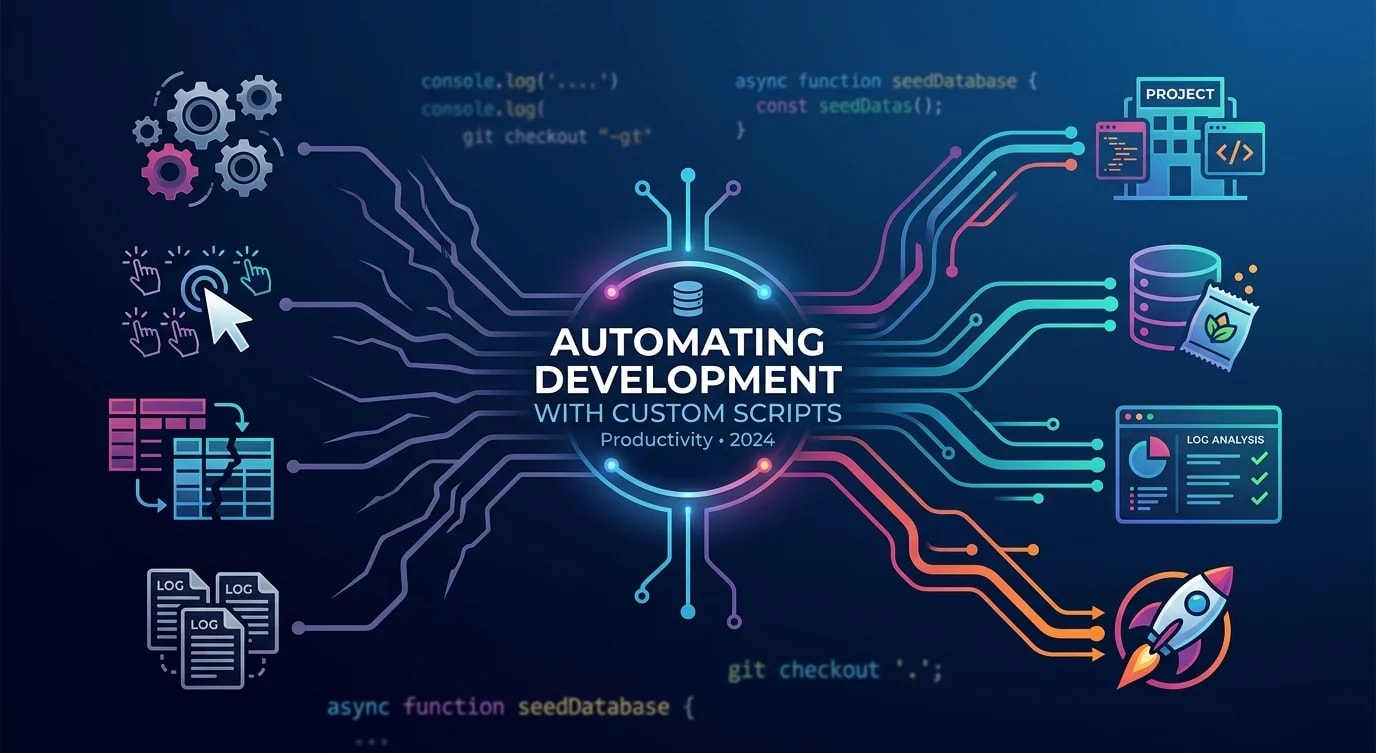
Jeder Entwickler hat Aufgaben, die er täglich wiederholt – Testdatenbanken zurücksetzen, Boilerplate erzeugen, den Deployment-Status prüfen, veraltete Branches aufräumen. Jede Aufgabe dauert nur wenige Minuten, aber multipliziert über ein Team und ein Jahr werden daraus Wochen verlorener Produktivität.
Die Lösung ist nicht, noch ein Tool zu kaufen, sondern kleine, fokussierte Skripte zu schreiben, die die repetitive Arbeit übernehmen. Diese Skripte summieren sich mit der Zeit und setzen geistige Energie für das eigentliche Problemlösen frei.
Automatisierungskandidaten identifizieren
Die besten Automatisierungsziele haben drei Eigenschaften gemeinsam: Sie sind repetitiv, fehleranfällig bei manueller Ausführung und klar genug definiert, um sie zu skripten.
# ❌ Manual workflow: setting up a new feature branch
git checkout main
git pull origin main
git checkout -b feature/JIRA-1234-add-user-profile
# Forget to pull first? Stale branch.
# Typo in branch name? Inconsistent naming.
# Forget to set upstream? Push fails later.// ✅ Automated: create-feature-branch.ts
import { execSync } from "node:child_process";
import { argv } from "node:process";
const ticketId = argv[2];
const description = argv[3];
if (!ticketId || !description) {
console.error(
"Usage: bun create-branch <TICKET-ID> <description>"
);
process.exit(1);
}
const slug = description
.toLowerCase()
.replace(/[^a-z0-9]+/g, "-")
.replace(/^-|-$/g, "");
const branchName = `feature/${ticketId}-${slug}`;
function run(cmd: string) {
console.log(`→ ${cmd}`);
execSync(cmd, { stdio: "inherit" });
}
run("git fetch origin main");
run("git checkout main");
run("git pull origin main");
run(`git checkout -b ${branchName}`);
run(`git push -u origin ${branchName}`);
console.log(`\n✅ Branch created: ${branchName}`);Ein einziger Befehl ersetzt fünf manuelle Schritte. Keine Tippfehler, keine vergessenen Pulls, konsistente Branch-Namen im ganzen Team.
Skripte zum Seeding von Datenbanken
Testdatenbanken driften auseinander, wenn Entwickler sie manuell befüllen. Einige Datensätze veralten, Beziehungen brechen, und „works on my machine“ wird zum Team-Mantra.
// seed-dev-database.ts
import { Pool } from "pg";

interface SeedConfig {
  users: number;
  ordersPerUser: number;
  productsCount: number;
}

const DEFAULT_CONFIG: SeedConfig = {
  users: 10,
  ordersPerUser: 5,
  productsCount: 50,
};

async function seedDatabase(
  config: SeedConfig = DEFAULT_CONFIG
) {
  const pool = new Pool({
    connectionString: process.env.DATABASE_URL,
  });

  try {
    await pool.query("BEGIN");

    // Clear existing data in dependency order
    await pool.query(
      "DELETE FROM order_items CASCADE"
    );
    await pool.query("DELETE FROM orders CASCADE");
    await pool.query("DELETE FROM products CASCADE");
    await pool.query("DELETE FROM users CASCADE");

    console.log("🗑️  Cleared existing data");

    // Seed products
    const productIds: string[] = [];
    for (let i = 0; i < config.productsCount; i++) {
      const result = await pool.query(
        `INSERT INTO products (name, price, sku)
         VALUES ($1, $2, $3)
         RETURNING id`,
        [
          `Product ${i + 1}`,
          (Math.random() * 100 + 5).toFixed(2),
          `SKU-${String(i).padStart(5, "0")}`,
        ]
      );
      productIds.push(result.rows[0].id);
    }
    console.log(
      `📦 Created ${config.productsCount} products`
    );

    // Seed users and their orders
    for (let u = 0; u < config.users; u++) {
      const userResult = await pool.query(
        `INSERT INTO users (email, name)
         VALUES ($1, $2) RETURNING id`,
        [
          `user${u + 1}@example.com`,
          `Test User ${u + 1}`,
        ]
      );
      const userId = userResult.rows[0].id;

      for (let o = 0; o < config.ordersPerUser; o++) {
        const orderResult = await pool.query(
          `INSERT INTO orders (user_id, status)
           VALUES ($1, $2) RETURNING id`,
          [
            userId,
            ["pending", "confirmed", "shipped"][
              Math.floor(Math.random() * 3)
            ],
          ]
        );

        const itemCount =
          Math.floor(Math.random() * 3) + 1;
        for (let i = 0; i < itemCount; i++) {
          const randomProduct =
            productIds[
              Math.floor(
                Math.random() * productIds.length
              )
            ];
          await pool.query(
            `INSERT INTO order_items
             (order_id, product_id, quantity)
             VALUES ($1, $2, $3)`,
            [
              orderResult.rows[0].id,
              randomProduct,
              Math.floor(Math.random() * 5) + 1,
            ]
          );
        }
      }
    }

    await pool.query("COMMIT");
    console.log(
      `👥 Created ${config.users} users with ` +
        `${config.ordersPerUser} orders each`
    );
    console.log("✅ Database seeded successfully");
  } catch (error) {
    await pool.query("ROLLBACK");
    console.error("❌ Seed failed:", error);
    throw error;
  } finally {
    await pool.end();
  }
}

seedDatabase();
Automatisierte Log-Analyse
Produktions-Logs enthalten die Antworten auf die meisten Debugging-Fragen, aber grep allein reicht für eine aussagekräftige Analyse nicht aus.
// analyze-logs.ts
import { readFileSync } from "node:fs";

interface LogEntry {
  timestamp: string;
  level: string;
  message: string;
  duration?: number;
  statusCode?: number;
  path?: string;
}

function parseLogs(filepath: string): LogEntry[] {
  const raw = readFileSync(filepath, "utf-8");
  return raw
    .split("\n")
    .filter(Boolean)
    .map((line) => {
      try {
        return JSON.parse(line) as LogEntry;
      } catch {
        return null;
      }
    })
    .filter((entry): entry is LogEntry => entry !== null);
}

function analyzeSlowEndpoints(
  entries: LogEntry[],
  thresholdMs: number = 1000
) {
  const slow = entries.filter(
    (e) => e.duration && e.duration > thresholdMs
  );

  const byPath = new Map<
    string,
    { count: number; avgDuration: number; max: number }
  >();

  for (const entry of slow) {
    const path = entry.path ?? "unknown";
    const existing = byPath.get(path) ?? {
      count: 0,
      avgDuration: 0,
      max: 0,
    };

    const newCount = existing.count + 1;
    const newAvg =
      (existing.avgDuration * existing.count +
        (entry.duration ?? 0)) /
      newCount;

    byPath.set(path, {
      count: newCount,
      avgDuration: Math.round(newAvg),
      max: Math.max(existing.max, entry.duration ?? 0),
    });
  }

  console.log(
    `\n🐌 Slow endpoints (>${thresholdMs}ms):\n`
  );
  const sorted = [...byPath.entries()].sort(
    (a, b) => b[1].count - a[1].count
  );

  for (const [path, stats] of sorted.slice(0, 10)) {
    console.log(
      `  ${path}: ${stats.count} slow requests, ` +
        `avg ${stats.avgDuration}ms, ` +
        `max ${stats.max}ms`
    );
  }
}

function analyzeErrorRates(entries: LogEntry[]) {
  const errors = entries.filter(
    (e) => e.level === "error"
  );
  const total = entries.length;

  console.log(
    `\n❌ Error rate: ${errors.length}/${total} ` +
      `(${((errors.length / total) * 100).toFixed(1)}%)`
  );

  const errorMessages = new Map<string, number>();
  for (const e of errors) {
    const key = e.message.slice(0, 80);
    errorMessages.set(
      key,
      (errorMessages.get(key) ?? 0) + 1
    );
  }

  console.log("\nTop errors:");
  const topErrors = [...errorMessages.entries()]
    .sort((a, b) => b[1] - a[1])
    .slice(0, 5);

  for (const [msg, count] of topErrors) {
    console.log(`  [${count}x] ${msg}`);
  }
}

const logFile = process.argv[2] ?? "app.log";
const entries = parseLogs(logFile);
console.log(`📊 Analyzed ${entries.length} log entries`);
analyzeSlowEndpoints(entries);
analyzeErrorRates(entries);
Skripte zur Deployment-Verifizierung
Nach einem Deployment musst du prüfen, ob es tatsächlich funktioniert hat. Automatisiere die Health Checks, statt Endpunkte manuell aufzurufen.
// verify-deployment.ts

interface HealthCheck {
  name: string;
  url: string;
  expectedStatus: number;
  timeout: number;
  validate?: (body: unknown) => boolean;
}

const checks: HealthCheck[] = [
  {
    name: "API Health",
    url: `${process.env.API_URL}/health`,
    expectedStatus: 200,
    timeout: 5000,
    validate: (body: unknown) => {
      const data = body as { status?: string };
      return data.status === "healthy";
    },
  },
  {
    name: "Database Connectivity",
    url: `${process.env.API_URL}/health/db`,
    expectedStatus: 200,
    timeout: 10000,
  },
  {
    name: "Cache Connectivity",
    url: `${process.env.API_URL}/health/cache`,
    expectedStatus: 200,
    timeout: 5000,
  },
  {
    name: "Frontend Loads",
    url: `${process.env.FRONTEND_URL}`,
    expectedStatus: 200,
    timeout: 15000,
  },
];

async function runCheck(
  check: HealthCheck
): Promise<{
  name: string;
  passed: boolean;
  duration: number;
  error?: string;
}> {
  const start = performance.now();
  try {
    const controller = new AbortController();
    const timeoutId = setTimeout(
      () => controller.abort(),
      check.timeout
    );

    const response = await fetch(check.url, {
      signal: controller.signal,
    });
    clearTimeout(timeoutId);

    const duration = Math.round(
      performance.now() - start
    );

    if (response.status !== check.expectedStatus) {
      return {
        name: check.name,
        passed: false,
        duration,
        error: `Expected ${check.expectedStatus}, ` +
          `got ${response.status}`,
      };
    }

    if (check.validate) {
      const body = await response.json();
      if (!check.validate(body)) {
        return {
          name: check.name,
          passed: false,
          duration,
          error: "Validation failed",
        };
      }
    }

    return { name: check.name, passed: true, duration };
  } catch (error) {
    return {
      name: check.name,
      passed: false,
      duration: Math.round(performance.now() - start),
      error:
        error instanceof Error
          ? error.message
          : "Unknown error",
    };
  }
}

async function verifyDeployment() {
  console.log("🔍 Running deployment verification...\n");

  const results = await Promise.all(
    checks.map(runCheck)
  );

  for (const result of results) {
    const icon = result.passed ? "✅" : "❌";
    const timing = `(${result.duration}ms)`;
    console.log(
      `${icon} ${result.name} ${timing}`
    );
    if (result.error) {
      console.log(`   → ${result.error}`);
    }
  }

  const failed = results.filter((r) => !r.passed);
  if (failed.length > 0) {
    console.log(
      `\n🚨 ${failed.length}/${results.length} ` +
        `checks failed`
    );
    process.exit(1);
  }

  console.log("\n✅ All checks passed");
}

verifyDeployment();
Skripte zu Workflows zusammensetzen
Einzelne Skripte werden mächtig, wenn man sie zu Workflows zusammensetzt. Ein einziger bun dev:reset-Befehl kann alles in einen sauberen Zustand zurückversetzen.
{
  "scripts": {
    "dev:reset": "bun db:reset && bun db:seed && bun cache:clear",
    "db:reset": "bun scripts/reset-database.ts",
    "db:seed": "bun scripts/seed-dev-database.ts",
    "cache:clear": "bun scripts/clear-dev-cache.ts",
    "branch": "bun scripts/create-feature-branch.ts",
    "logs:analyze": "bun scripts/analyze-logs.ts",
    "deploy:verify": "bun scripts/verify-deployment.ts",
    "cleanup:branches": "bun scripts/prune-merged-branches.ts"
  }
}// prune-merged-branches.ts
import { execSync } from "node:child_process";
function run(cmd: string): string {
return execSync(cmd, { encoding: "utf-8" }).trim();
}
const merged = run(
"git branch --merged main"
)
.split("\n")
.map((b) => b.trim())
.filter(
(b) =>
b && b !== "main" && b !== "* main" && !b.startsWith("*")
);
if (merged.length === 0) {
console.log("✅ No merged branches to clean up");
process.exit(0);
}
console.log(
`🗑️ Deleting ${merged.length} merged branches:\n`
);
for (const branch of merged) {
console.log(` Deleting: ${branch}`);
run(`git branch -d ${branch}`);
}
console.log("\n✅ Cleanup complete");Die wichtigsten Erkenntnisse
Nimm repetitive, klar definierte Aufgaben ins Visier, bei denen die manuelle Ausführung fehleranfällig ist – Branch-Erstellung, Datenbank-Seeding, Log-Analyse und Deployment-Verifizierung sind ideale Kandidaten. Halte Skripte auf eine einzige Verantwortung fokussiert: Ein Skript seedet die Datenbank, ein anderes verifiziert das Deployment, ein drittes analysiert Logs – kombiniere sie in package.json zu mehrstufigen Workflows. Baue Validierung und klare Ausgabe ein: Skripte sollten ihre eigenen Vorbedingungen prüfen, den Fortschritt mit visuellen Indikatoren melden und bei Fehlern mit einem Exit-Code ungleich null enden, damit CI-Pipelines Probleme erkennen. Schreibe Skripte in TypeScript mit sauberen Typen statt fragiler Bash-Einzeiler – sie sind einfacher zu warten, zu testen und zu erweitern, wenn sich die Anforderungen weiterentwickeln.


