CSS Anchor Positioning: The End of Popper.js
CSS anchor positioning lets you position tooltips, popovers, and menus relative to any element without a JavaScript positioning library.
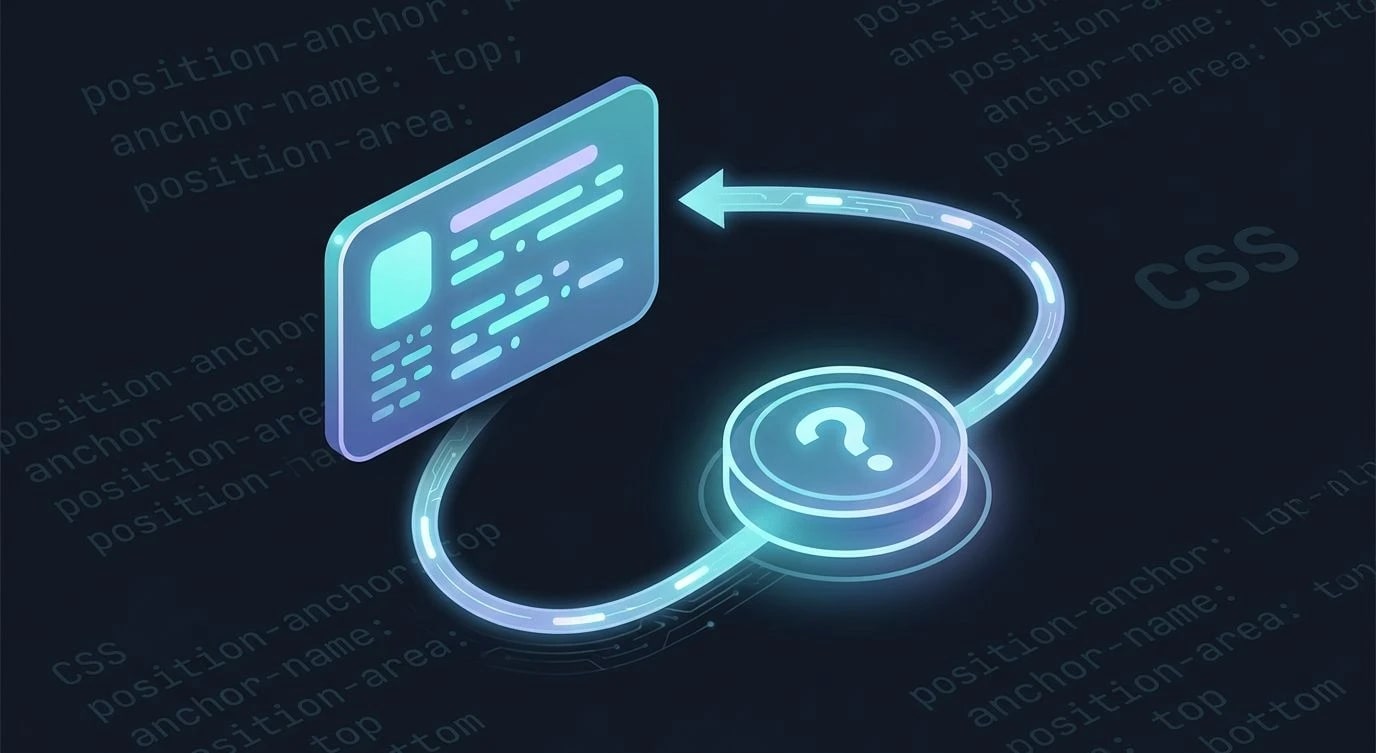
Every team I've worked with that ships tooltips, dropdowns, or popovers ends up shipping a positioning library alongside them. floating-ui (the successor to Popper.js) is excellent, but it exists to solve a problem the platform never had a native answer for: "place this element next to that element, and flip it to the other side if it runs out of room." That's it. That's the whole job. And for over a decade, doing it correctly required JavaScript computing bounding rects on every scroll and resize.
CSS anchor positioning changes that. It's a native mechanism for tying one element's position to another element anywhere in the DOM, with built-in fallback logic for when the anchored element would overflow the viewport. No ResizeObserver, no getBoundingClientRect(), no re-render loop.
The Problem With Popover Positioning Today
A typical tooltip implementation looks like this:
// ❌ JS has to recompute position on every scroll/resize
import { computePosition, flip, shift, offset } from "@floating-ui/dom";

function updateTooltipPosition(button, tooltip) {
  computePosition(button, tooltip, {
    placement: "top",
    middleware: [offset(8), flip(), shift({ padding: 8 })],
  }).then(({ x, y }) => {
    Object.assign(tooltip.style, {
      left: `${x}px`,
      top: `${y}px`,
    });
  });
}

button.addEventListener("mouseenter", () =>
  updateTooltipPosition(button, tooltip)
);
window.addEventListener("scroll", () =>
  updateTooltipPosition(button, tooltip)
);
window.addEventListener("resize", () =>
  updateTooltipPosition(button, tooltip)
);
It works, but it costs a dependency, a bundle-size line item, and a listener on every scroll event in the app. The CSS Anchor Positioning spec moves this logic into the layout engine, where it belongs — the browser already knows where every box is on every frame.
Anchoring an Element
The mechanism has two halves: naming an anchor, and positioning something relative to it.
/* Step 1: give the reference element a name */
.trigger-button {
  anchor-name: --tooltip-anchor;
}

/* Step 2: tell the positioned element which anchor to use */
.tooltip {
  position: fixed;
  position-anchor: --tooltip-anchor;
  position-area: top;
  margin-bottom: 8px;
}
anchor-name doesn't have to live on a parent or a sibling — the anchor and the anchored element can be anywhere in the document tree. That alone eliminates a whole category of "why won't position: absolute escape this overflow: hidden container" bugs, since the anchored element positions itself relative to the anchor's actual location in the viewport, not its DOM ancestry.
position-area accepts keywords like top, bottom, left, right, and combinations such as top left or bottom span-all, mapping the anchored box onto a 3x3 grid centered on the anchor. It replaces manually computing offsets for every placement variant.
Reading the Anchor's Geometry Directly
For layouts that need more precision than the keyword grid — say, centering a popover horizontally on its anchor while keeping it below — the anchor() function reads coordinates straight from the anchor box:
.tooltip {
  position: fixed;
  position-anchor: --tooltip-anchor;

  top: calc(anchor(bottom) + 8px);
  left: anchor(center);
  translate: -50% 0;
}
anchor(bottom) resolves to the anchor's bottom edge, anchor(center) to its horizontal midpoint — these are live values the browser recalculates on every layout pass, the same way % values recalculate against a containing block.
Automatic Fallback Positioning
The part that actually replaces flip() and shift() from floating-ui is position-try-fallbacks. You define a preferred position and a list of alternates; the browser tries each one in order until it finds a placement that doesn't overflow the viewport.
.tooltip {
  position: fixed;
  position-anchor: --tooltip-anchor;
  position-area: top;

  /* If "top" would overflow, try these in order */
  position-try-fallbacks: bottom, left, right;
}
For fallbacks that need custom logic beyond the built-in keywords, @position-try lets you define a named block of overrides:
@position-try --tooltip-bottom-left {
  position-area: bottom left;
  margin-top: 8px;
}

.tooltip {
  position-anchor: --tooltip-anchor;
  position-area: top;
  position-try-fallbacks: --tooltip-bottom-left, flip-block;
}flip-block and flip-inline are built-in fallback keywords — they mirror the
current position-area across the block or inline axis, which covers most
"flip to the other side" cases without writing a custom @position-try rule.
Before and After: A Real Tooltip Component
Here's the difference in practice, side by side.
| Concern | JS library (floating-ui) | CSS anchor positioning |
|---|---|---|
| Bundle cost | ~5-8kb gzipped | 0kb — native |
| Recompute on scroll | Manual listener + rAF | Automatic, engine-driven |
| Fallback placement | flip() middleware | position-try-fallbacks |
Works in overflow: hidden ancestor | Requires position: fixed escape hatches | Native, anchor lookup ignores DOM ancestry |
<button id="info-btn" class="trigger-button">Details</button>
<div id="info-tip" class="tooltip" popover>
  Deployment scheduled for 2:00 AM UTC.
</div>.trigger-button {
anchor-name: --info-anchor;
}
.tooltip {
position-anchor: --info-anchor;
position-area: top;
position-try-fallbacks: bottom, flip-inline;
margin-bottom: 6px;
padding: 8px 12px;
border-radius: 6px;
background: #1e1e1e;
color: white;
}Pair this with the Popover API — the popover attribute in the markup above — and you get open/close state management, focus handling, and top-layer stacking without a single line of JavaScript for what used to be a full component library's job.
Browser Support and the Fallback Strategy
Anchor positioning is a Baseline-tracked feature landing across Chromium browsers first, with Firefox and Safari implementations in progress. Until it's universal, treat it the way you'd treat container queries in their first year:
/* ✅ progressive enhancement, not a hard dependency */
.tooltip {
  /* JS-computed fallback position as the default */
  position: fixed;
  top: var(--js-computed-top);
  left: var(--js-computed-left);
}

@supports (position-anchor: --info-anchor) {
  .tooltip {
    position-anchor: --info-anchor;
    position-area: top;
    position-try-fallbacks: bottom, flip-inline;
    top: auto;
    left: auto;
  }
}
Check current support on the MDN CSS Anchor Positioning reference before deciding whether to keep the JS fallback path or drop it entirely for an internal tool where you control the browser.
Key Takeaways
anchor-nameandposition-anchorconnect two elements anywhere in the DOM — no shared ancestor required, unlike traditionalposition: absolute.position-areahandles the common nine-position grid;anchor()handles precise, calculated offsets when keywords aren't enough.position-try-fallbacksand@position-tryreplaceflip()/shift()middleware — the browser tries alternates automatically on overflow.- Pair anchor positioning with the Popover API for tooltips and menus that need zero JavaScript for both positioning and open/close state.
- Ship it behind
@supports (position-anchor: ...)until support is uniform across the browsers your analytics say matter. - This doesn't kill floating-ui for complex cases — virtual anchors, arrow elements, and custom middleware still need JS — but it removes the dependency for the 80% of popovers that just need "put this near that."