Automating Repetitive Tasks as a Developer
Practical strategies for spotting and automating repetitive development work — shell scripts, code generators, Git aliases and scaffolding tools.

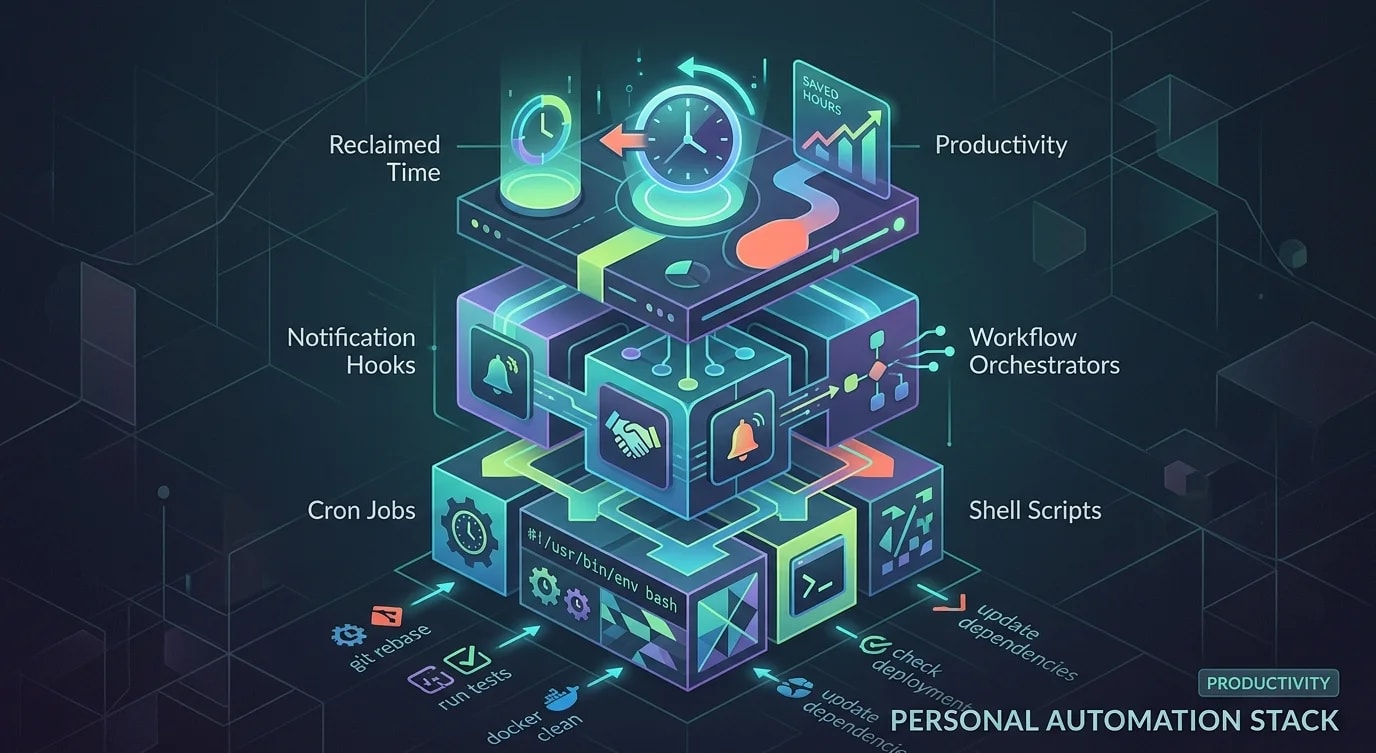
Most developers spend hours each week on tasks they have done a hundred times before — creating boilerplate files, setting up test fixtures, deploying to staging, renaming batches of files. These tasks are not hard, but they are interruptive. Automating them eliminates an entire class of context switches and frees your brain for actual problem-solving.
The rule of thumb: if you do something more than three times, automate it. If the automation takes less time than doing the task five more times manually, it pays for itself quickly. The secondary benefit is consistency — automated tasks do not forget steps or introduce typos.
Identifying What to Automate
Start by keeping a log of repetitive tasks for one week. Most developers are surprised by how much time goes to mechanical work.
## Automation Candidates (1 week log)

### High Frequency (daily)
- Creating new React component files (same structure every time)
- Running database migrations before starting dev server
- Switching between Git branches and rebuilding

### Medium Frequency (weekly)
- Setting up test fixtures for integration tests
- Generating API client code from OpenAPI specs
- Creating pull request descriptions from commit history

### Low Frequency (monthly)
- Spinning up a new microservice from template
- Rotating API keys across environments
- Generating release notes from merged PRs// ❌ Manual component creation — every single time
// 1. Create src/components/UserProfile/
// 2. Create UserProfile.tsx with boilerplate
// 3. Create UserProfile.test.tsx with test structure
// 4. Create index.ts with export
// 5. Add to component barrel file
// Time: 3-5 minutes, repeated 3x per day = 15 minutes/day
// ✅ Automated — one command
// $ gen component UserProfile
// Creates all 4 files with correct structure
// Time: 5 secondsShell Aliases and Functions
The lowest-effort automation is shell aliases and functions. They wrap multi-step commands into single invocations.
# ~/.zshrc or ~/.bashrc

# Git shortcuts
alias gs='git status'
alias gco='git checkout'
alias gp='git pull --rebase'
alias gcm='git commit -m'

# Development workflow
alias dev='npm run dev'
alias build='npm run build'
alias test='npm run test'
alias lint='npm run lint -- --fix'

# Complex workflows as functions
function fresh() {
  # Fresh start: pull latest, install deps, run migrations, start dev
  echo "🔄 Pulling latest changes..."
  git pull --rebase origin main
  echo "📦 Installing dependencies..."
  npm ci
  echo "🗄️  Running migrations..."
  npm run db:migrate
  echo "🚀 Starting dev server..."
  npm run dev
}

function branch() {
  # Create a new feature branch from latest main
  local branch_name=$1
  if [ -z "$branch_name" ]; then
    echo "Usage: branch feat/my-feature"
    return 1
  fi
  git checkout main
  git pull --rebase
  git checkout -b "$branch_name"
  echo "Created and switched to $branch_name"
}# ❌ Multiple commands every time you start work
git checkout main
git pull --rebase
npm ci
npm run db:migrate
npm run dev
# Time: 2 minutes of typing + waiting
# ✅ One command
fresh
# Same result, zero thinking, zero typosCode Generators
For repetitive file creation, a code generator eliminates boilerplate and enforces project conventions.
// scripts/generate-component.ts
import fs from 'fs';
import path from 'path';

interface ComponentConfig {
  name: string;
  directory: string;
  withTests: boolean;
  withStories: boolean;
}

function generateComponent(config: ComponentConfig): void {
  const dir = path.join(config.directory, config.name);
  fs.mkdirSync(dir, { recursive: true });

  // Component file
  const component = `interface ${config.name}Props {
  className?: string;
}

export function ${config.name}({ className }: ${config.name}Props) {
  return (
    <div className={className}>
      <h2>${config.name}</h2>
    </div>
  );
}
`;
  fs.writeFileSync(path.join(dir, `${config.name}.tsx`), component);

  // Test file
  if (config.withTests) {
    const test = `import { render, screen } from '@testing-library/react';
import { ${config.name} } from './${config.name}';

describe('${config.name}', () => {
  it('renders without crashing', () => {
    render(<${config.name} />);
    expect(screen.getByText('${config.name}')).toBeInTheDocument();
  });
});
`;
    fs.writeFileSync(
      path.join(dir, `${config.name}.test.tsx`),
      test
    );
  }

  // Index file
  const index = `export { ${config.name} } from './${config.name}';\n`;
  fs.writeFileSync(path.join(dir, 'index.ts'), index);

  console.log(`Created ${config.name} in ${dir}`);
}

// CLI entry point
const name = process.argv[2];
if (!name) {
  console.error('Usage: tsx scripts/generate-component.ts MyComponent');
  process.exit(1);
}

generateComponent({
  name,
  directory: 'src/components',
  withTests: true,
  withStories: false,
});
Git Hooks for Automated Checks
Git hooks automate quality checks at the right moments — before committing, before pushing. They prevent common mistakes from reaching the repository.
# .husky/pre-commit — lint only changed files
npx lint-staged

# .husky/commit-msg — enforce commit message format
#!/bin/sh
COMMIT_MSG=$(cat "$1")
PATTERN="^(feat|fix|docs|style|refactor|perf|test|chore|ci|revert)(\(.+\))?: .{1,100}$"

if ! echo "$COMMIT_MSG" | grep -qE "$PATTERN"; then
  echo "❌ Commit message does not match conventional format."
  echo "   Expected: type(scope): description"
  echo "   Example: feat(auth): add password reset flow"
  exit 1
fi// lint-staged.config.json — auto-format on commit
{
"*.{ts,tsx}": ["eslint --fix", "prettier --write"],
"*.{css,scss}": ["prettier --write"],
"*.md": ["prettier --write"]
}Database and API Automation
Automate repetitive database operations and API client generation to eliminate manual sync work.
#!/bin/bash
# scripts/sync-staging.sh — pull staging database for local development

set -euo pipefail

DB_NAME="myapp_dev"
STAGING_URL="${STAGING_DATABASE_URL:?Set STAGING_DATABASE_URL}"

echo "⬇️  Dumping staging database..."
pg_dump "$STAGING_URL" \
  --no-owner \
  --no-privileges \
  --exclude-table='sessions' \
  --exclude-table='audit_logs' \
  > /tmp/staging_dump.sql

echo "🗑️  Dropping local database..."
dropdb --if-exists "$DB_NAME"
createdb "$DB_NAME"

echo "📥 Restoring to local..."
psql "$DB_NAME" < /tmp/staging_dump.sql

echo "🔒 Anonymizing PII..."
psql "$DB_NAME" <<SQL
  UPDATE users SET
    email = 'user_' || id || '@test.local',
    first_name = 'Test',
    last_name = 'User_' || id;
SQL

rm /tmp/staging_dump.sql
echo "✅ Local database synced with anonymized staging data"// scripts/generate-api-client.ts
// Auto-generate TypeScript API client from OpenAPI spec
import { execSync } from 'child_process';
const SPEC_URL = 'https://api.example.com/openapi.json';
const OUTPUT_DIR = 'src/api/generated';
// Generate client using openapi-typescript-codegen
execSync(
`npx openapi-typescript-codegen \
--input ${SPEC_URL} \
--output ${OUTPUT_DIR} \
--client fetch \
--useOptions`,
{ stdio: 'inherit' }
);
console.log(`API client generated in ${OUTPUT_DIR}`);Project Scaffolding
For teams that create new services or packages regularly, a scaffolding tool ensures every project starts with the same structure, configurations, and CI pipelines.
// scripts/scaffold-service.ts
import fs from 'fs';
import path from 'path';

interface ServiceConfig {
  name: string;
  port: number;
  hasDatabase: boolean;
  hasRedis: boolean;
}

function scaffoldService(config: ServiceConfig): void {
  const base = path.join('services', config.name);

  const structure: Record<string, string> = {
    'src/index.ts': generateEntryPoint(config),
    'src/routes/health.ts': generateHealthRoute(config),
    'Dockerfile': generateDockerfile(config),
    'docker-compose.yml': generateDockerCompose(config),
    '.env.example': generateEnvExample(config),
    'tsconfig.json': JSON.stringify(tsconfig, null, 2),
    'package.json': JSON.stringify(
      generatePackageJson(config),
      null,
      2
    ),
  };

  for (const [filePath, content] of Object.entries(structure)) {
    const fullPath = path.join(base, filePath);
    fs.mkdirSync(path.dirname(fullPath), { recursive: true });
    fs.writeFileSync(fullPath, content);
  }

  console.log(`Scaffolded service '${config.name}' in ${base}/`);
  console.log(`Next steps:`);
  console.log(`  cd ${base}`);
  console.log(`  npm install`);
  console.log(`  npm run dev`);
}# ❌ Manual service creation
# 1. Create directory structure (5 min)
# 2. Copy and modify Dockerfile from another service (10 min)
# 3. Set up tsconfig, package.json, eslint config (15 min)
# 4. Create health check route (5 min)
# 5. Set up docker-compose with database (10 min)
# 6. Configure CI pipeline (15 min)
# Time: ~1 hour, inconsistent across services
# ✅ Scaffolded in seconds
npx tsx scripts/scaffold-service.ts --name user-service --port 3001 --db --redis
# Time: 10 seconds, consistent every timeKey Takeaways
- Log repetitive tasks for one week — you cannot automate what you have not identified; the frequency and time cost will surprise you
- Start with shell aliases — the fastest way to eliminate multi-step commands; five minutes of setup saves months of typing
- Build code generators for boilerplate — any file structure created more than three times should have a generator
- Automate database syncs with anonymization — staging data in local development accelerates debugging without exposing PII
- Use scaffolding for new projects — every new service or package should start from a consistent template, not a copy-paste from another project
- Invest in automation proportionally — spend 30 minutes automating something you do daily, not something you do once a year