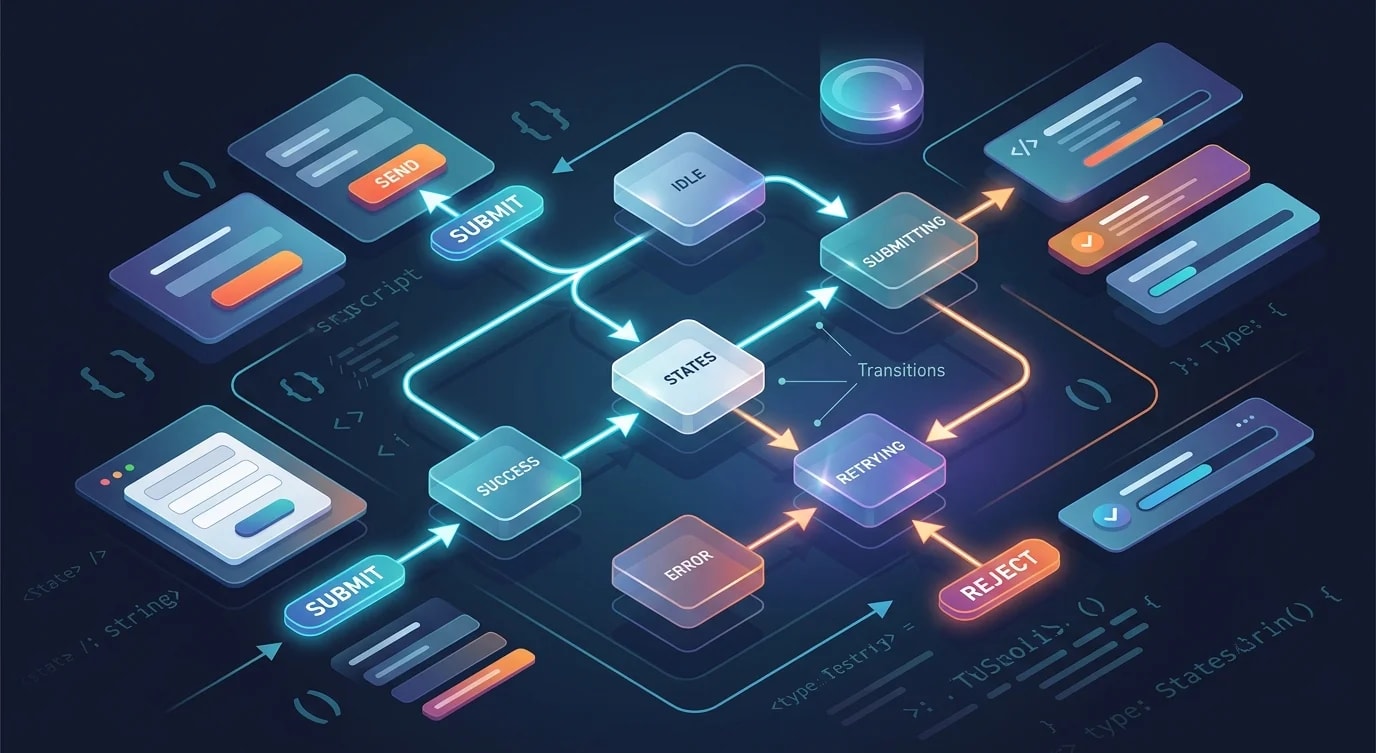
Progressive Web Apps: Offline-Capable Web Experiences
A practical guide to building progressive web apps with service workers, caching strategies, and installability that work reliably offline.
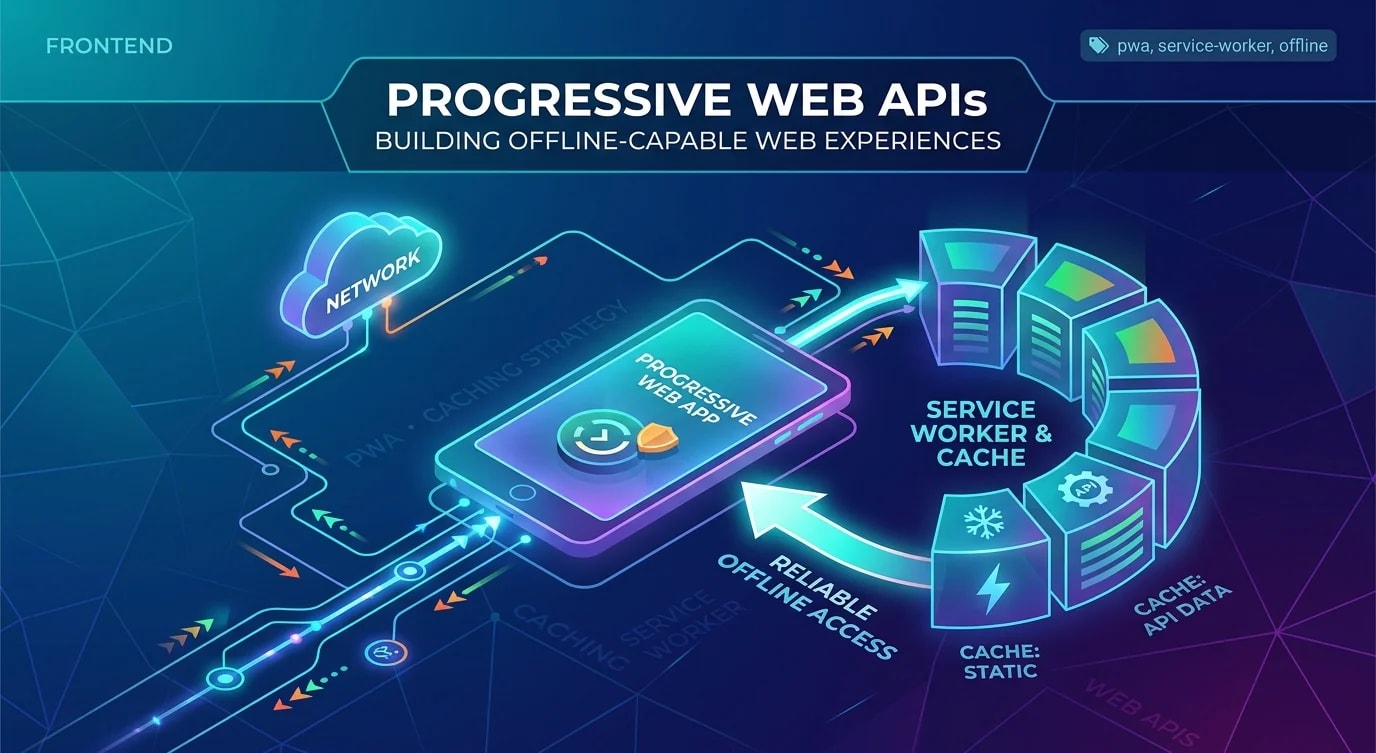
Progressive Web Apps are not a framework or a library. They are a set of capabilities — offline support, installability, background sync — that make web applications behave like native apps. The technology has been stable for years, but adoption remains low because developers treat PWA as an all-or-nothing commitment instead of an incremental upgrade.
You do not need to go fully offline-first. Adding a service worker that caches your shell and handles network failures gracefully already puts you ahead of 90% of web applications.
The Service Worker Lifecycle
A service worker is a JavaScript file that runs in a separate thread, intercepting network requests between your app and the server. Understanding its lifecycle prevents the most common PWA bugs.
// sw.js
const CACHE_NAME = 'app-cache-v1';
const STATIC_ASSETS = [
  '/',
  '/index.html',
  '/styles/main.css',
  '/scripts/app.js',
  '/offline.html',
];

// Install: pre-cache critical assets
self.addEventListener('install', (event) => {
  event.waitUntil(
    caches.open(CACHE_NAME).then((cache) => {
      return cache.addAll(STATIC_ASSETS);
    })
  );
  self.skipWaiting();
});

// Activate: clean up old caches
self.addEventListener('activate', (event) => {
  event.waitUntil(
    caches.keys().then((keys) => {
      return Promise.all(
        keys
          .filter((key) => key !== CACHE_NAME)
          .map((key) => caches.delete(key))
      );
    })
  );
  self.clients.claim();
});
The install event fires once when the service worker is first registered. The activate event fires after the old service worker is removed. Between those events, the new worker waits — which is why users sometimes see stale content until they close all tabs.
skipWaiting() and clients.claim() force immediate activation. Use them for non-breaking cache updates. Avoid them when the cache structure changes significantly — you might serve a new HTML shell with references to old cached assets.
Caching Strategies
Different resources need different caching strategies. Static assets rarely change. API responses change constantly. Applying the wrong strategy to either creates problems.
Cache First (Static Assets)
// Best for: CSS, JS bundles, images, fonts
self.addEventListener('fetch', (event) => {
  if (event.request.destination === 'style' ||
      event.request.destination === 'script' ||
      event.request.destination === 'image') {
    event.respondWith(
      caches.match(event.request).then((cached) => {
        return cached || fetch(event.request).then((response) => {
          const clone = response.clone();
          caches.open(CACHE_NAME).then((cache) => {
            cache.put(event.request, clone);
          });
          return response;
        });
      })
    );
  }
});
Network First (API Data)
// Best for: API responses, user-specific data
async function networkFirst(request) {
  const cache = await caches.open('api-cache');

  try {
    const networkResponse = await fetch(request);
    // Only cache successful responses
    if (networkResponse.ok) {
      cache.put(request, networkResponse.clone());
    }
    return networkResponse;
  } catch (error) {
    const cachedResponse = await cache.match(request);
    if (cachedResponse) return cachedResponse;
    // Return a meaningful offline response
    return new Response(
      JSON.stringify({ error: 'offline', cached: false }),
      { headers: { 'Content-Type': 'application/json' } }
    );
  }
}
Stale While Revalidate (Semi-Dynamic Content)
// Best for: blog posts, product listings, non-critical API data
async function staleWhileRevalidate(request) {
  const cache = await caches.open('content-cache');
  const cachedResponse = await cache.match(request);

  const fetchPromise = fetch(request).then((networkResponse) => {
    if (networkResponse.ok) {
      cache.put(request, networkResponse.clone());
    }
    return networkResponse;
  });

  // Return cached immediately, update in background
  return cachedResponse || fetchPromise;
}
This is often the best default strategy — users get instant responses from cache while the service worker silently updates the cached version for next time.
The Web App Manifest
The manifest makes your app installable. Without it, browsers will not show the "Add to Home Screen" prompt.
{
  "name": "My Application",
  "short_name": "MyApp",
  "description": "A fast, offline-capable web application",
  "start_url": "/",
  "display": "standalone",
  "background_color": "#ffffff",
  "theme_color": "#1a1a2e",
  "orientation": "portrait-primary",
  "icons": [
    {
      "src": "/icons/icon-192.png",
      "sizes": "192x192",
      "type": "image/png"
    },
    {
      "src": "/icons/icon-512.png",
      "sizes": "512x512",
      "type": "image/png"
    },
    {
      "src": "/icons/icon-maskable.png",
      "sizes": "512x512",
      "type": "image/png",
      "purpose": "maskable"
    }
  ]
}
The display: "standalone" mode removes the browser chrome, making the app look native. Include both regular and maskable icons — Android adaptive icons need the maskable variant for proper rendering.
Handling Offline State
The worst offline experience is no experience — a blank page or a browser error. The second worst is pretending to work and silently dropping user actions.
// ❌ Ignores network state — user thinks action succeeded
async function submitForm(data: FormData) {
  await fetch('/api/submit', { method: 'POST', body: data });
  showSuccess('Submitted!');
}

// ✅ Queues offline actions and provides honest feedback
async function submitForm(data: FormData) {
  if (!navigator.onLine) {
    await saveToOutbox(data);
    showInfo('Saved offline. Will submit when connection returns.');
    return;
  }

  try {
    await fetch('/api/submit', { method: 'POST', body: data });
    showSuccess('Submitted!');
  } catch {
    await saveToOutbox(data);
    showInfo('Network error. Queued for retry.');
  }
}
IndexedDB provides reliable offline storage for queued actions:
async function saveToOutbox(data: FormData) {
  const db = await openDB('app-db', 1, {
    upgrade(db) {
      db.createObjectStore('outbox', {
        keyPath: 'id',
        autoIncrement: true,
      });
    },
  });

  const serialized = Object.fromEntries(data.entries());
  await db.add('outbox', {
    url: '/api/submit',
    body: serialized,
    timestamp: Date.now(),
  });
}
Background Sync
The Background Sync API lets your service worker retry failed requests when connectivity returns — even if the user has closed the tab.
// In your app code — register a sync
async function requestBackgroundSync() {
  const registration = await navigator.serviceWorker.ready;
  await registration.sync.register('outbox-sync');
}

// In sw.js — handle the sync event
self.addEventListener('sync', (event) => {
  if (event.tag === 'outbox-sync') {
    event.waitUntil(processOutbox());
  }
});

async function processOutbox() {
  const db = await openDB('app-db', 1);
  const items = await db.getAll('outbox');

  for (const item of items) {
    try {
      await fetch(item.url, {
        method: 'POST',
        headers: { 'Content-Type': 'application/json' },
        body: JSON.stringify(item.body),
      });
      await db.delete('outbox', item.id);
    } catch {
      // Will retry on next sync event
      break;
    }
  }
}
Background Sync has good browser support in Chromium browsers. For Safari and Firefox, fall back to checking connectivity on page load and processing the outbox then.
Key Takeaways
- Start with a basic service worker — caching the app shell and handling offline gracefully covers most use cases
- Match caching strategy to content type — cache-first for static assets, network-first for API data, stale-while-revalidate for the middle ground
- Version your caches — old cache cleanup in the
activateevent prevents serving stale assets - Be honest about offline state — queue actions and tell users what happened instead of silently failing
- Background Sync completes offline workflows — let the service worker retry when connectivity returns