Performance Budgets: Setting and Enforcing Standards
How to define, measure, and enforce performance budgets that prevent your web application from silently degrading over time.
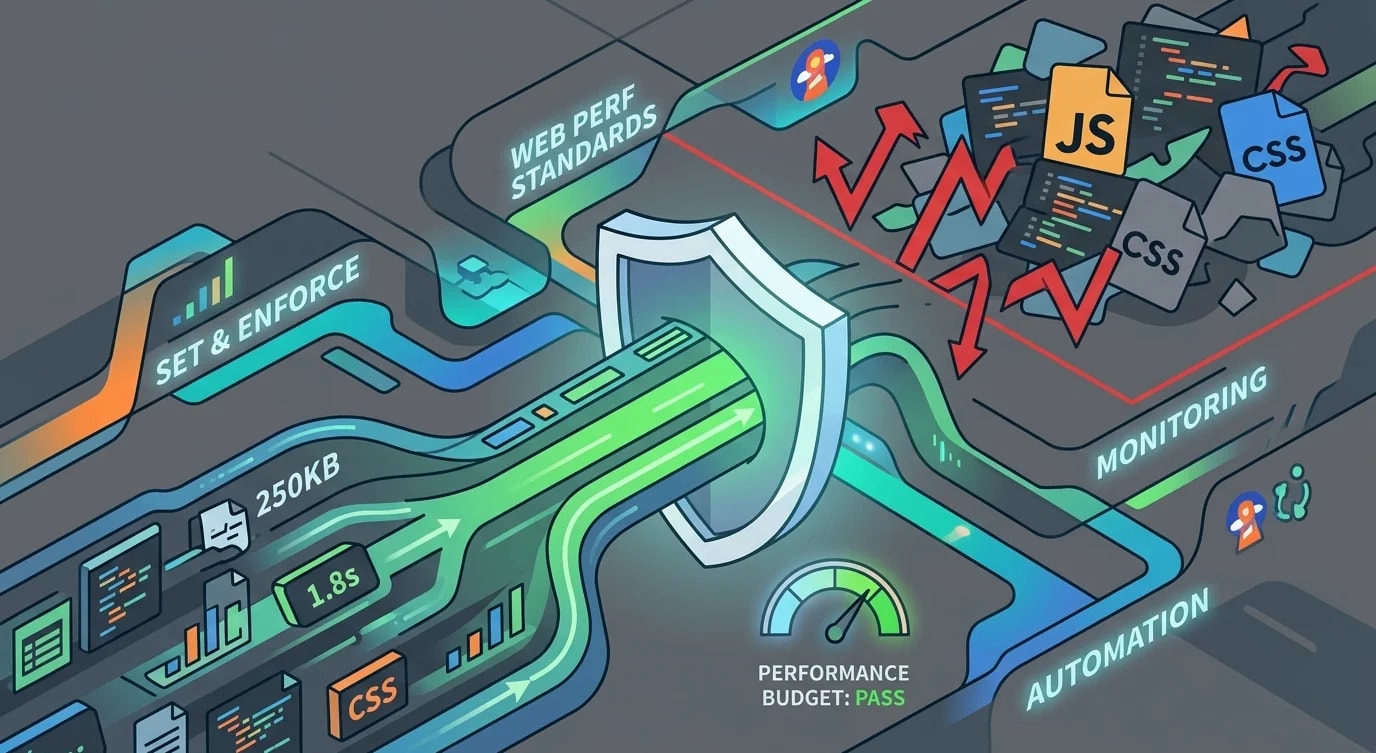
Every web application starts fast. Then someone adds a carousel library. Then an analytics script. Then a date picker that bundles all of Moment.js. Six months later, your landing page takes 8 seconds to load and nobody can point to a single commit that caused it.
Performance budgets exist to make this creep visible and preventable. They are hard numbers — maximum bundle size, maximum time to interactive, maximum number of requests — that your build process enforces automatically.
What to Budget
Performance budgets fall into three categories: timing metrics, size metrics, and count metrics. Each catches different types of regression.
# performance-budget.yml
timing:
  first-contentful-paint: 1800  # ms
  largest-contentful-paint: 2500  # ms
  time-to-interactive: 3500  # ms
  cumulative-layout-shift: 0.1  # unitless

size:
  total-bundle: 250  # KB (compressed)
  javascript: 170  # KB (compressed)
  css: 50  # KB (compressed)
  images-per-page: 500  # KB

count:
  requests: 50
  third-party-scripts: 3
Start with the metrics that matter most for your application. An e-commerce site might prioritize Largest Contentful Paint (product images). A dashboard might prioritize Time to Interactive (complex JavaScript). A content site might prioritize First Contentful Paint (text rendering).
Measuring Against Budgets
Lighthouse CI integrates performance budget checks directly into your CI pipeline. It runs Lighthouse against your deployed or locally-served app and compares results against thresholds.
// lighthouserc.js
module.exports = {
  ci: {
    collect: {
      url: ['http://localhost:3000/', 'http://localhost:3000/dashboard'],
      numberOfRuns: 3,
    },
    assert: {
      assertions: {
        'first-contentful-paint': ['warn', { maxNumericValue: 1800 }],
        'largest-contentful-paint': ['error', { maxNumericValue: 2500 }],
        'interactive': ['error', { maxNumericValue: 3500 }],
        'cumulative-layout-shift': ['error', { maxNumericValue: 0.1 }],
        'total-byte-weight': ['warn', { maxNumericValue: 500000 }],
      },
    },
    upload: {
      target: 'temporary-public-storage',
    },
  },
};
The warn vs error distinction matters. Warnings flag regressions in pull request comments. Errors block the merge. Use warnings for aspirational targets and errors for non-negotiable limits.
Bundle Size Monitoring
Bundle size is the most predictable performance metric. Unlike timing metrics (which vary by device and network), bundle size is deterministic — same code, same size, every time.
// bundlesize.config.js — or use bundlewatch, size-limit
module.exports = [
  {
    path: 'dist/main.*.js',
    maxSize: '120 KB',
    compression: 'gzip',
  },
  {
    path: 'dist/vendor.*.js',
    maxSize: '80 KB',
    compression: 'gzip',
  },
  {
    path: 'dist/*.css',
    maxSize: '30 KB',
    compression: 'gzip',
  },
];
Tools like size-limit go further — they measure not just file size but actual execution time and parse cost:
# package.json
{
  "size-limit": [
    {
      "path": "dist/index.js",
      "limit": "15 KB",
      "running": true
    }
  ],
  "scripts": {
    "size": "size-limit",
    "size:check": "size-limit --why"
  }
}
Running size-limit --why shows exactly which dependencies contribute to your bundle — which is how you find the 200KB library someone imported for a single utility function.
Webpack Bundle Analysis
When a budget fails, you need to understand why. Bundle analyzers visualize what is inside your bundles.
// webpack.config.js
const { BundleAnalyzerPlugin } = require('webpack-bundle-analyzer');

module.exports = {
  plugins: [
    new BundleAnalyzerPlugin({
      analyzerMode: 'static',
      reportFilename: 'bundle-report.html',
      openAnalyzer: false,
    }),
  ],
};
Common findings from bundle analysis:
- Duplicate dependencies: Two versions of the same library (e.g., lodash 4.x and 3.x) because of transitive dependencies
- Unused exports: Importing an entire library when you use one function — tree-shaking only works with ES modules
- Locale data: Libraries like Moment.js or date-fns ship all locales by default
// ❌ Imports entire lodash — 70KB+ in your bundle
import _ from 'lodash';
const result = _.groupBy(items, 'category');

// ✅ Cherry-pick the function — ~1KB
import groupBy from 'lodash/groupBy';
const result = groupBy(items, 'category');
Image Performance Budgets
Images typically account for 50-70% of page weight. An image budget prevents the "just one more hero image" pattern from destroying load times.
interface ImageBudget {
  maxSizeKB: number;
  maxDimensions: { width: number; height: number };
  requiredFormats: string[];
}

const imageBudgets: Record<string, ImageBudget> = {
  hero: {
    maxSizeKB: 150,
    maxDimensions: { width: 1920, height: 1080 },
    requiredFormats: ['webp', 'avif'],
  },
  thumbnail: {
    maxSizeKB: 30,
    maxDimensions: { width: 400, height: 300 },
    requiredFormats: ['webp'],
  },
  avatar: {
    maxSizeKB: 15,
    maxDimensions: { width: 200, height: 200 },
    requiredFormats: ['webp'],
  },
};
Enforce image budgets at build time with automated compression. Reject images that exceed the budget before they reach production.
Enforcing Budgets in CI/CD
The budget only works if it cannot be ignored. Integrate checks into the pull request workflow so regressions are visible before merge.
# .github/workflows/performance.yml
name: Performance Budget
on: [pull_request]

jobs:
  budget-check:
    runs-on: ubuntu-latest
    steps:
      - uses: actions/checkout@v3
      - uses: actions/setup-node@v3
      - run: npm ci
      - run: npm run build

      - name: Check bundle size
        run: npx size-limit

      - name: Lighthouse CI
        run: |
          npm install -g @lhci/cli
          lhci autorun
When a budget breaks: investigate before raising the limit. Most regressions have a cheaper fix than increasing the budget — lazy loading, code splitting, or replacing an oversized dependency.
Key Takeaways
- Set budgets early — it is easier to maintain performance than to recover it
- Budget bundle size first — it is deterministic and measurable in CI without a running server
- Use
errorfor hard limits,warnfor goals — block merges only for non-negotiable thresholds - Analyze before raising limits — most regressions have smaller fixes than increasing the budget
- Image budgets have the highest ROI — images are the largest weight on most pages
- Automate enforcement in CI — a budget nobody checks is a budget nobody follows