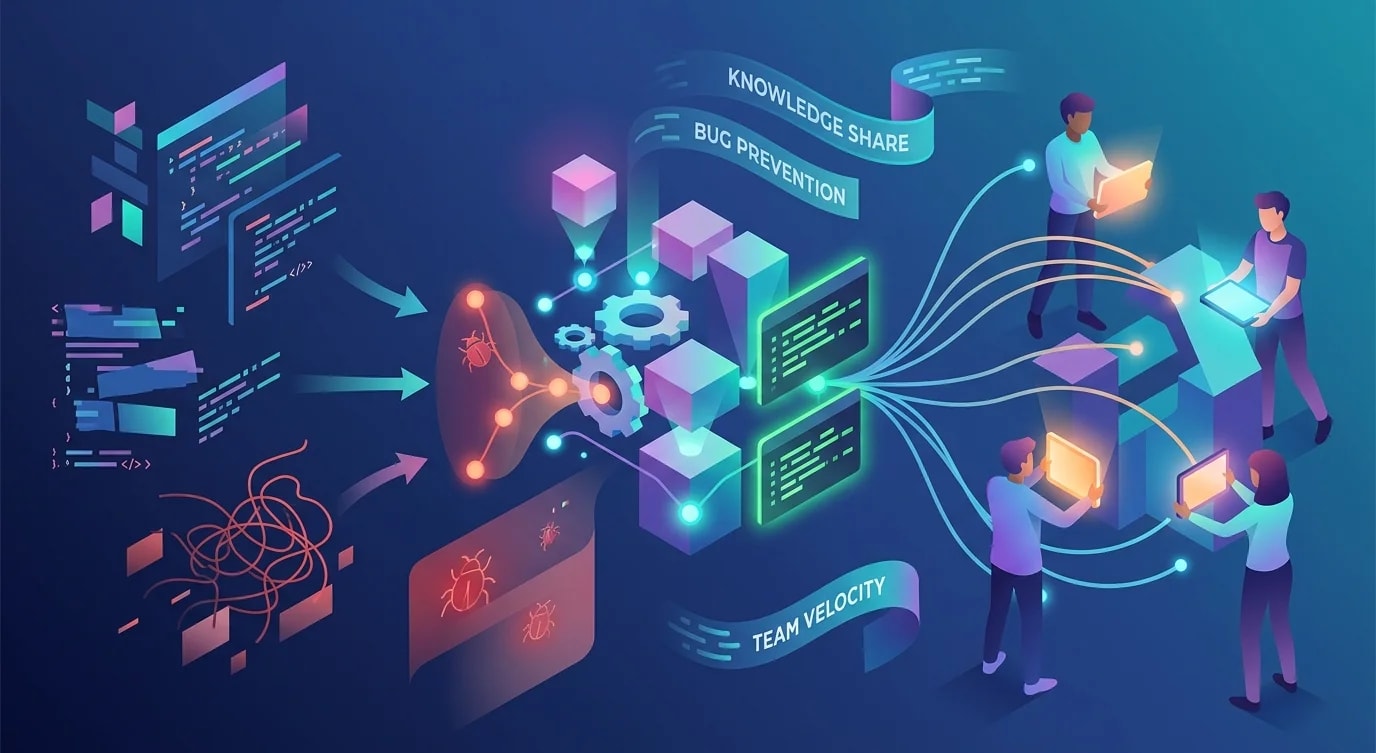
Git Workflow Strategies for Growing Teams
Trunk-based, GitFlow, or something in between — how to pick a Git workflow that scales with your team without drowning in merge conflicts.

Git is easy to learn and hard to use well in a team. The moment you go from solo development to two or more people committing to the same repository, workflow decisions start compounding. A bad branching strategy creates merge conflicts, blocks deployments, and erodes confidence in the release process.
The Three Workflows Worth Knowing
Most teams end up with one of three strategies — or a hybrid. Each has clear trade-offs.
| Strategy | Best for | Main risk |
|---|---|---|
| Trunk-based development | Small teams, strong CI, continuous deployment | Broken main if CI is weak |
| GitHub Flow | Most product teams, PR-based review culture | Long-lived branches if PRs stall |
| GitFlow | Release-heavy products, multiple supported versions | Ceremony overhead, merge complexity |
The right choice depends on release cadence, team size, and CI maturity — not personal preference.
Trunk-Based Development
In trunk-based development, everyone commits to main (or a very short-lived branch that merges within hours). Feature flags gate incomplete work.
# Short-lived branch — lives for hours, not days
git checkout -b feat/add-discount-field
# ... make changes, commit ...
git push origin feat/add-discount-field
# Open PR, get review, merge same day// Feature flag gates incomplete work in production
export function calculatePrice(item: CartItem): number {
const base = item.price * item.quantity;
if (featureFlags.isEnabled("volume-discounts")) {
return applyVolumeDiscount(base, item.quantity);
}
return base;
}The key constraint: branches must be short-lived. If a branch lives for more than a day or two, you're not doing trunk-based development — you're doing long-lived feature branches with extra steps.
GitHub Flow
GitHub Flow is the most common workflow for product teams. One long-lived branch (main), feature branches for every change, pull requests for review.
# Create a feature branch from main
git checkout main
git pull origin main
git checkout -b feat/user-profile-redesign

# Work on the feature, commit often
git add -A
git commit -m "refactor: extract ProfileHeader component"
git commit -m "feat: add avatar upload to profile page"

# Push and open a PR
git push origin feat/user-profile-redesign
The failure mode is stale branches. When a feature branch lives for a week and main moves forward, merge conflicts pile up and reviews become painful.
// ❌ Giant PR after two weeks of isolated work
// 47 files changed, 2,300 additions, 800 deletions
// Reviewer: "... I'll look at it tomorrow" (never does)

// ✅ Stacked PRs — small, reviewable, shippable
// PR 1: Add ProfileHeader component (3 files, 120 lines)
// PR 2: Add avatar upload endpoint (2 files, 80 lines)
// PR 3: Wire upload to ProfileHeader (4 files, 60 lines)
Break work into small, independently mergeable PRs. Each PR should be reviewable in under 15 minutes.
GitFlow and When You Actually Need It
GitFlow introduces develop, release/*, and hotfix/* branches on top of main. It's designed for products that ship versioned releases — desktop software, mobile apps with app store review, or libraries with semver.
# Start a release branch from develop
git checkout develop
git checkout -b release/2.4.0

# Fix last-minute bugs on the release branch
git commit -m "fix: correct currency formatting in invoice PDF"

# Merge to main and tag
git checkout main
git merge release/2.4.0
git tag -a v2.4.0 -m "Release 2.4.0"

# Back-merge to develop
git checkout develop
git merge release/2.4.0
If you deploy continuously from main, GitFlow adds ceremony without benefit. It solves the specific problem of maintaining multiple release channels simultaneously.
Commit Message Discipline
Regardless of workflow, commit messages are documentation. A good commit history is a searchable changelog.
# ❌ Useless messages
git commit -m "fix stuff"
git commit -m "WIP"
git commit -m "updates"

# ✅ Conventional commits — searchable, parseable
git commit -m "fix: prevent duplicate charges on retry"
git commit -m "feat: add webhook signature verification"
git commit -m "refactor: extract payment gateway interface"
Conventional Commits (feat:, fix:, refactor:, chore:, docs:) enable automated changelogs, semantic versioning, and meaningful git log output.
Protecting Main
Every team needs guardrails on the primary branch. At minimum:
# Example GitHub branch protection rules
branches:
  main:
    protection:
      required_pull_request_reviews:
        required_approving_review_count: 1
      required_status_checks:
        strict: true
        contexts:
          - "ci/tests"
          - "ci/lint"
          - "ci/typecheck"
      enforce_admins: true
No direct pushes to main. No merging without passing CI. No bypassing for "just this once" — that's how production breaks happen at 5 PM on a Friday.
Handling Merge Conflicts Proactively
Most merge conflicts come from two sources: long-lived branches and shared files that everyone edits (routes, configs, barrel exports).
// ❌ Single barrel file that every feature touches
// src/components/index.ts — guaranteed conflict zone
export { Button } from "./Button";
export { Modal } from "./Modal";
export { UserCard } from "./UserCard"; // PR A adds this
export { InvoiceTable } from "./InvoiceTable"; // PR B adds this — conflict

// ✅ Import directly — no shared barrel file
import { UserCard } from "@/components/UserCard";
import { InvoiceTable } from "@/components/InvoiceTable";
The other fix is rebasing frequently. If your branch lives more than a day, rebase on main daily to catch conflicts early when they're small.
Key Takeaways
- Pick a workflow that matches your release cadence — not the one that looks best in a diagram
- Keep branches short-lived regardless of which workflow you choose
- Small PRs get reviewed faster and merge cleaner than monolithic ones
- Conventional commits make your history searchable and your changelogs automatic
- Protect main with CI gates — no exceptions, no bypasses
- Rebase frequently to catch merge conflicts while they're still small