Einen GraphQL-Server von Grund auf bauen
Schritt-für-Schritt zum GraphQL-Server mit TypeScript: Schema-Design, Resolver, Dataloader gegen N+1, Authentifizierung, Fehler und Deployment.
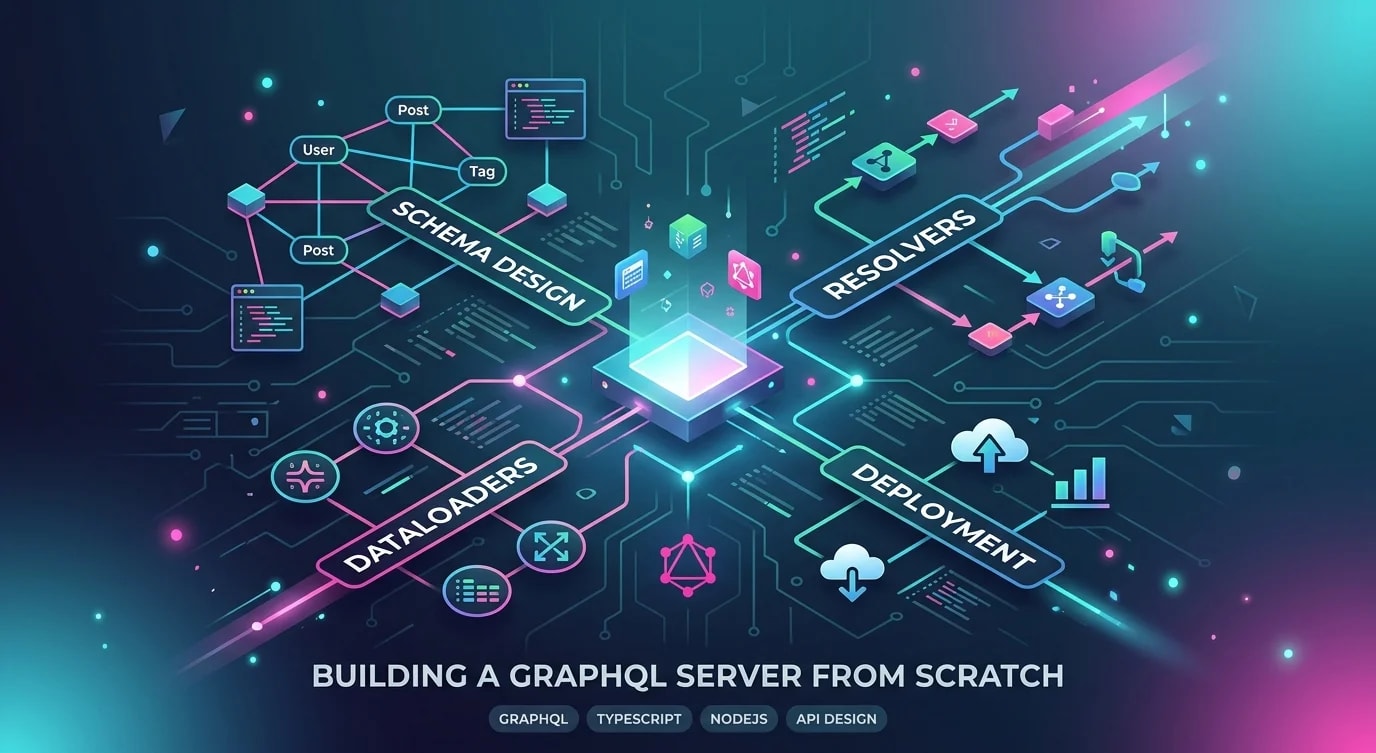
GraphQL löst die Over-Fetching- und Under-Fetching-Probleme von REST, indem Clients genau die Daten anfordern können, die sie brauchen. Statt 3 Endpunkte aufzurufen, um eine Benutzerprofilseite zu rendern (User, Posts, Follower), liefert eine einzige GraphQL-Abfrage alle drei in der Form, die der Client vorgibt.
Dieses Tutorial baut einen produktionsreifen GraphQL-Server von Grund auf mit TypeScript und Apollo Server. Am Ende hast du eine funktionierende API mit Schema-Design, Resolvers, N+1-Abfrageverhinderung, Authentifizierung und Fehlerbehandlung.
Schema-Design
Das Schema definiert den Vertrag deiner API – die Typen, Queries und Mutations, die den Clients zur Verfügung stehen. Betrachte es als typisierte Schnittstelle für die gesamte API-Oberfläche.
# schema.graphql

type User {
  id: ID!
  email: String!
  name: String!
  role: Role!
  posts(limit: Int = 10, offset: Int = 0): [Post!]!
  createdAt: DateTime!
}

type Post {
  id: ID!
  title: String!
  content: String!
  published: Boolean!
  author: User!
  tags: [Tag!]!
  createdAt: DateTime!
  updatedAt: DateTime!
}

type Tag {
  id: ID!
  name: String!
  posts: [Post!]!
}

enum Role {
  USER
  ADMIN
  EDITOR
}

scalar DateTime

type Query {
  user(id: ID!): User
  me: User
  posts(
    limit: Int = 20
    offset: Int = 0
    published: Boolean
  ): [Post!]!
  post(id: ID!): Post
}

type Mutation {
  createPost(input: CreatePostInput!): Post!
  updatePost(id: ID!, input: UpdatePostInput!): Post!
  deletePost(id: ID!): Boolean!
}

input CreatePostInput {
  title: String!
  content: String!
  published: Boolean = false
  tagIds: [ID!] = []
}

input UpdatePostInput {
  title: String
  content: String
  published: Boolean
}
Resolvers implementieren
Resolvers sind Funktionen, die die Daten für jedes Feld deines Schemas abrufen. Die Resolver-Kette beginnt an der Query-Wurzel und durchläuft den Typgraphen, wobei für jedes angeforderte Feld der entsprechende Resolver aufgerufen wird.
import { Resolvers } from "./generated/types";

const resolvers: Resolvers = {
  Query: {
    user: async (_parent, { id }, context) => {
      return context.db.user.findUnique({ where: { id } });
    },

    me: async (_parent, _args, context) => {
      if (!context.currentUser) return null;
      return context.db.user.findUnique({
        where: { id: context.currentUser.id },
      });
    },

    posts: async (_parent, { limit, offset, published }, context) => {
      return context.db.post.findMany({
        where: published !== undefined ? { published } : {},
        take: Math.min(limit ?? 20, 100),
        skip: offset ?? 0,
        orderBy: { createdAt: "desc" },
      });
    },

    post: async (_parent, { id }, context) => {
      return context.db.post.findUnique({ where: { id } });
    },
  },

  Mutation: {
    createPost: async (_parent, { input }, context) => {
      if (!context.currentUser) {
        throw new AuthenticationError("Must be logged in");
      }

      return context.db.post.create({
        data: {
          ...input,
          authorId: context.currentUser.id,
          tags: input.tagIds?.length
            ? { connect: input.tagIds.map((id) => ({ id })) }
            : undefined,
        },
      });
    },

    updatePost: async (_parent, { id, input }, context) => {
      const post = await context.db.post.findUnique({ where: { id } });

      if (!post) throw new NotFoundError("Post not found");
      if (post.authorId !== context.currentUser?.id) {
        throw new ForbiddenError("Not authorized to edit this post");
      }

      return context.db.post.update({ where: { id }, data: input });
    },

    deletePost: async (_parent, { id }, context) => {
      await context.db.post.delete({ where: { id } });
      return true;
    },
  },

  // Field resolvers for nested types
  User: {
    posts: async (user, { limit, offset }, context) => {
      return context.db.post.findMany({
        where: { authorId: user.id },
        take: limit ?? 10,
        skip: offset ?? 0,
      });
    },
  },

  Post: {
    author: async (post, _args, context) => {
      return context.db.user.findUnique({
        where: { id: post.authorId },
      });
    },
    tags: async (post, _args, context) => {
      return context.db.tag.findMany({
        where: { posts: { some: { id: post.id } } },
      });
    },
  },
};
Das N+1-Problem mit DataLoader lösen
Ohne DataLoader löst die Abfrage von 20 Posts 20 separate Abfragen für deren Autoren aus – das klassische N+1-Problem. DataLoader bündelt diese zu einer einzigen Abfrage.
import DataLoader from "dataloader";

// ❌ Without DataLoader: N+1 queries
// Query: posts(limit: 20) { author { name } }
// SQL: SELECT * FROM posts LIMIT 20
// SQL: SELECT * FROM users WHERE id = 1  (for post 1)
// SQL: SELECT * FROM users WHERE id = 2  (for post 2)
// ... 20 individual queries for authors

// ✅ With DataLoader: 2 queries total
// SQL: SELECT * FROM posts LIMIT 20
// SQL: SELECT * FROM users WHERE id IN (1, 2, 3, ...)

interface DataLoaders {
  userLoader: DataLoader<string, User>;
  postTagsLoader: DataLoader<string, Tag[]>;
}

function createLoaders(db: PrismaClient): DataLoaders {
  return {
    userLoader: new DataLoader(async (userIds) => {
      const users = await db.user.findMany({
        where: { id: { in: [...userIds] } },
      });

      // DataLoader requires results in the same order as keys
      const userMap = new Map(users.map((u) => [u.id, u]));
      return userIds.map((id) => userMap.get(id) ?? null);
    }),

    postTagsLoader: new DataLoader(async (postIds) => {
      const posts = await db.post.findMany({
        where: { id: { in: [...postIds] } },
        include: { tags: true },
      });

      const tagMap = new Map(posts.map((p) => [p.id, p.tags]));
      return postIds.map((id) => tagMap.get(id) ?? []);
    }),
  };
}

// Updated resolver using DataLoader
const resolversWithLoader: Resolvers = {
  Post: {
    author: (post, _args, context) => {
      return context.loaders.userLoader.load(post.authorId);
    },
    tags: (post, _args, context) => {
      return context.loaders.postTagsLoader.load(post.id);
    },
  },
};
Authentifizierung und Kontext
Das Kontextobjekt wird pro Request erstellt und enthält den Authentifizierungszustand, Datenbankverbindungen und DataLoaders.
import { ApolloServer } from "@apollo/server";
import { expressMiddleware } from "@apollo/server/express4";
import jwt from "jsonwebtoken";

interface Context {
  db: PrismaClient;
  loaders: DataLoaders;
  currentUser: User | null;
}

async function createContext(
  req: express.Request
): Promise<Context> {
  const db = prisma;
  const loaders = createLoaders(db);

  // Extract user from JWT token
  const token = req.headers.authorization?.replace("Bearer ", "");
  let currentUser: User | null = null;

  if (token) {
    try {
      const payload = jwt.verify(token, process.env.JWT_SECRET!) as {
        userId: string;
      };
      currentUser = await db.user.findUnique({
        where: { id: payload.userId },
      });
    } catch {
      // Invalid token — proceed as unauthenticated
    }
  }

  return { db, loaders, currentUser };
}

const server = new ApolloServer<Context>({
  typeDefs,
  resolvers,
});

await server.start();

app.use(
  "/graphql",
  expressMiddleware(server, {
    context: async ({ req }) => createContext(req),
  })
);
Fehlerbehandlung
GraphQL gibt Fehler zusammen mit Teildaten zurück. Strukturiere deine Fehler so, dass Clients sie programmatisch verarbeiten können.
import { GraphQLError } from "graphql";

class AuthenticationError extends GraphQLError {
  constructor(message: string) {
    super(message, {
      extensions: { code: "UNAUTHENTICATED", http: { status: 401 } },
    });
  }
}

class ForbiddenError extends GraphQLError {
  constructor(message: string) {
    super(message, {
      extensions: { code: "FORBIDDEN", http: { status: 403 } },
    });
  }
}

class NotFoundError extends GraphQLError {
  constructor(message: string) {
    super(message, {
      extensions: { code: "NOT_FOUND", http: { status: 404 } },
    });
  }
}

// ❌ Generic error — client can't distinguish error types
// throw new Error("Something went wrong");

// ✅ Typed error — client checks extensions.code
// throw new AuthenticationError("Must be logged in to create posts");
// Response: { errors: [{ message: "...", extensions: { code: "UNAUTHENTICATED" } }] }
Die wichtigsten Erkenntnisse
- Schema-First-Design definiert den Vertrag deiner API — schreibe das Schema vor den Resolvers; das Schema ist Dokumentation, Validierung und Typgenerierung in einem einzigen Artefakt
- DataLoader ist Pflicht bei verschachtelten Abfragen — ohne ihn verursacht die Abfrage einer Liste von Posts mit ihren Autoren N+1 Datenbankabfragen; DataLoader bündelt sie zu einer einzigen
- Erstelle neue DataLoaders pro Request — DataLoader cached Ergebnisse innerhalb eines Requests; eine Wiederverwendung über Requests hinweg liefert veraltete Daten
- Verwende typisierte Fehlerklassen mit Extension-Codes — Clients müssen Authentifizierungsfehler von Not-Found-Fehlern unterscheiden können;
extensions.codeliefert ein stabiles, maschinenlesbares Feld - Begrenze Abfragetiefe und -komplexität — ohne Limits kann ein Client tief verschachtelte Abfragen anfordern, die deine Datenbank überlasten; füge Depth-Limiting und Query-Cost-Analyse hinzu


