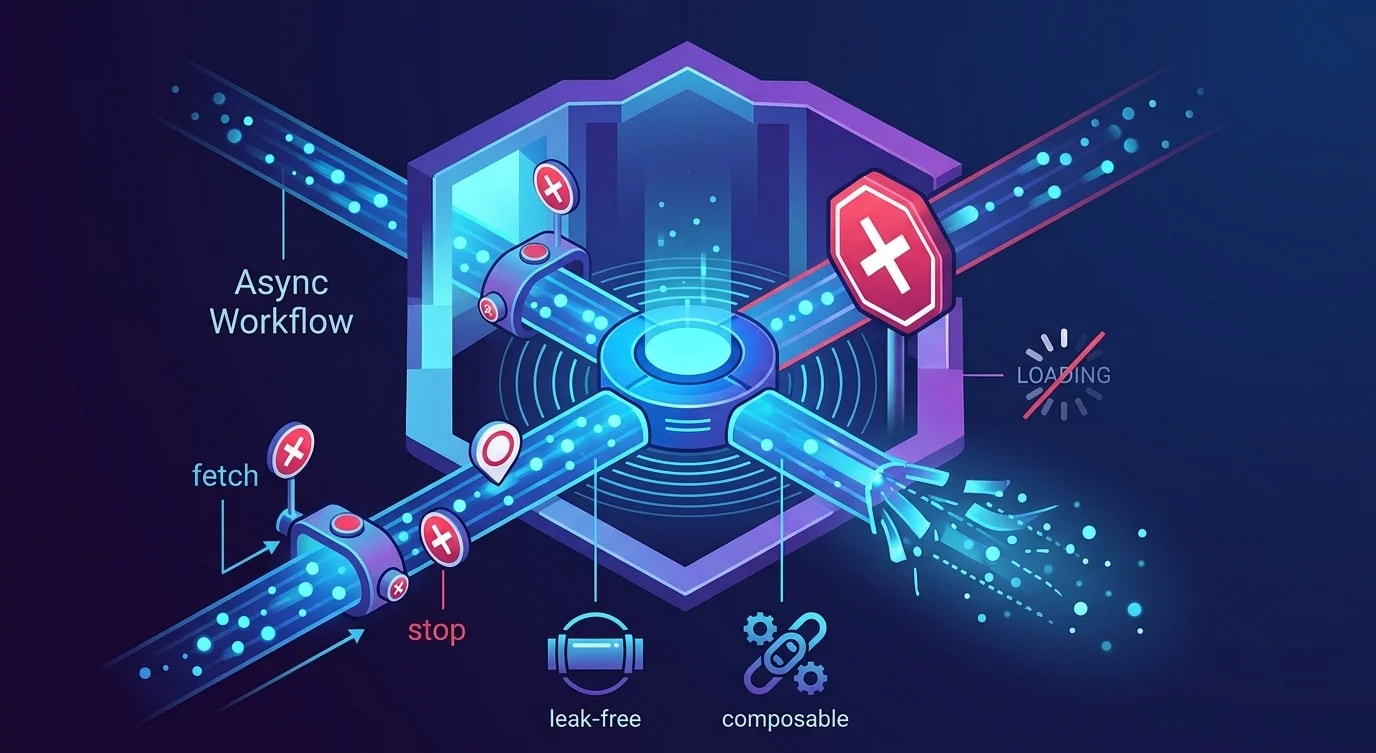
Understanding the JavaScript Event Loop
The event loop is the engine behind every async operation in JavaScript — here's how it actually works, beyond the hand-wavy explanations.
Most JavaScript developers use async/await and Promises daily without understanding the machinery underneath. That works until you hit a bug where callbacks fire in unexpected order, setTimeout(fn, 0) doesn't run immediately, or a microtask starves the rendering pipeline. Understanding the event loop turns these mysteries into predictable behavior.
The Call Stack and Task Queue
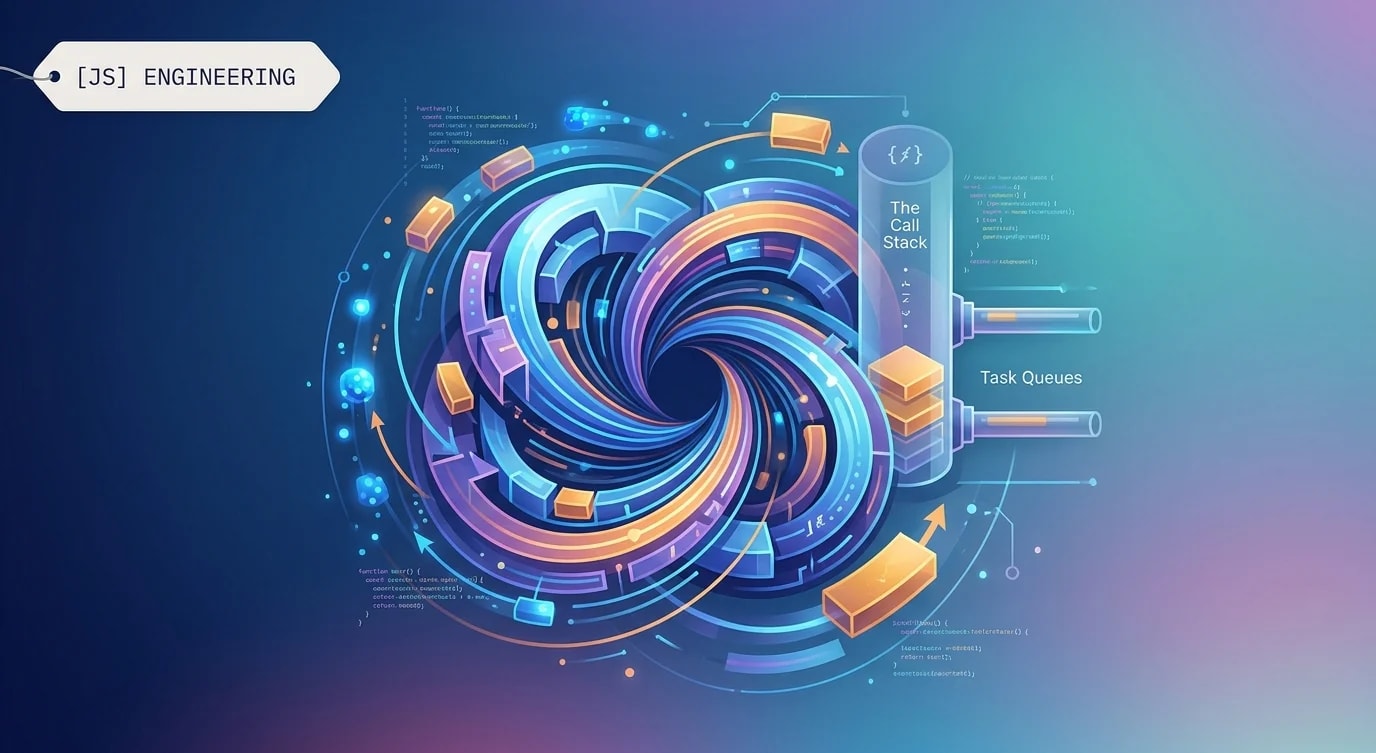
JavaScript is single-threaded. One call stack, one piece of code executing at a time. When async operations complete, their callbacks don't interrupt the current execution — they join a queue and wait.
console.log("1");

setTimeout(() => {
  console.log("2");
}, 0);

console.log("3");

// Output: 1, 3, 2
// "2" goes to the task queue, runs after the current stack empties
Even with a timeout of 0, the callback waits until the call stack is empty. The event loop's job is checking: "Is the stack empty? If yes, pick the next task from the queue."
Microtasks vs. Macrotasks
Not all queued work is equal. Promises and queueMicrotask go to the microtask queue. setTimeout, setInterval, and I/O callbacks go to the macrotask queue. Microtasks drain completely before the next macrotask runs.
console.log("start");

setTimeout(() => console.log("timeout"), 0);

Promise.resolve().then(() => console.log("promise 1"));

queueMicrotask(() => {
  console.log("microtask");
  Promise.resolve().then(() => console.log("promise 2"));
});

console.log("end");

// Output: start, end, promise 1, microtask, promise 2, timeout// ❌ Assuming setTimeout and Promise.then have the same priority
function processItems(items: string[]) {
items.forEach((item) => {
setTimeout(() => sendToAnalytics(item), 0);
});
// Bug: if you resolve a Promise after this, it runs
// BEFORE any analytics calls
}
// ✅ Understanding the queue priority
function processItems(items: string[]) {
// Use the same queue type for ordering guarantees
items.forEach((item) => {
queueMicrotask(() => sendToAnalytics(item));
});
}The priority order per event loop tick: drain all microtasks → run one macrotask → drain all microtasks again → repeat.
The Rendering Pipeline
In browsers, the event loop coordinates with the rendering engine. Between macrotasks, the browser can repaint — but only if the microtask queue is empty.
// ❌ Microtask loop blocks rendering indefinitely
function recursiveMicrotask() {
  queueMicrotask(() => {
    // This starves the render pipeline — UI freezes
    doExpensiveWork();
    recursiveMicrotask();
  });
}

// ✅ Use macrotasks to yield to the renderer
function chunkedWork(items: unknown[], index = 0) {
  const CHUNK_SIZE = 100;
  const end = Math.min(index + CHUNK_SIZE, items.length);

  for (let i = index; i < end; i++) {
    processItem(items[i]);
  }

  if (end < items.length) {
    // setTimeout yields to the render pipeline between chunks
    setTimeout(() => chunkedWork(items, end), 0);
  }
}
If your JavaScript blocks the main thread for more than 16ms, you miss a frame. Users perceive this as jank or freezes.
Node.js: Additional Phases
Node.js extends the browser event loop with additional phases. The order matters for server-side code.
   ┌───────────────────────────┐
┌─→│        timers              │ ← setTimeout, setInterval
│  └───────────┬───────────────┘
│  ┌───────────┴───────────────┐
│  │     pending callbacks      │ ← I/O callbacks deferred
│  └───────────┬───────────────┘
│  ┌───────────┴───────────────┐
│  │        poll                │ ← I/O events, incoming connections
│  └───────────┬───────────────┘
│  ┌───────────┴───────────────┐
│  │        check               │ ← setImmediate
│  └───────────┬───────────────┘
│  ┌───────────┴───────────────┐
│  │     close callbacks        │ ← socket.on('close')
│  └───────────┘───────────────┘
// In Node.js, setImmediate fires after I/O, setTimeout fires in timers phase
const fs = require("fs");

fs.readFile(__filename, () => {
  // Inside an I/O callback:
  setTimeout(() => console.log("timeout"), 0);
  setImmediate(() => console.log("immediate"));
  // Output: immediate, timeout (always in this order inside I/O)
});
process.nextTick is special — it runs before any other microtask, at the end of the current operation. Overusing it can starve I/O.
Common Pitfalls
Unintentional blocking
// ❌ Synchronous file read blocks the event loop
import { readFileSync } from "fs";

app.get("/data", (req, res) => {
  const data = readFileSync("/large-file.json", "utf-8");
  res.json(JSON.parse(data));
});

// ✅ Async read lets the event loop handle other requests
import { readFile } from "fs/promises";

app.get("/data", async (req, res) => {
  const data = await readFile("/large-file.json", "utf-8");
  res.json(JSON.parse(data));
});
Promise chains that grow unbounded
// ❌ Creates a microtask chain that delays event processing
async function pollForever() {
  while (true) {
    await checkForUpdates();
    // No yielding to macro tasks — this can delay timers
  }
}

// ✅ Yield control between iterations
async function pollForever() {
  while (true) {
    await checkForUpdates();
    await new Promise((resolve) => setTimeout(resolve, 100));
  }
}
Key Takeaways
- Microtasks always run before the next macrotask — Promises fire before
setTimeout(fn, 0) - Microtask queues drain completely before yielding, which can block rendering
- Use
setTimeoutto yield to the browser's render pipeline for long-running work - Node.js has additional event loop phases —
setImmediateandprocess.nextTickhave specific ordering guarantees - Never block the event loop with synchronous I/O or CPU-heavy computation on the main thread